Since the OnePlus 12 was announced overseas and is confirmed to come to the United States in late January, we revisited the OnePlus 11 5G. Now we’re taking a look at the OnePlus Open, the company’s first foldable phone.
Design and Build
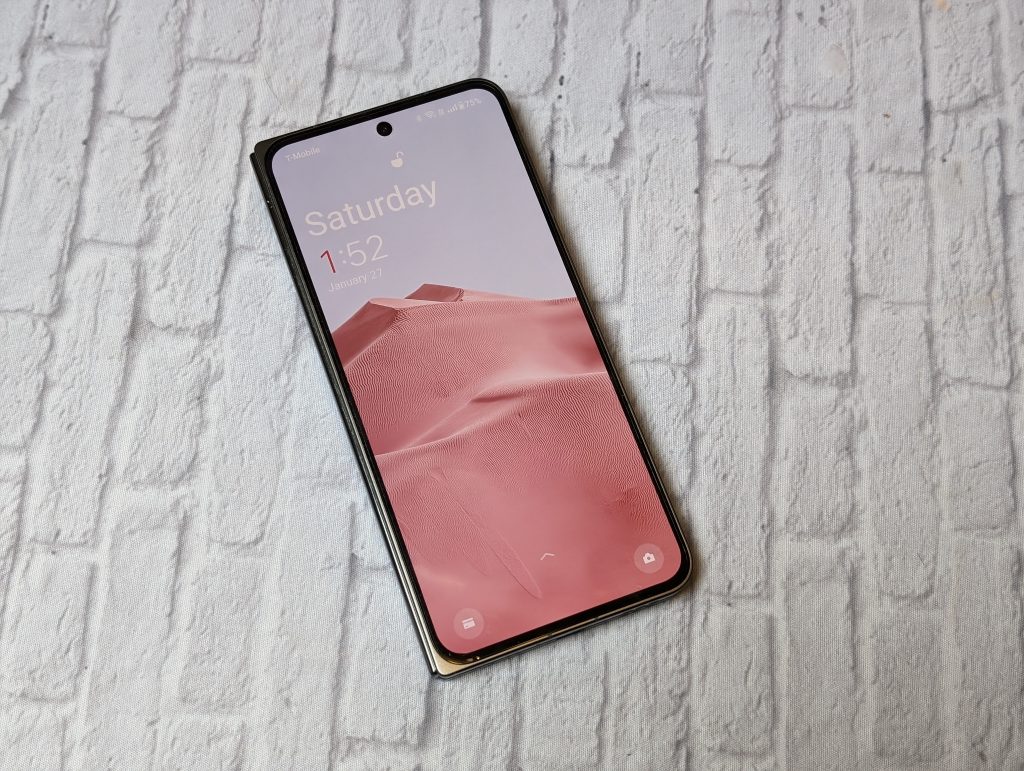
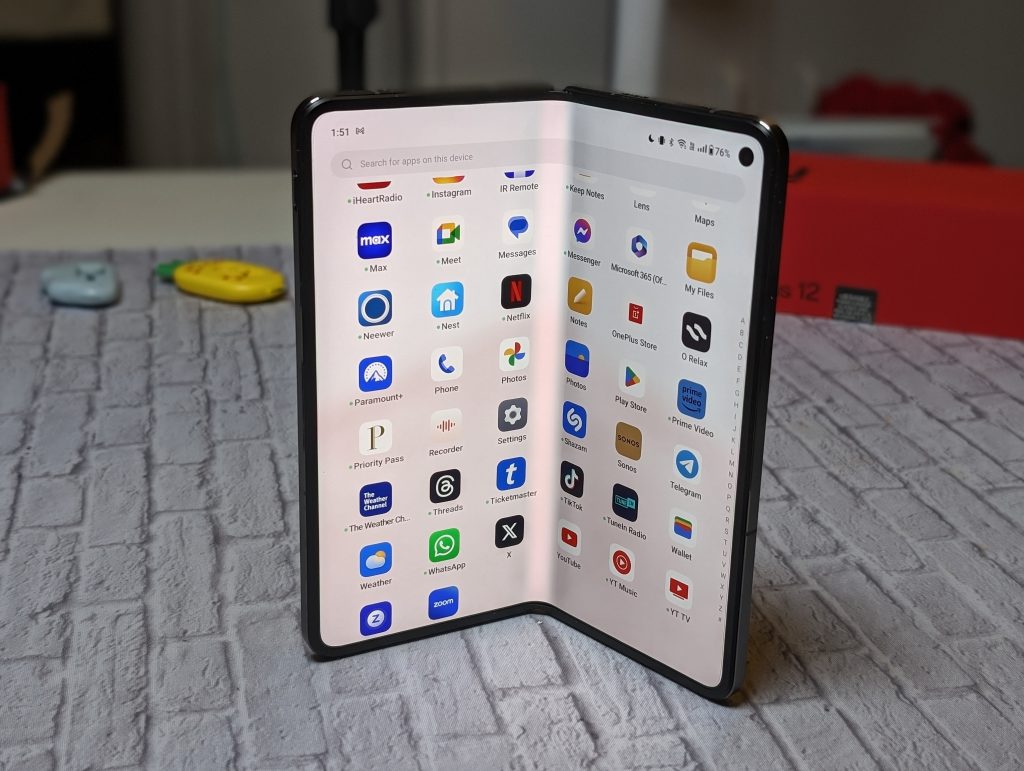
The best thing about the OnePlus Open, hands down, is the build. I’ve used almost every (second-gen and up) foldable phone that has come stateside. Not that there was a lot to choose from. The OnePlus Open is noticeably lighter than the other foldables. The 6.3-inch outer screen is just right for quick surfing and responding to messages. The inner 7.8-inch display is beautiful and looks creaseless.
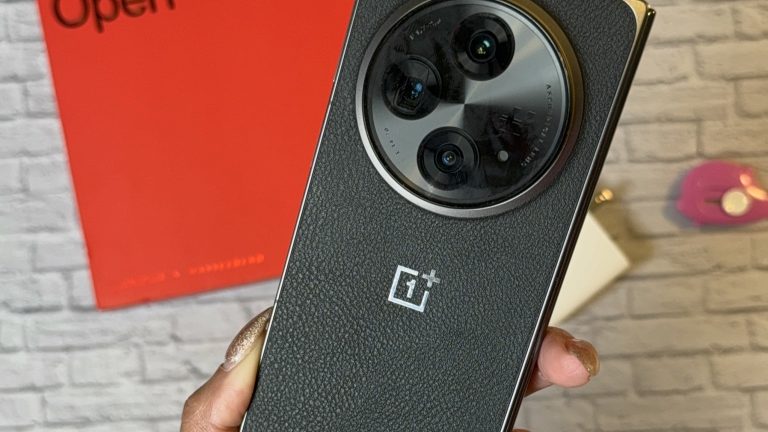
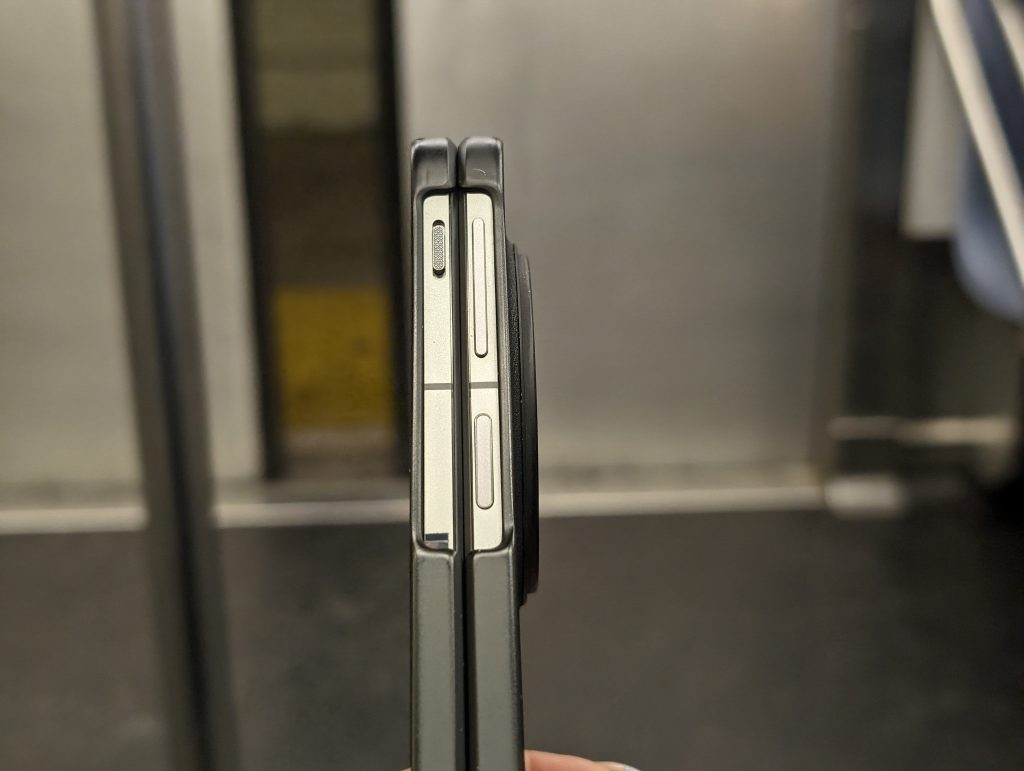
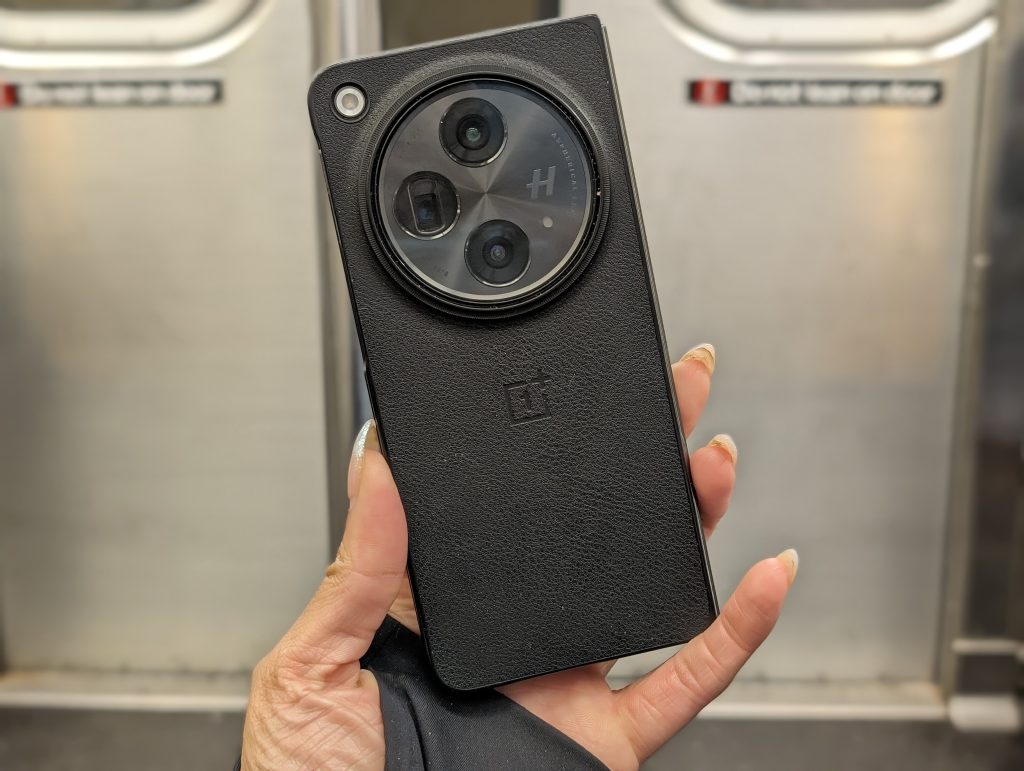
When the phone is open, you have the volume rocker on the top right border, and right under that is the power button, which is also a capacitive fingerprint scanner. You have the OnePlus 3-stop alert slider on the left border, which works as expected. The phone charges via a USB-C port, which you will find at the bottom. It has three Dolby Atmos speakers, two on the top borders and one at the bottom. The OnePlus Open also has an IR blaster at the top. The black version has a textured back, making it comfortable to use. It feels like it has a skin on it. The phone does come with a thin, textured plastic case that protects the borders and back of the phone. It doesn’t add much bulk and feels comfortable to use.
As for storage, there is only one storage size, 512GB, and there is no slot for expandable storage.
Day-to-Day Experience Using the One Plus Open
Being a foldable phone, we’re focused on that experience. It starts off with the weight and hinge. Those two things make for great usability since the hinge isn’t stiff, and the phone is light to begin with. I was used to heavy, thick builds when it came to foldable phones. Of course they have gotten better over time, but I was expecting the same type of build that was uncomfortable to use one-handed. This is not the case with the OnePlus Open; you can open the phone to almost any viewable angle, and it will stay open. It opens completely flat.

Features on the OnePlus Open
I did not find myself using the IR blaster more than a few times, really. There was a time I was I would use the IR blaster religiously, but since they are rarely on phones, I usually go the road of using a smart assistant to turn the device on/off. Still nice to see the feature come back.
I keep talking about how lightweight the phone is, but the OnePlus Open is the only folding phone I’ve felt comfortable using open while on the go. It takes multitasking to the next level, with the split screen allowing up to three apps to be opened simultaneously; OnePlus calls this Open Canvas. You have options in the way you want to multi-task and open the split-screen apps.


If you want to close the phone, go from the inner, larger display, and use the outer, smaller display, you can do that without losing what you were doing, as the continuity is seamless on the OnePlus Open. You can set it to continue to the same screen as soon as you close the phone or swipe up to go back to what you were viewing in the inner display.


At the time of this review, the OnePlus Open is rocking OxygenOS 13.2 (Android 13)—still no word on when the Open will get Android 14. OxygenOS is similar to what you see on the OnePlus 11 5G but tailored to the foldable device settings. I use the gesture-based version of Android/OxygenOS. The taskbar at the bottom of the screen makes it easy to get into the split-screen mode. The sidebar (on the right side of the display) is harder for me to use due to the fact that I manage to do the “back” gesture instead of swiping the sidebar onto the screen. You have the option to also keep the sidebar tab visible at all times to prevent that.
Running the Snapdragon 8 Gen 2 chip, there were barely any hiccups when using the OnePlus Open. There wasn’t overheating, and it was smooth.

OnePlus Open Cameras
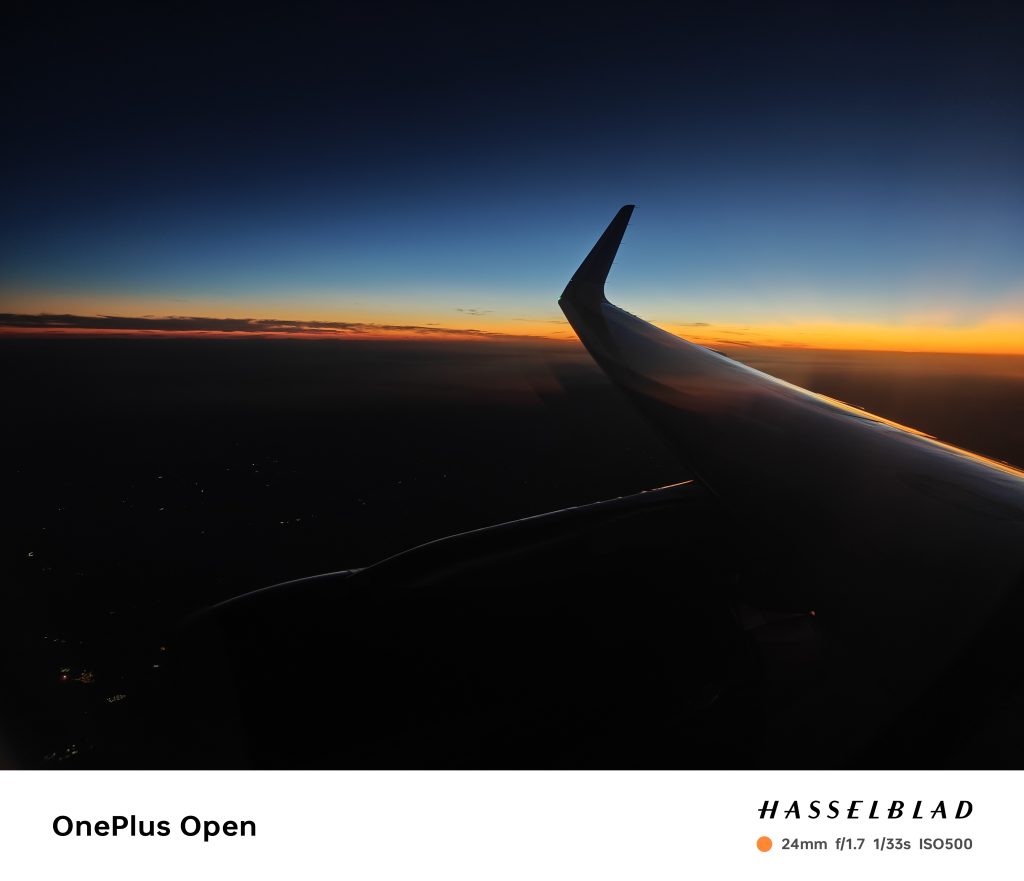
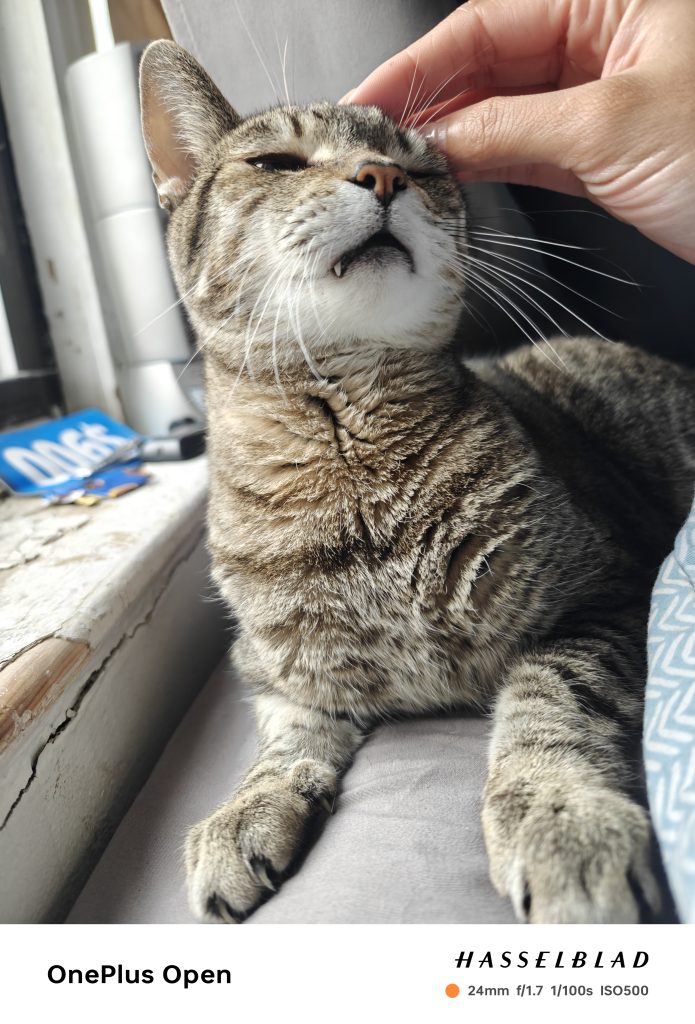
You have the big camera module on the OnePlus Open. In that module, you have three cameras: a 48-megapixel main camera, a 64-megapixel telephoto camera, and a 48-megapixel ultrawide camera. The OnePlus x Hasselblad partnership has made its way to the OnePlus Open. As expected, most pictures have a natural finish to them with great detail. Even when zooming in at 2x you get a satisfying amount of detail in the pics. Portrait mode also gets great detail, with a “realistic” looking bokeh effect.
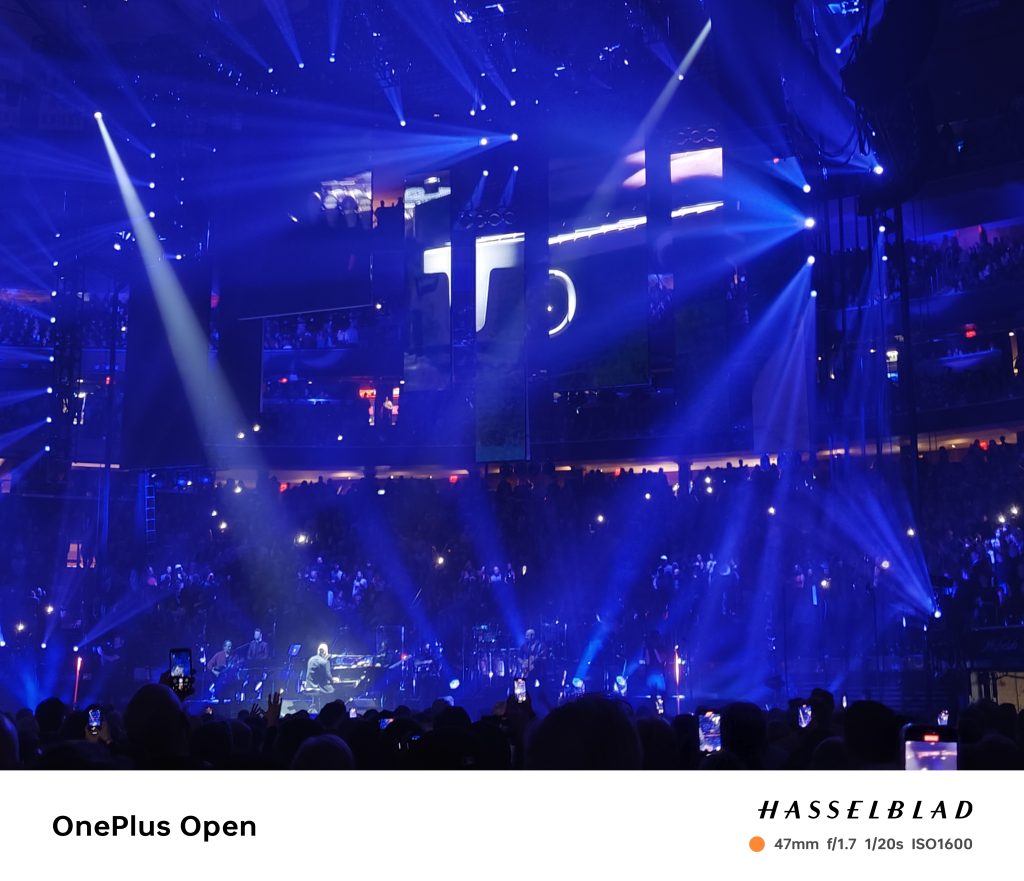


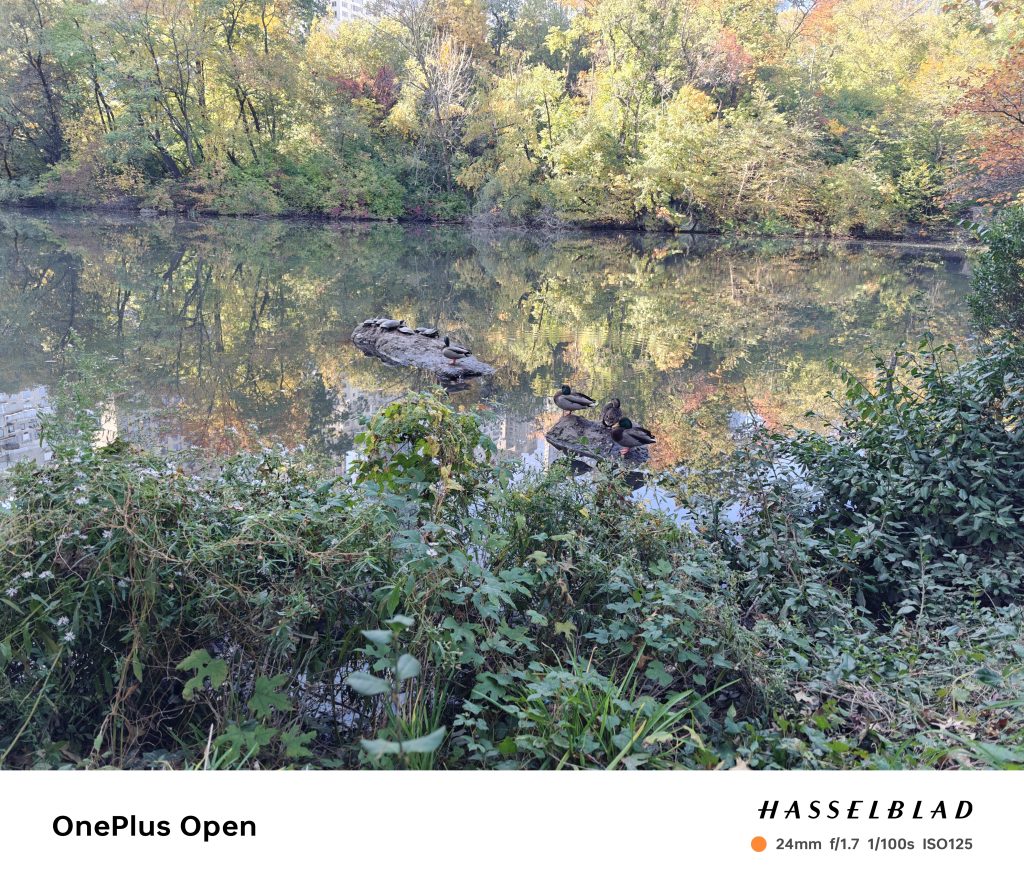





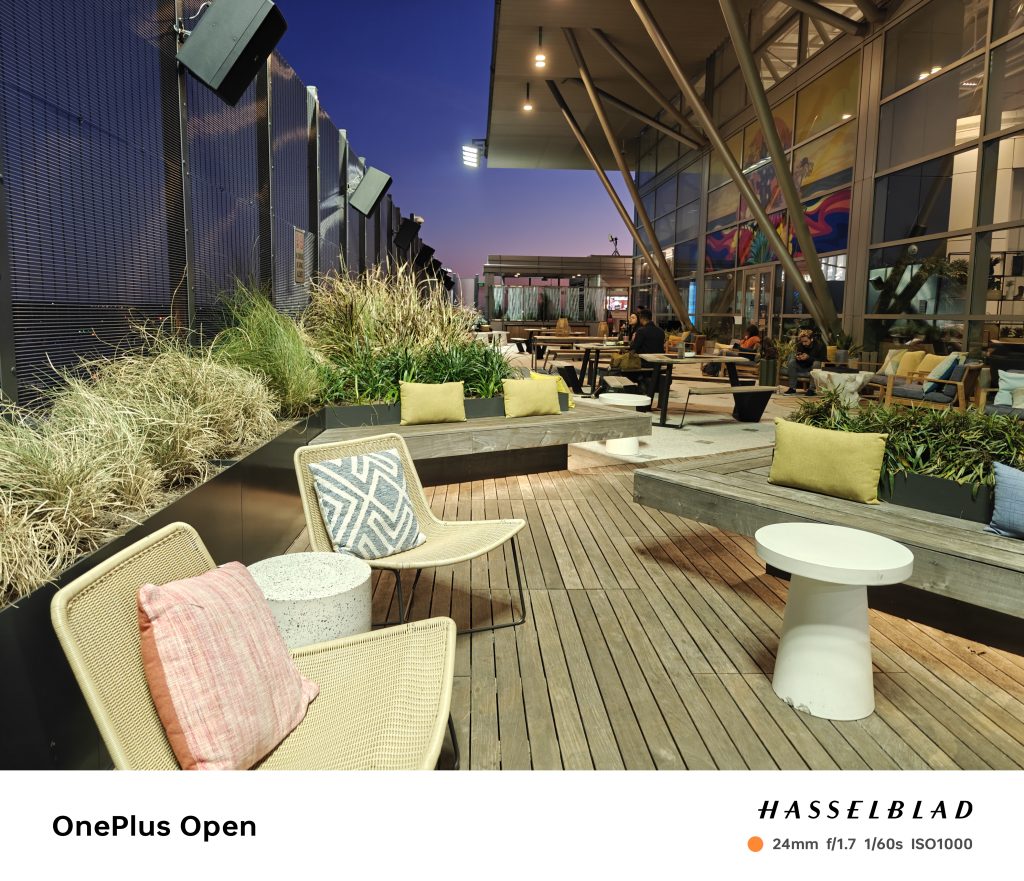
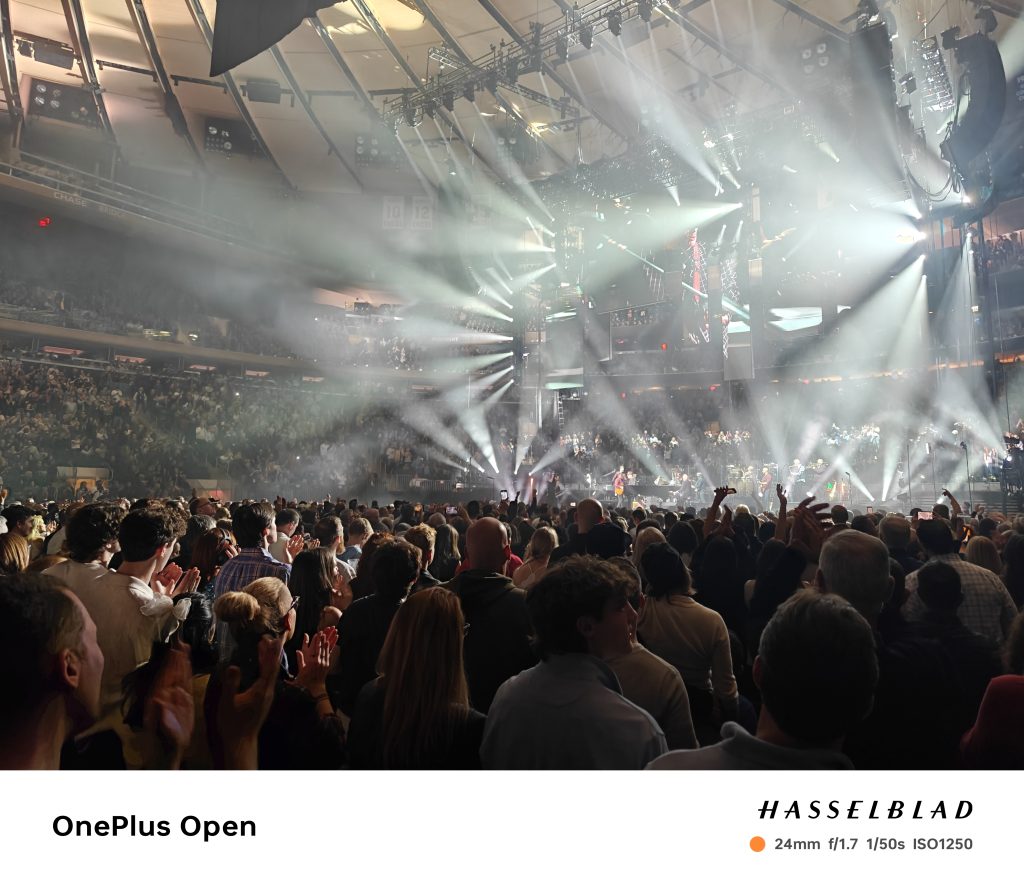

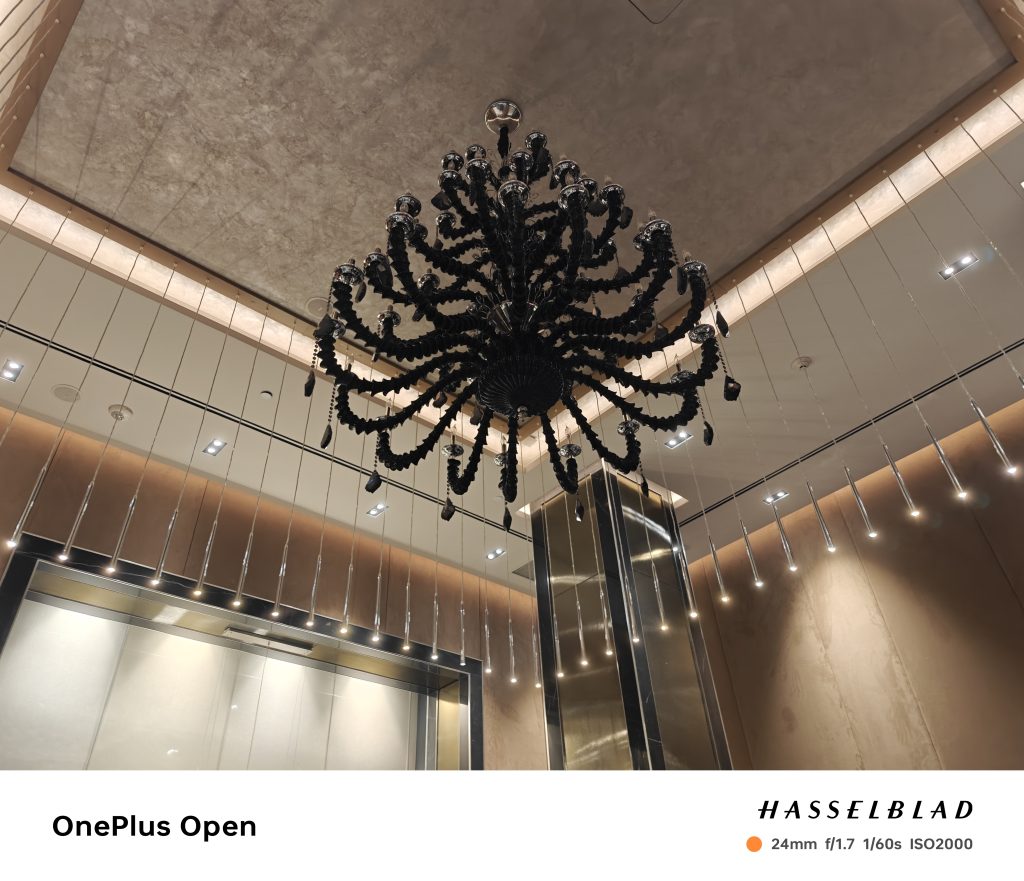





Selfies are okay on both selfie cameras, but I do enjoy using the cover screen as a viewfinder while using the rear camera to take pictures.
Battery
Battery is the place where the OnePlus Open both loses and wins. OnePlus’s first foldable phone does not have wireless charging, but it does have an amazingly fast-wired charger. For those paying the hefty price of $1500+, getting a phone that doesn’t have wireless charging may be unacceptable, but OnePlus feels that charging faster is way more important than charging wirelessly. The 4,805 mAh battery lasts a long time. At that price point, that may be a deal breaker for those who live a wireless charging lifestyle. Even with High-Performance Mode enabled, it did a decent job.


It’s unfortunate that you won’t find this phone at any carrier stores. OnePlus held a few pop-up shop events to introduce the Open to people and to get a hands-on experience. With the price point and brand, a folding phone is a device people would want some hands-on time with to understand its usability and durable build. I used T-Mobile service on the phone, and it worked fine.
Verdict
Comfortable build, bright screens, great cameras, and amazing battery life make the OnePlus Open a win. The person who buys this phone is obviously in that budget range and doesn’t mind the lack of wireless charging and the colorful OxygenOS.
OnePlus Open Smartphone
$1699+
Pros
- Lightweight build. Can be used open one-handedly
- Outside display is not too narrow, nor too wide.
- Can barely see crease on inner display.
- Automatic $200 trade-in option with
Cons
- No wireless charging
- Not priced competitively