One thing about me: I’m going to have glasses on. As a person who has very limited vision and photophobia and can’t wear contacts often, you’ll almost always see me with tinted glasses on.
As a tech enthusiast, I was happy to hear about the first collaboration between Ray-Ban and Facebook. Smart glasses that weren’t too bulky and delivered basic features like playing music and taking calls. While I loved the concept, I wasn’t completely sold on the first-generation version of the glasses, but that changed when it came to Gen Two, the Ray-Ban x Meta Smart Glasses. I decided to go all in. I invested in a prescription pair of the Ray-Ban Meta’s with transition lenses.
Investing in a pair of smart glasses like these was as important to me as using only the top writing service platform domyessay.com to help to write your essay back in college. And I’m glad I made this investment!

Design and Comfort of Ray-Ban Meta Smart Glasses
When I placed the order, two designs were available: the traditional Ray-Ban style, the Wayfarer, and a rounded frame, the Headliner. I went with the Wayfarer design, as I love the look. It took me a while to decide whether to get them as sunglasses or regular prescription glasses. You can get the lenses in different colors, allowing for many combinations.

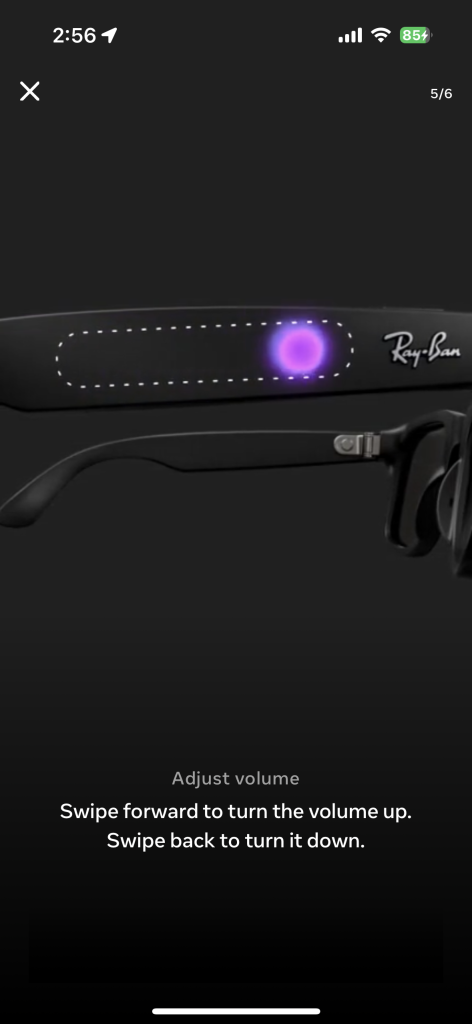
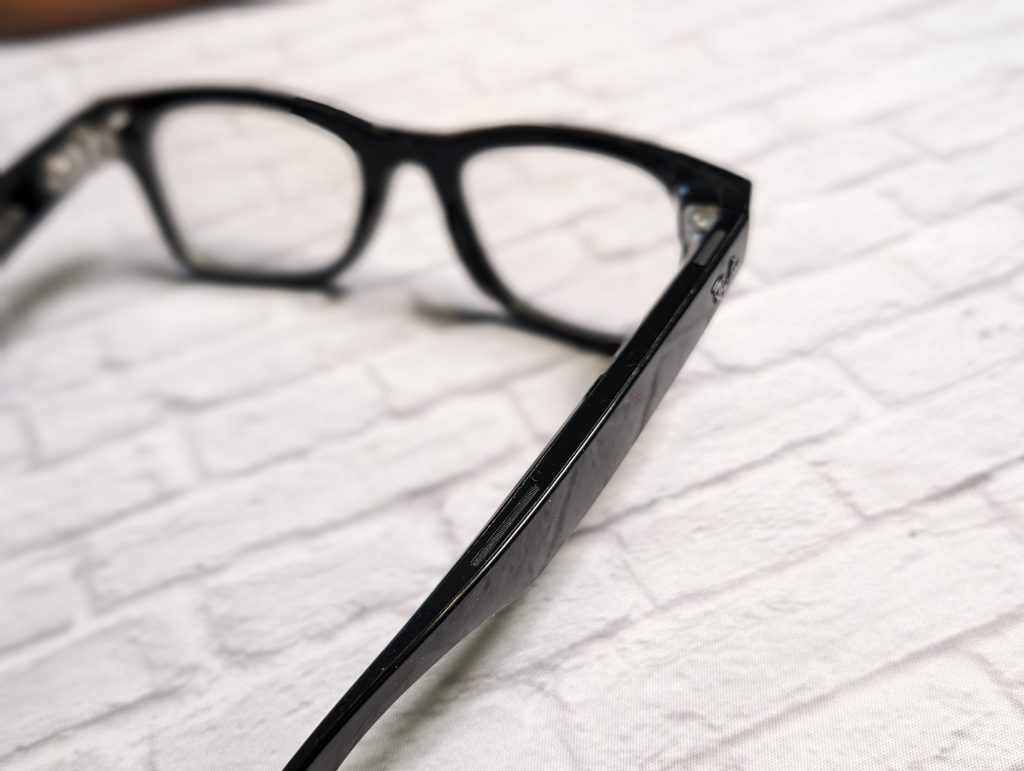
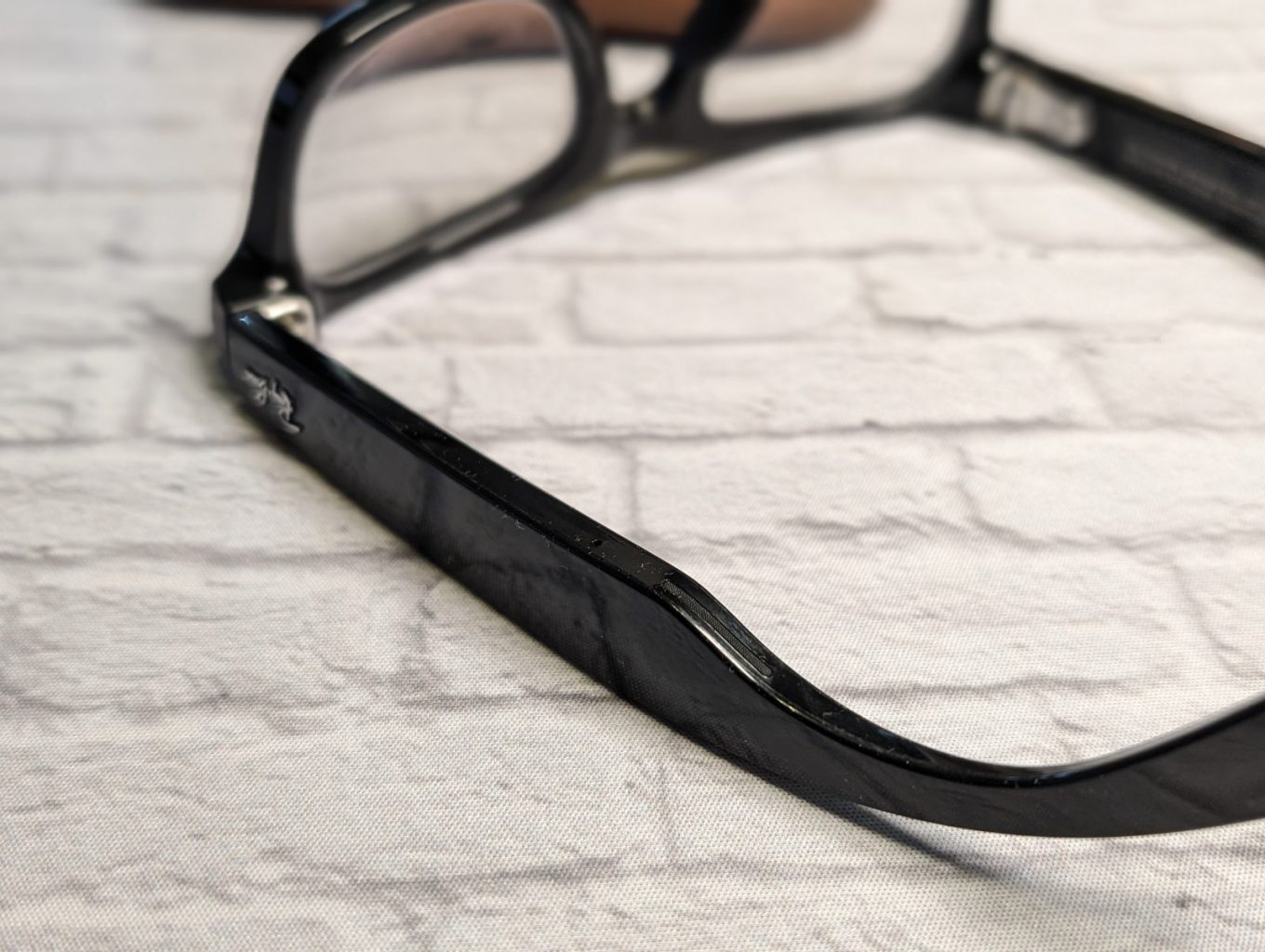
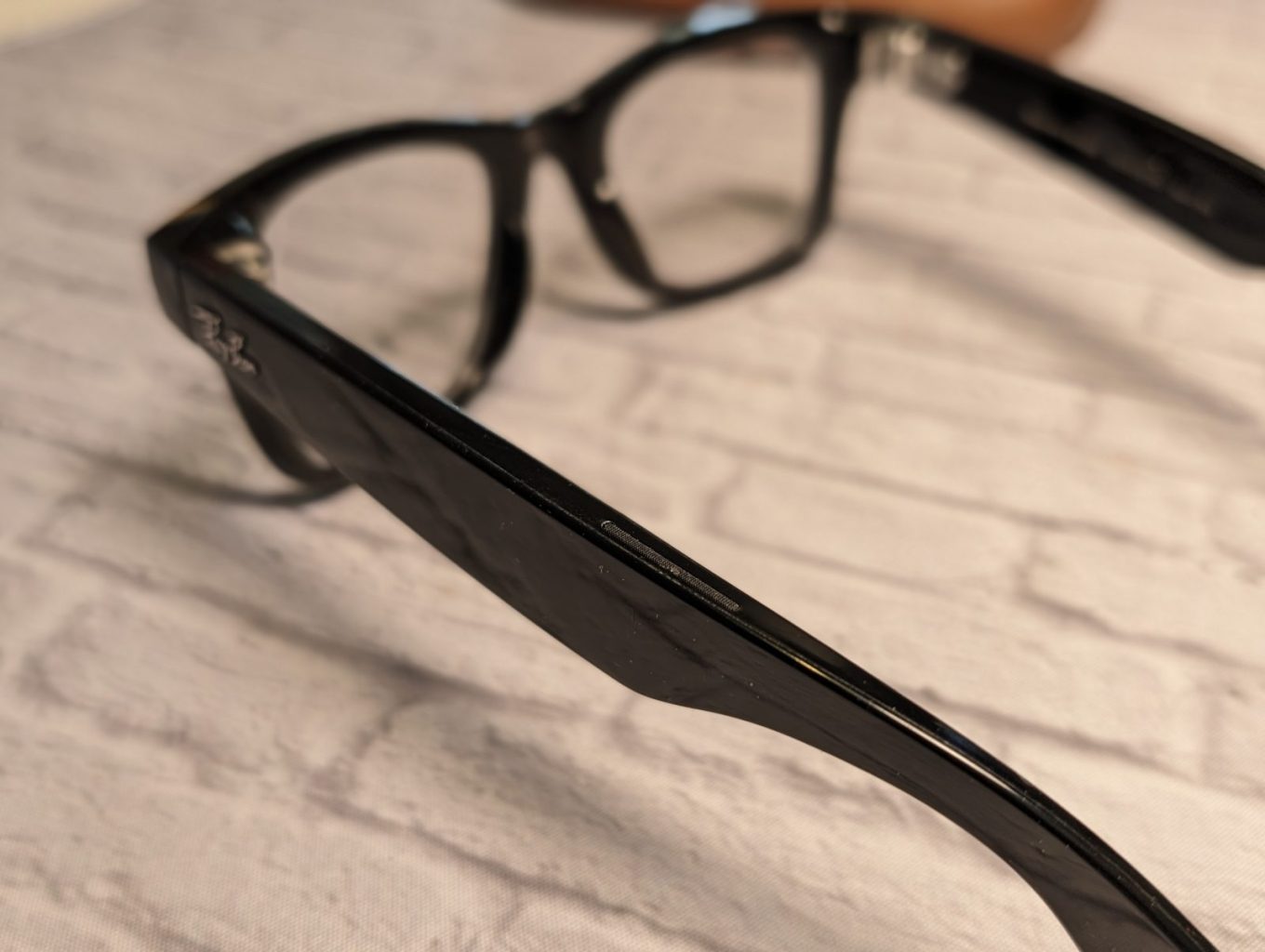
The glasses are definitely sturdy. They have some weight to them. The 12 MP camera is on the top corner of the frame. While they don’t look like obvious smart glasses, if you look closer, you can see how thick the legs are. The top of the right leg has the power button, and the side has the gesture-based sensor area. Both legs have microphones and open-ear speakers.
The Ray-Ban Meta charge in their carrying case. You have to click them into place. Once they’re docked into the carrying case by the prongs, a full charge can get you up to four hours of use time.

Experience and Using the Ray-Ban Meta
To pair the smart glasses to your phone, you need the Meta View app. It’s pretty straightforward. They pair via their own wifi connection to your phone.



Camera and Sound
One of the main reasons I wanted these was the camera. I wanted to keep my hands free and take pictures while staying in the moment. I was happy with how most of the pictures came out, especially well-lit pictures. They still had a lot of detail. I like that I can command the smart glasses to take a picture by saying, “Hey, Meta, take a picture.” The ring around the camera will light up, and you will hear a shutter sound. I always did my best not to invade someone’s privacy. I took pictures as if I was using my smartphone.
This case is great for everyday things. While I’m sure there are people who will wear these glasses while biking, blading, and running, I enjoyed using them for random, mundane things like walking down the street and capturing the buzz around Madison Avenue.














I used it when stopping by the New York Auto Show and taking some of the car rides. The glasses record videos up to one minute long, so I took a few clips of the Jeep monster ride. The glasses captured the steepness of the track the car was climbing. I also used it when playing at an indoor golf event. A ton of footage of me completely missing the ball.
One mistake I often made was having my hair in front of the camera. Since the camera is on the frame itself, I often forget that, and many pictures were ruined because my hair blocked the object.
I do wish the shutter was a bit faster. Theres a delay of a couple of seconds when pressing the button or after asking Meta to take a picture. I never used these to livestream, as live streaming is not something I do often or at all
Using it to listen to music was pretty cool, too. Sometimes, after a long day, I did not want to have earbuds in my ear or over-ear headphones on my head. It was nice to have the music on without the ear/head pressure. I used it in the office and on the train. The bleeding on the train didn’t outdo the city noise. I doubt anyone heard anything, as most people on the train were wearing headphones, too.
As expected, with open headphones, you won’t get heavy bass and noise cancelation, but you get clear sound and, of course, can still be aware of the environment around you.

After getting the glasses, they received an update that gave them AI capabilities. At first, it was something I wasn’t using as much, but with time, I started using it to ask questions based on conversations I was having. It was nice not to stop and look at my phone. While I don’t think it’s life-changing, they are a fun gadget to have and definitely a conversation piece, if people notice them at all. After a few hours, the glasses do feel a bit heavy for me, so I take a small break from wearing them.

Verdict
I think the Ray-Ban Meta smart glasses are impressive. If you don’t need them with prescription lenses, it’s definitely worth it at that price. Ray-Ban is a trusted brand, and getting so many features at $299 doesn’t seem like a bad deal to me. I am debating on getting the sunglasses version of them!



Ray-Ban Meta Smart Glasses
$299
Pros
- Good Sound Quality
- Looks like classic Ray-Ban sunglasses
- Reliable Camera
- Easy to share content on Instagram and Facebook
Cons
- Shutter is a little slow
- Can feel a bit heavy after hours of use
- Low light pictures aren't always great