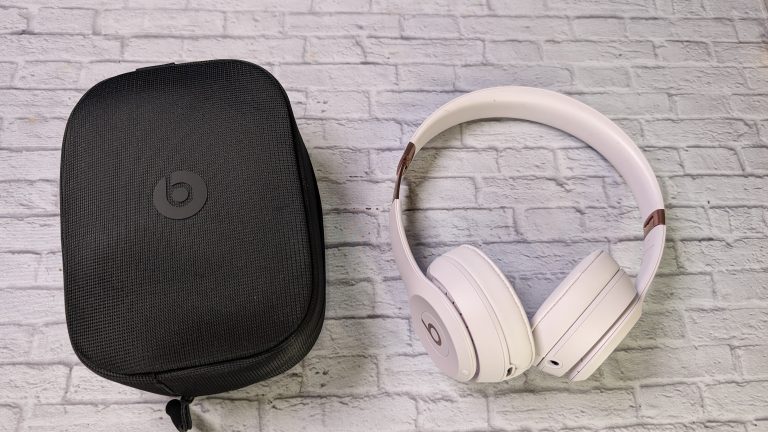
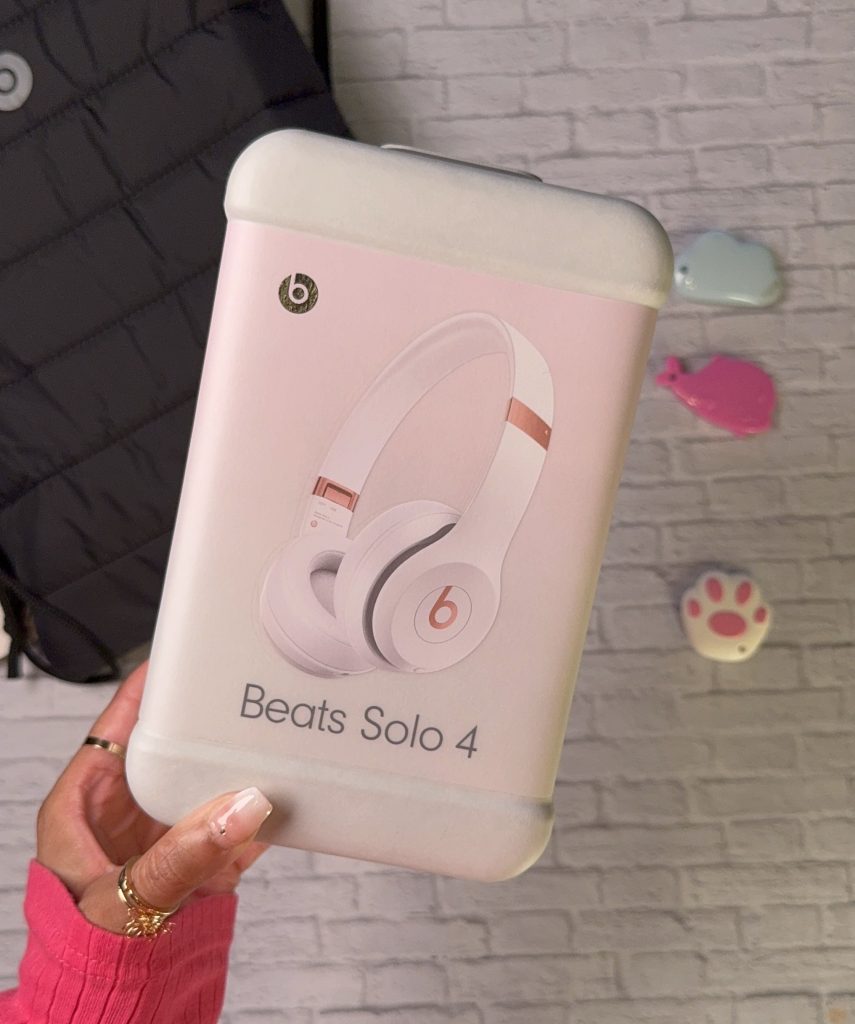
Beats (Beats by Dre) headphones have been around for a bit now, and even though they’re under Apple, they have maintained their identity in the headphones game. Today, we’re looking at the Beats Solo 4 Wireless on-ear headphones in cloud pink color. The Beats Solo 3 headphones were released in 2019, so they’ve had a bit to work on improvements.
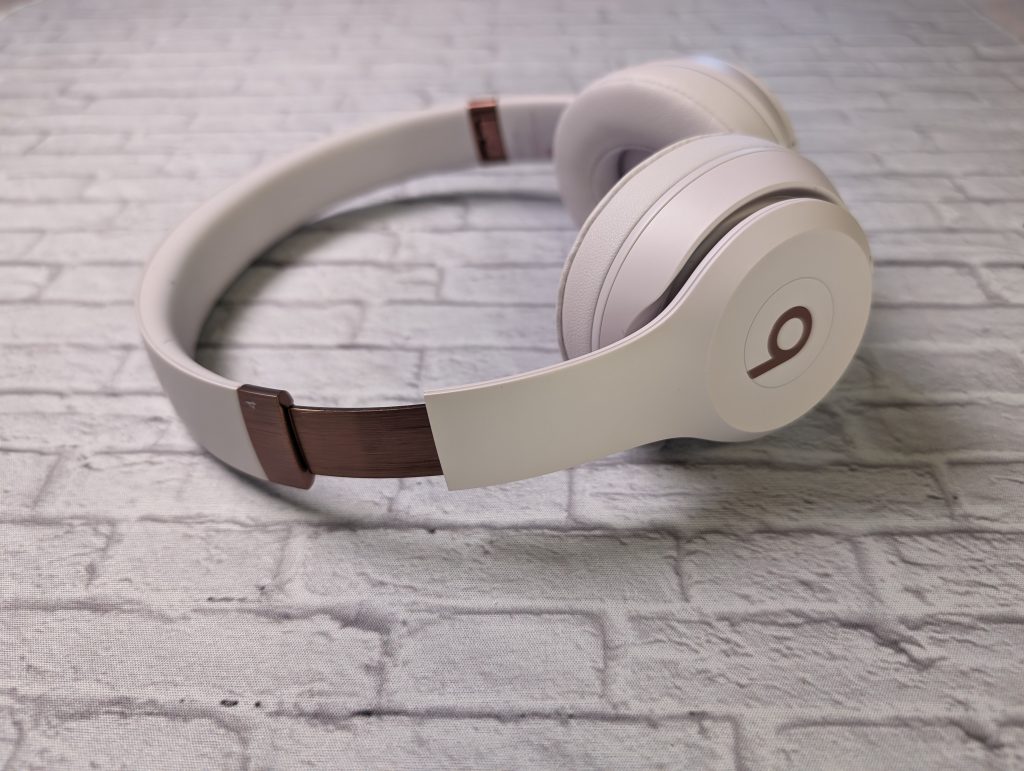
Beats Solo 4 Design
We’ve been here before. If you’ve previously seen Beats headphones, then you’re familiar with the design of the Solo 4 Wireless headphones. The headphones are very lightweight. The branding is subtle primarily, with the signature “b” on the outside of the earcups.
I love the colorway. The Cloud-Pink colorway is fitting for the name. It’s a slight hint of pink with rose gold accents—a win-win combo that looks cute without having too much of a childish tone.
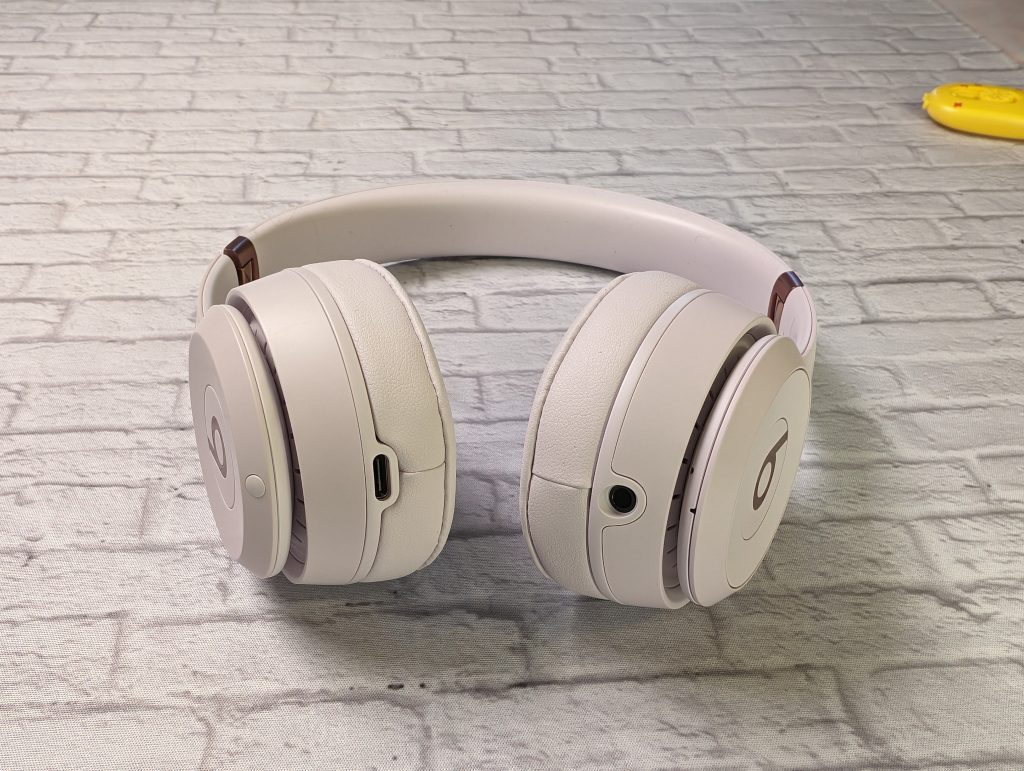
Ports and Button Layout
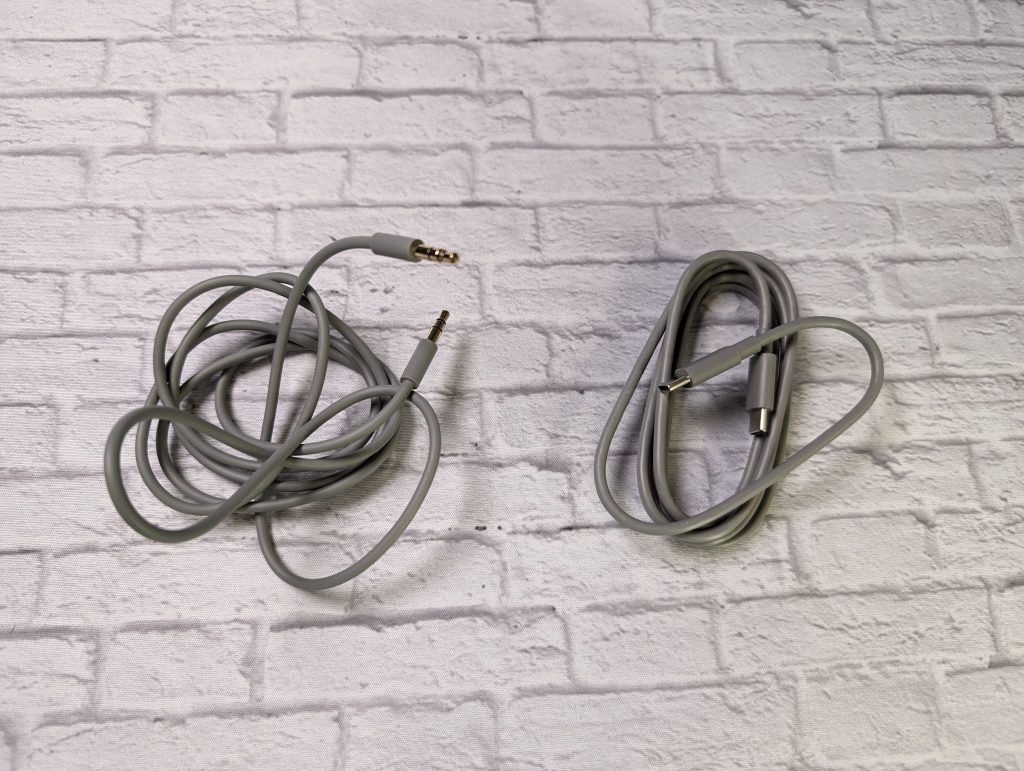
The left earcup has the 3.5-mm headphone jack and the control button “b.” There is also a larger circle around the “b” button that controls the volume. It also has an indicator light, even though the power/pairing button is on the right earcup. The right earcup also has a USB-C charging port. The USBC port can also be used to listen to music with the provided cables.
Beats Solo 4 Wireless Sound and Experience
Solo 4 Fit and Feel
I prefer over-ear headphones or earbuds since on-ear headphones press your ears down. There isn’t too much pressure from the Solo 4s, which was a pleasant surprise. I still had to take them off after a few hours, especially if I wore particular earrings. I do better with tactile buttons versus gestures, so it was nice to use the button to control the music playback.
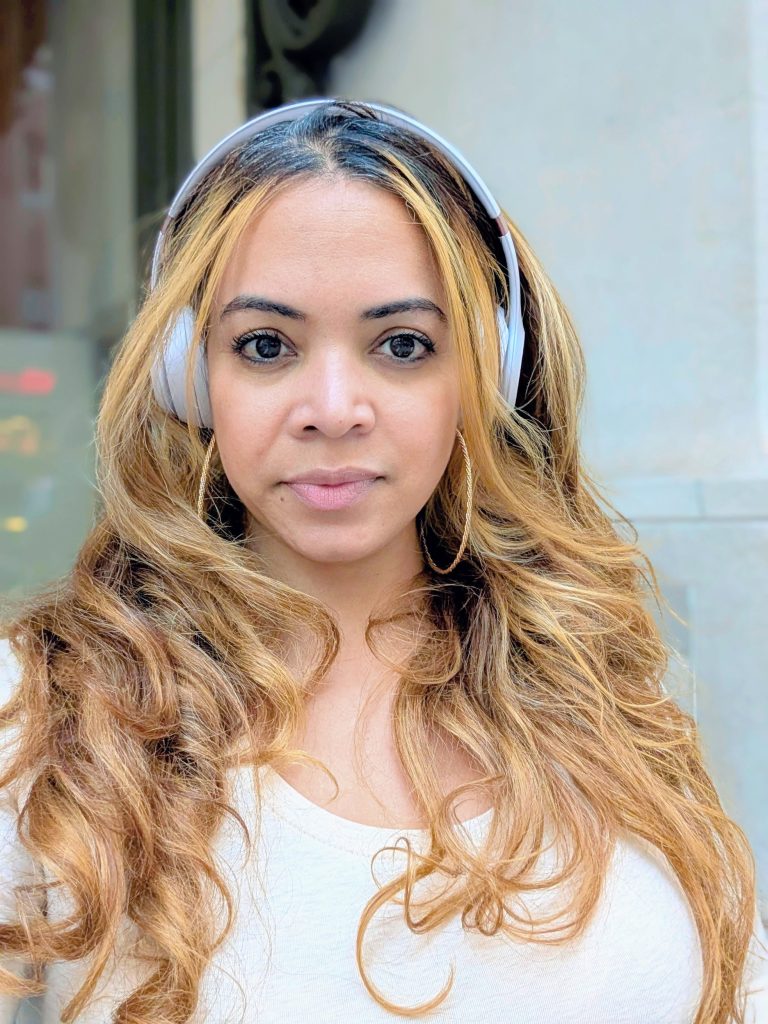
Since these are on-ear, noise isolation is limited. There is also no transparency mode, not that you need it. You get a punchy sound on the Solo 4 wireless, but nothing is really highlighted. It just seems the same across the board. Whether you’re listening to regular music or podcasts, there is no distortion. You do get good bass, but it’s not overpowering at all.
Solo 4 Wireless Battery Life
This is definitely where the Solo 4 wireless headphones shine. Beats said the Solo 4s can last up to fifty hours. What’s great is that if the Solo 4’s battery dies, you can use the 3.5mm cable to connect the headphones without them being charged. And if you’re in a rush, you can use what Beats calls “Fast Fuel,” where you get up to five hours of playback time when you charge the Solo 4 for ten minutes.
Beats App and Solo 4 Features


Solo 4 Pairing
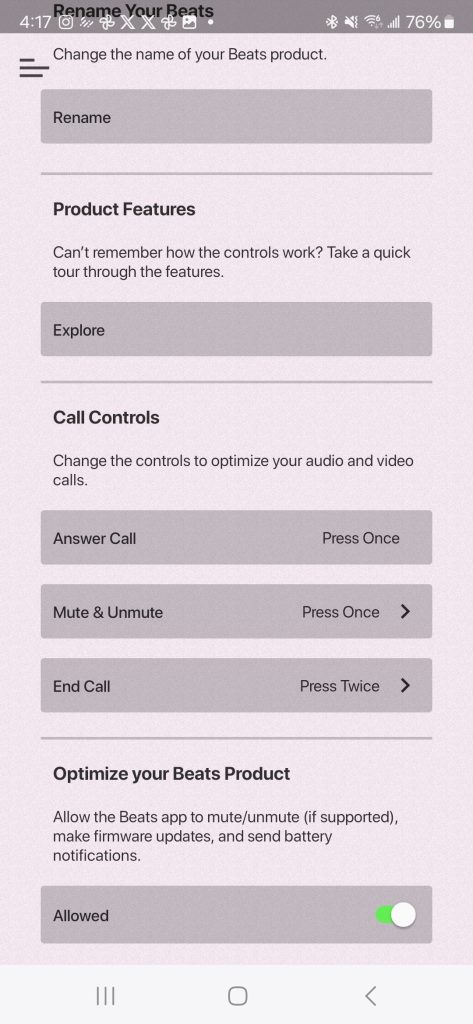
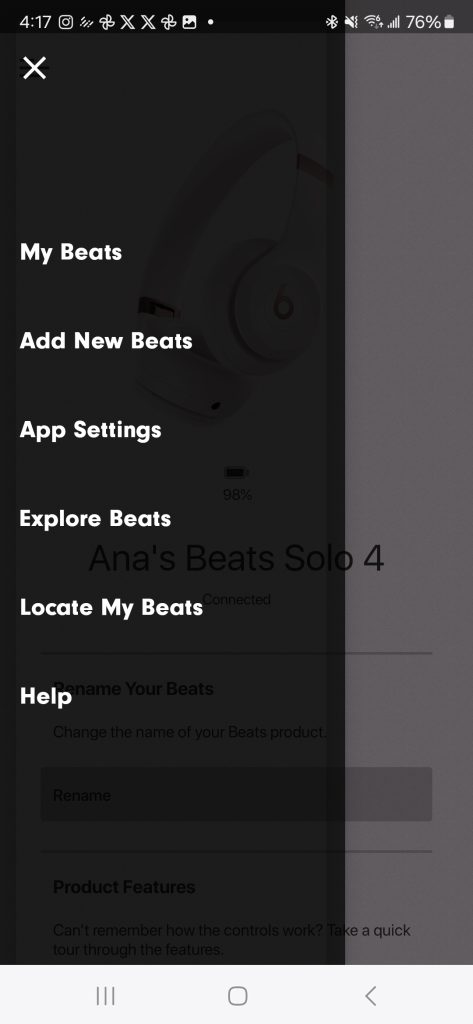
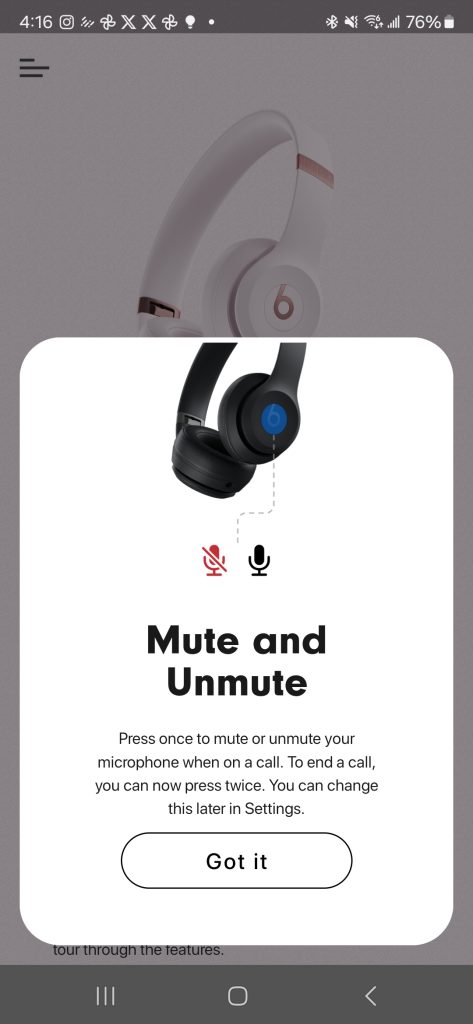
The Solo 4 headphones have Bluetooth 5.3. They worked well with Google Fast Pair when pairing with an Android device. I paired it with the Samsung Galaxy S24 Ultra, and It prompted me to open the Beats app. It also gave me a quick on-screen tutorial on how to use the Beats Solo 4.


When using headphones with an iPhone, you can go into the control center and use the Spatial Audio feature. You can also use the iPhone’s Siri voice assistant.
Mics and Phone Calls on the Solo 4 Wireless
I am not great at taking calls on headphones. I feel like I am yelling. I was pleasantly surprised at how good the mics were on the Beats. The other party didn’t even recognize I was on headphones and said I sounded clear, and this was on multiple calls. Phone calls on headphones aren’t my favorite thing to do, but if I must, the Solo 4 did a great job.
Verdict
The Beats Solo 4 wireless headphones have a pretty consistent sound across many genres of music, which makes them great for the casual listener. They’ve got the bass under control, and they sound pretty decent at high volume. I used to see a lot of Beats headphones at the gym, but with no IP rating, not sure if that’s a great idea. However, the $199 price point might be too much for these, so I’d suggest waiting for a sale or discount.
Beats Solo 4 Wireless Headphones
$199
Pros
- Headphones fold
- Simple look
- Long Battery Life
- Works with Android "Find My Device"
- Can be used without battery (using cable)
Cons
- No Active Noise Canceling (ANC)
- No IP rating
- No EQ settings