The JBL Tour Pro 3 truly wireless earbuds look pretty cool with the touch-screen display on the charging case. We check out what you can do with the display and how the earbuds sound with different modes.
DESIGN
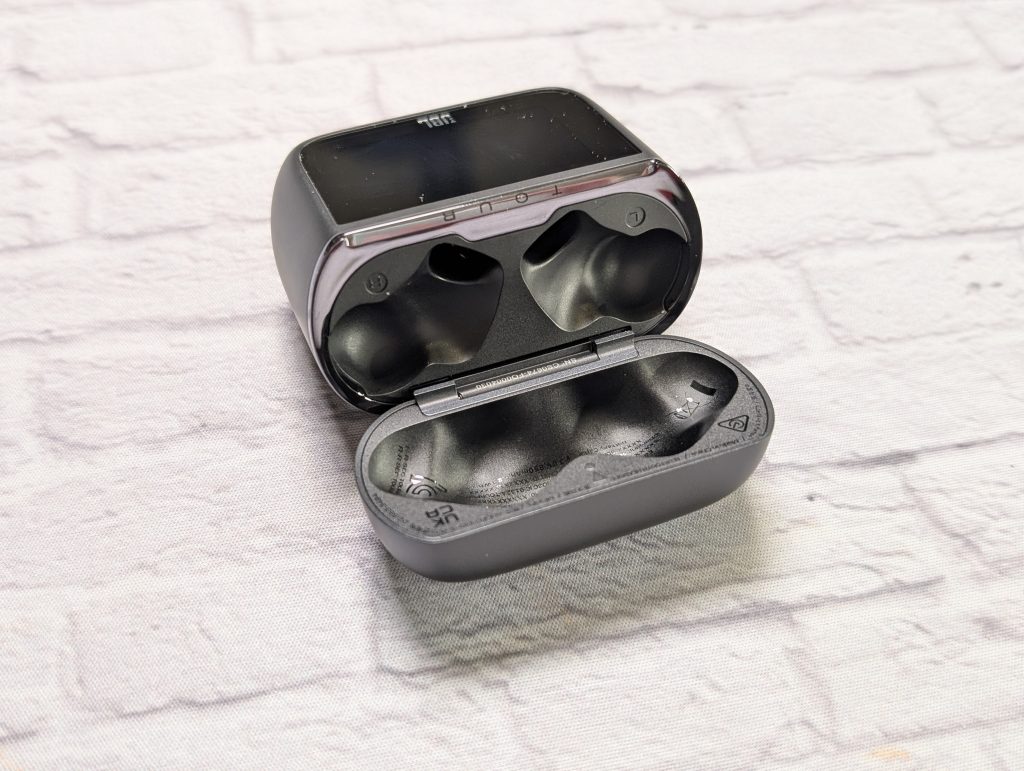
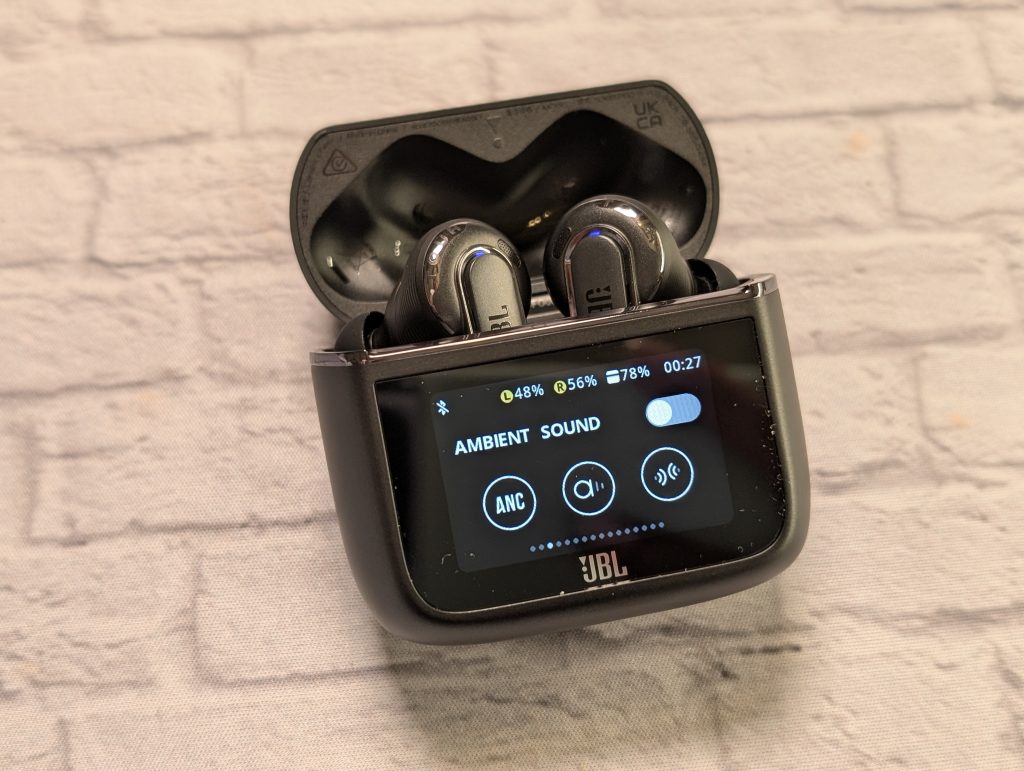
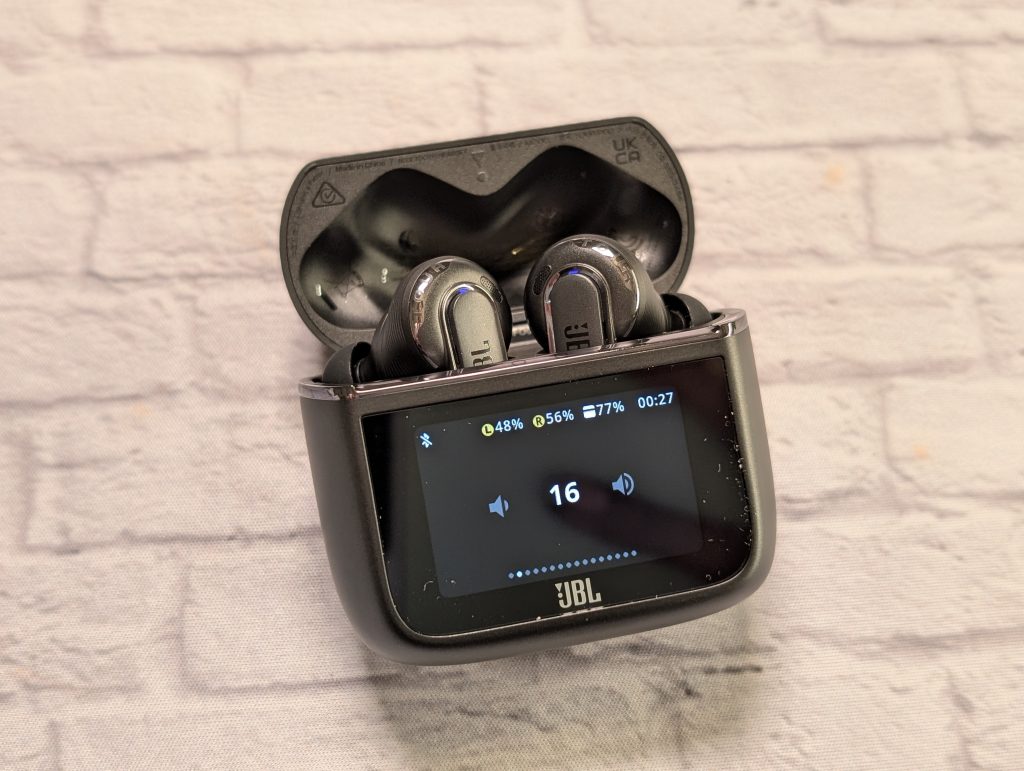
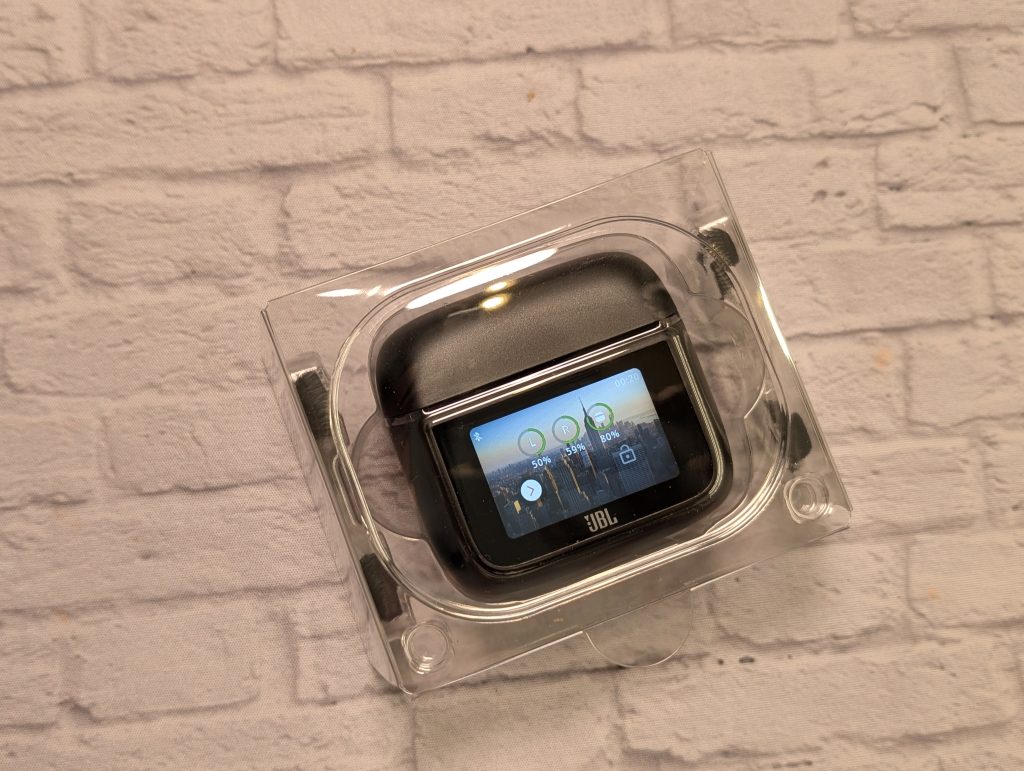
When picking up the Tour Pro 3 earbuds you are definitely eyeing the SmartCharging Case. The 1.57-inch touch screen makes the case look premium even before turning on. The Tour Pro 3 are stemmed earbuds with no wingtips for the upper/inner ear. They come with five eartip options for a comfortable fit. If you still need some fitting guidance, theres a fit test on the JBL Headphones app. The charging case works as a transmitter. The Tour Pro 3 come with a different cables for connectivity, including at usb-c to 3.5 mm cable.
SOUND AND EXPERIENCE
You can control music playback from the right earbud but the SmartCharging Case is the star of the show here. There are so many options and features to access. You can toggle between noise cancellation modes, adjust EQ settings, control volume, and even stream audio from external devices such as in-flight entertainment systems just through the case.
The Tour Pro 3 support Bluetooth 5.3 and offer compatibility with various audio codecs, including SBC, AAC, and LDAC which is great when streaming from my Galaxy S24 Ultra.The Adaptive Noise cancellation does a good job most of the time. It’s not the best when it comes to noise cancellation but they do a decent job. Features like Ambient Awareness and Talk Through are helpful in not having to remove the earbuds from your ear when in certain environments, like busy city streets. Transparency Mode which allows you to talk while still having the earbuds in your ears, works okay. I still prefer to take the earbuds out to have a conversation. Sometimes it feels like I can be talking a bit loudly.


The JBL Tour Pro 3 earbuds utilize a hybrid dual-driver system, consisting of a 10.2mm dynamic driver and a 5.1mm x 2.8mm balanced armature driver. For earbuds, they did pretty well with bass output. It has decent punch without distortion. While most of the time the sound is balanced, when at loud volume it can sound a bit flat. When listening to music in Dolby Atmos however, you get a more immersive listening experience with spatial audio.
CALL QUALITY AND BATTERY LIFE
While I don’t always take phone calls, I often do send tons of voice messages. The Tour Pro 3 are great for both calls and recording messages. I even tested them during a train ride and they did great at cancelling out the train noise and the people talking on it. In medium-noisy places like coffee shops and quiet neighborhoods the other parties didn’t hear the background noise. They were great for taking calls in the office.


The case can charge the earbuds up to three times which is cool. I went a few days without charging the earbuds and the standby battery was still at nearly 100 percent. When not charged, you can do a quick 10-minute charge to get a few more hours of listening time.
JBL HEADPHONES APP
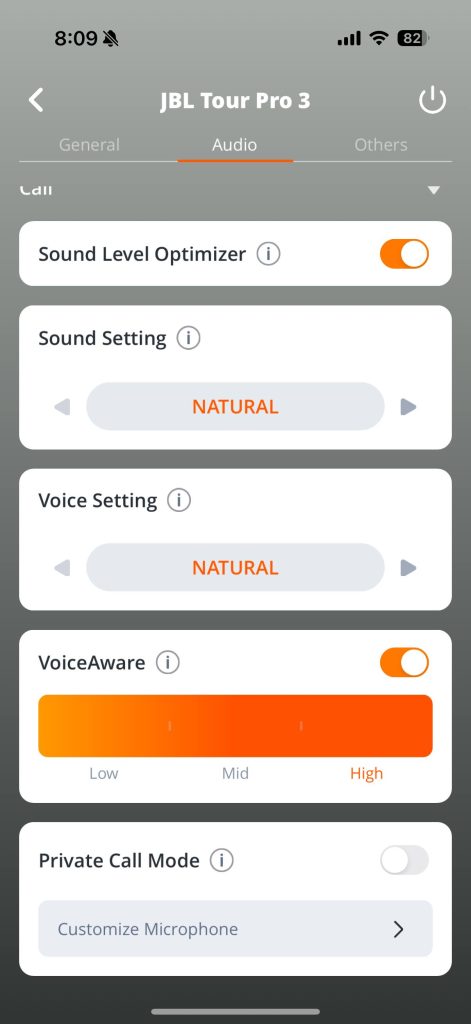
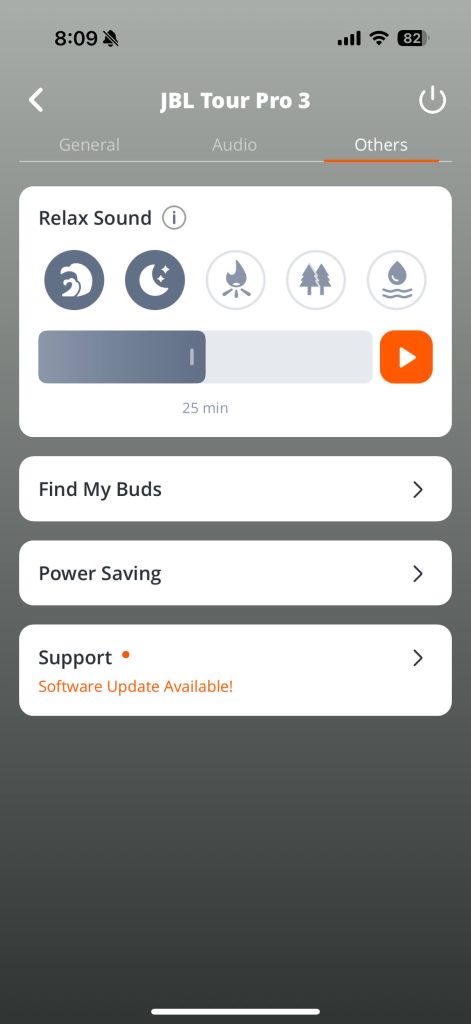
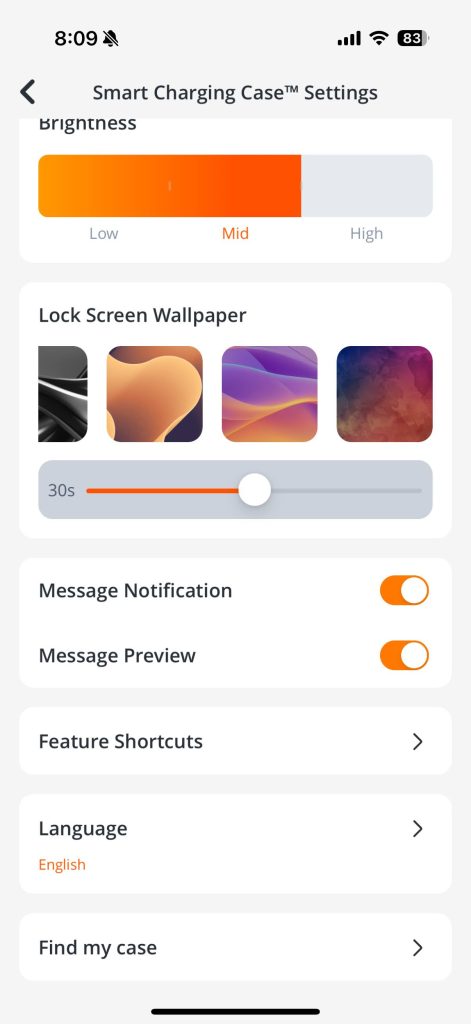
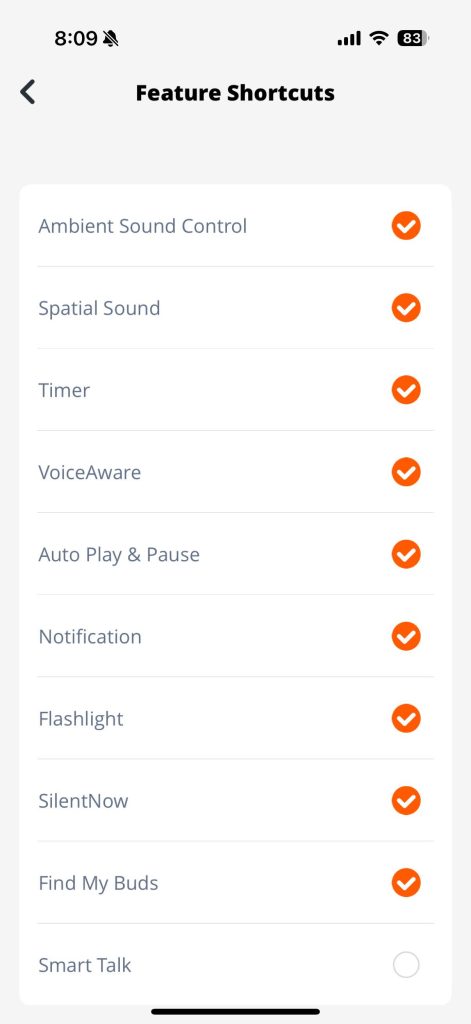
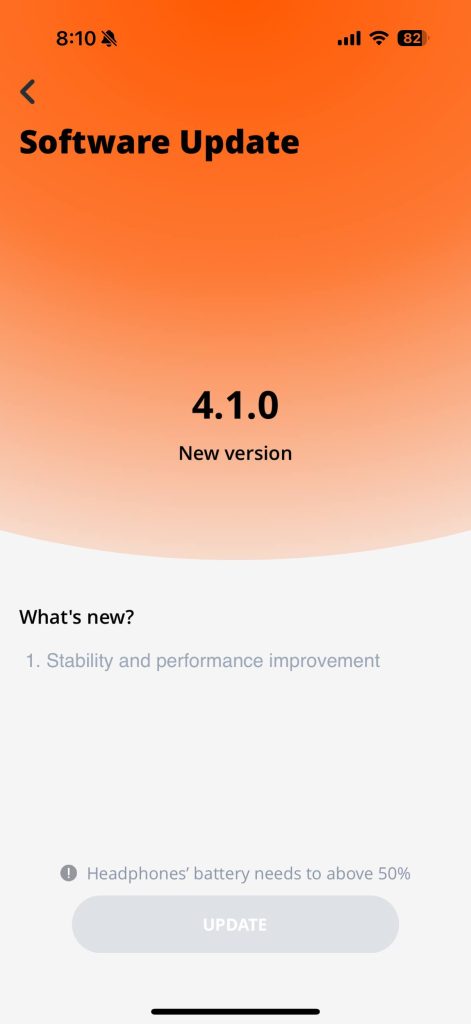
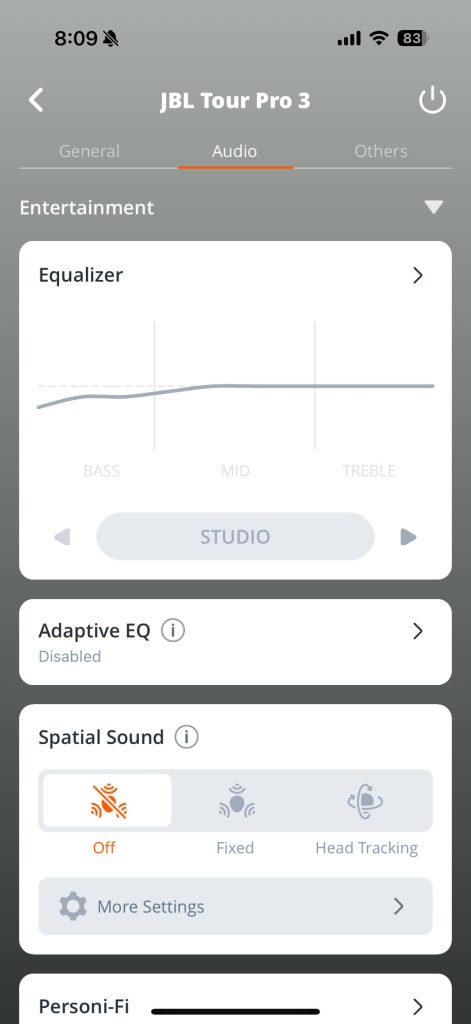
As with most of my headphones and earbuds lately, I’ve been using them with an iPhone 16 Pro and a Samsung Galaxy S24 Ultra. I tried to use the app for very little besides initial setup as I was trying to adapt to the touch screen on the charging case. You can of course use the app for basic settings and software updates. You can also use it to customize what menu options you want displaying on the charging case. Cleaning it up and getting rid of settings you’d probably not access from the case. You can also see the equalizer options. You can also create your own equalizer settings. On the app you can personalize sound with JBL Personi-Fi 2.0. This is available for a few pairs of JBL earbuds at the moment.
JBL PERSONI-FI 2.0
Personi-Fi 2.0 is a new feature available through the JBL Headphones App. This feature helps to personalize the sound using the best possible sound curve based on your hearing capabilities. It will first ask a few questions, and then check your current ambient audio. You will be informed that this step should be completed in a quiet environment. It will play a series of test tones in all the different frequencies wherein after each frequency test tone is played, it will ask you what is the lowest volume setting you can hear. Nine different sounds will be played in each ear (18 in total).

VERDICT
For the next gen, I’d like a more fluid user interface experience as sometimes, the touch and swipe is a bit laggy, but still impressive considering the size.
So who are the JBL Tour Pro 3 earbuds for? They are for the person who doesn’t always want to take out their phone. Getting messages at a glance, and being able to control track changes from the earbuds touch-screen charging case helps in minimal interaction when working out or on a call. It’s great for those early adopters who enjoy bells and whistles like a touch screen display on the charging case. That concept has not really caught on yet. Besides all of that, the listening experience on the Tour Pro 3 is great, good bass and clarity, along with lots of customizable settings, great battery life and good for every day use.

JBL Tour Pro 3 Truly Wireless Earbuds
$299
Pros
- Great Sound
- Advanced Smart Charging Case is innovative
- EQ Control
Cons
- Smart Charging case is full of features but is bulkier than others