Routers aren’t the most fun tech but kind of the most necessary. I attend lots of events and conferences. I often find myself back in a press room, hotel room, or coffee shop working in between briefings. Enter the TP-Link BE3600 WiFi 7 Portable Travel Router. Supposed to ease the pain of connecting to public wifi networks and share them amongst all your devices.
DESIGN OF THE TP-LINK BE3600 TRAVEL ROUTER
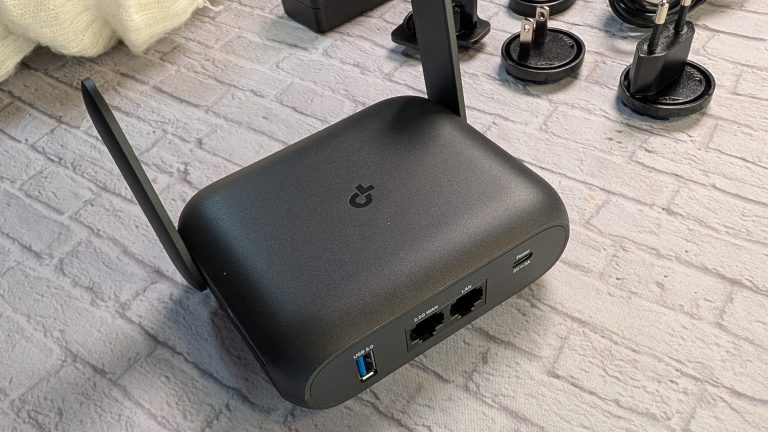
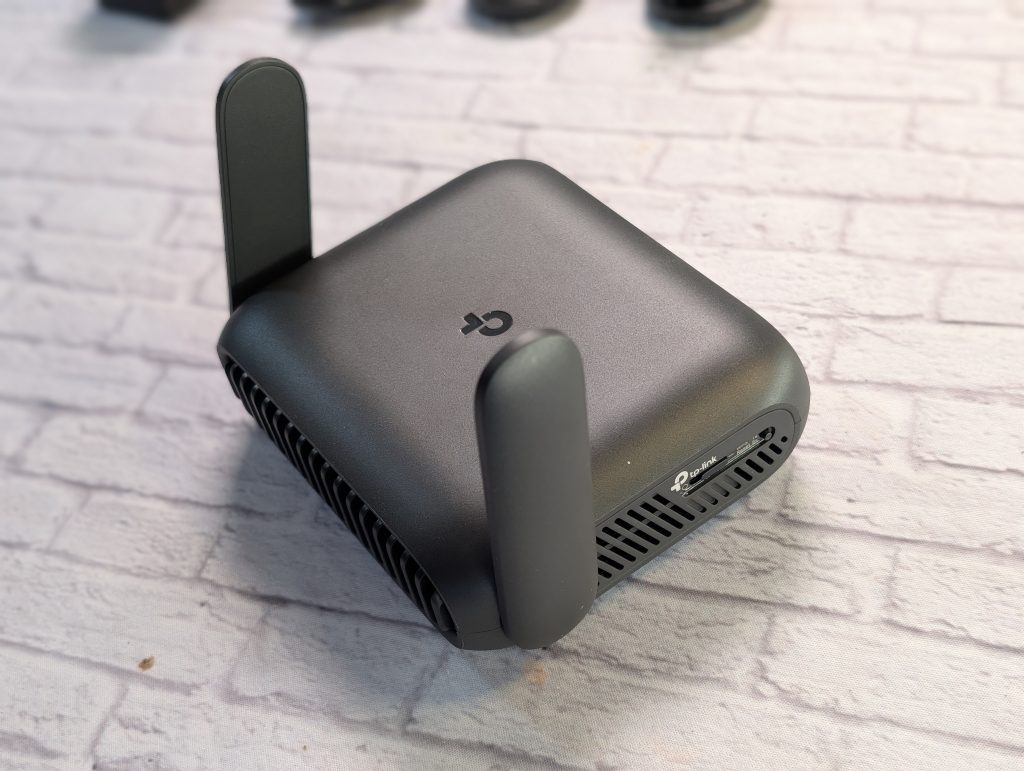
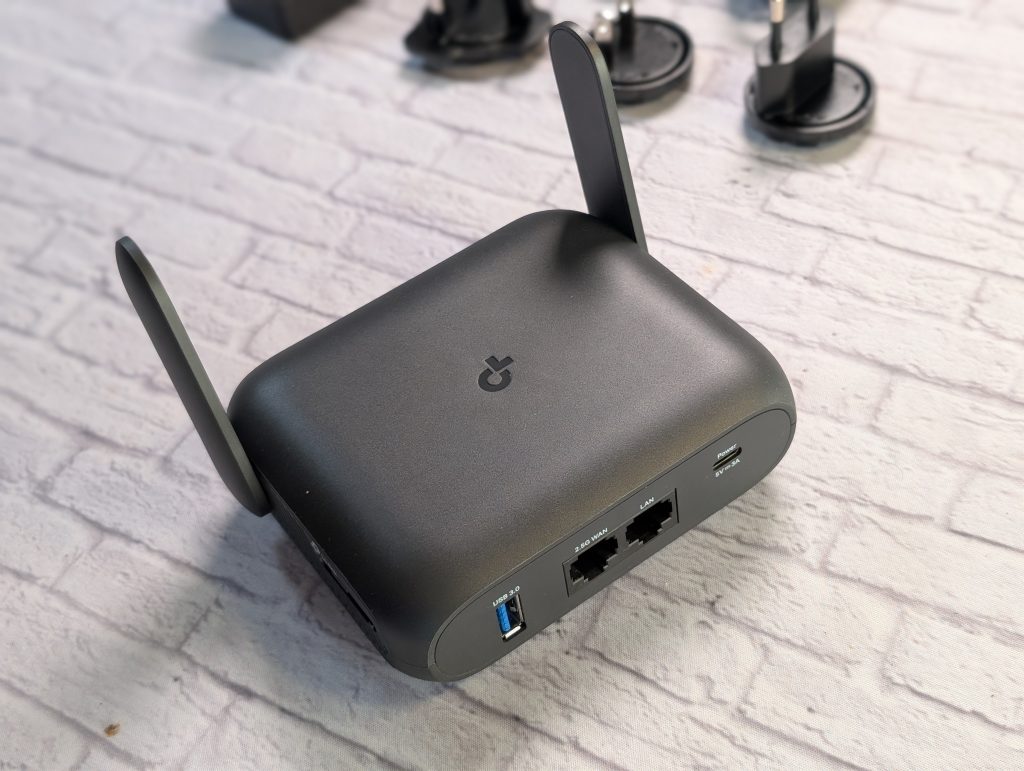
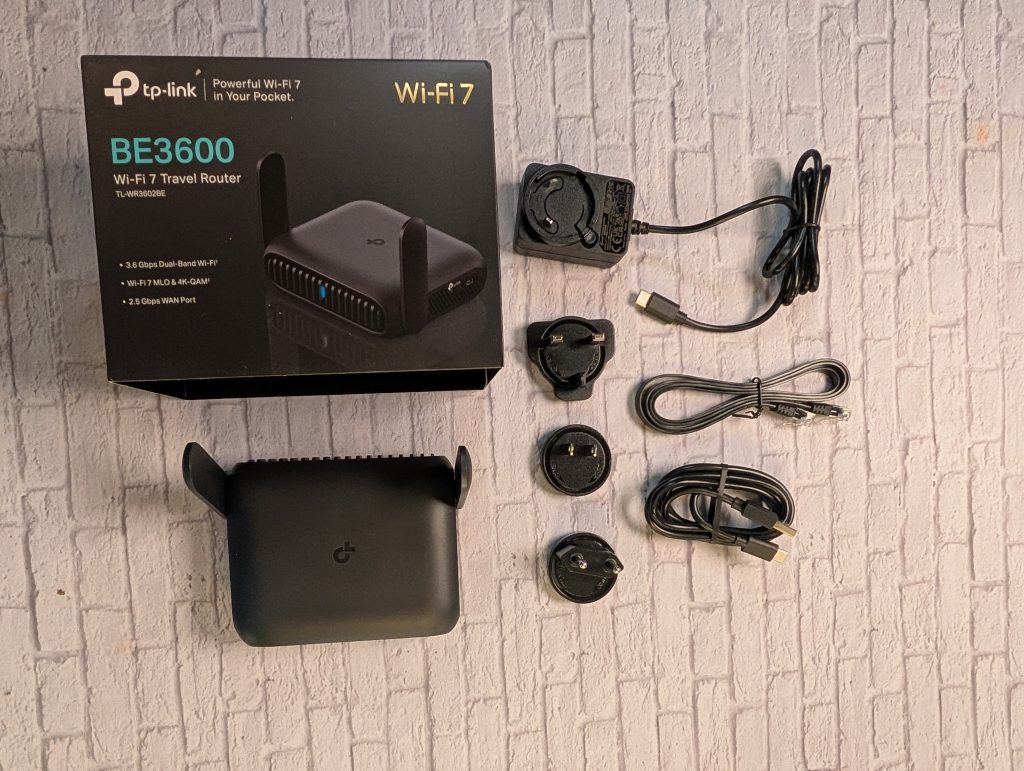
The BE3600 is small. Size matters here, as you’re likely going to be traveling with it. You want the travel router to be compact and fit in your laptop or carry-on bag. Weighing less than a pound, the router fits in the palm of your hand. It has two antennas. They swivel up and swivel down neatly at the sides to easily tuck the router away. In the front you don’t have much going on, just an indicator light between the slotted design. In the back, you have four ports; usb-c, 1GB LAN port, 2.5 GB WAN port, and regular 3.0 usb port. The router comes with different slide on adapters for the outlet for the United States, UK, and Europe. In case you don’t have a power plug, you can power it with anything that is usb-c. But it’s great to already have the right prongs for travel or being able to use your phone or laptop charger to power the router.
EXPERIENCE
TP-LINK TETHER APP
Not much is to be expected from the router. It gets the job done. Using the TP-Link Tether app, I set up my network at home before traveling overseas. I connected all of my devices to the router while I was at home. It made it easier to plug-and-play once I was away. The setup is pretty straight forward. You create a network and the pa
At the hotel, you can plug the hotel’s ethernet cable to plug into the 2.5 GB WAN port. If that’s not available, you can connect to the hotel’s public wifi. If your laptop has an ethernet port, you’d connect it to the LAN port on the router. The USB-A port, you can connect a flash drive or connect it to your phone for a wired tethered connection.


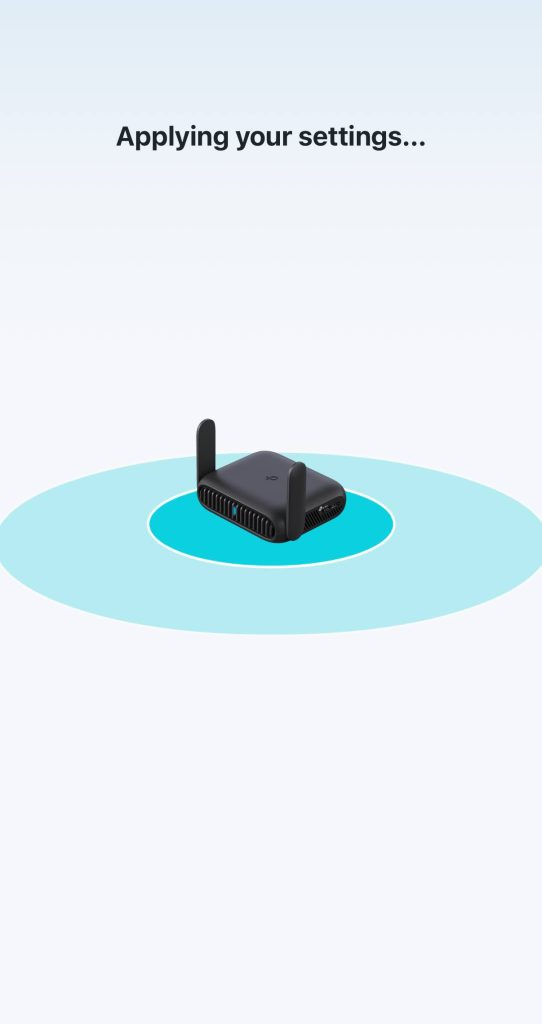
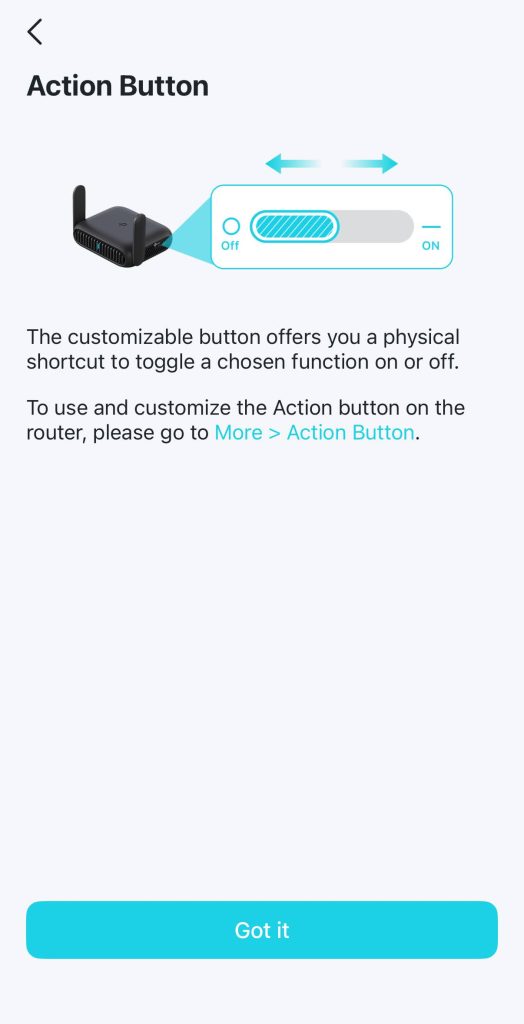
You can connect up to 90 devices to the travel router. I try to use the ethernet cable from the hotel room. It’s usually easily accessible. If it’s not, I suggest connecting to their premium wifi. The last major conference I attended was IFA in Berlin, Germany. I connected to with the room’s ethernet cable and I got pretty good speeds. Obviously not all devices are wifi-7 yet, but some of the latest phones are (like the Samsung Galaxy Fold 7). I am a fan of future proofing.


PRICING AND AVAILABILITY TP-LINK BE3600 TRAVEL ROUTER
When the travel router first came out, it was $140. I usually see it on sale for $120, with as low as $110. I do wish TP-Link provided a travel case for the router. A way to neatly place the outlets and cable in place, and add to my travel gear.
VERDICT
If you travel often, have lots of devices to connect to wifi, I definitely recommend investing in a travel router. This one specifically, is compact, easy to setup, and easy to power in the case that you do forget the charger.
TP-LINK BE3600 WIFI 7 PORTABLE TRAVEL ROUTER
$119.99
Pros
- Compact and lightweight
- Easy to setup
- Powered via usb-c
Cons
- No carrying/travel case included