I love tech that’s high-performance but still has that “lifestyle” vibe, something that looks as good on my desk at home as it does in my plain office. I have a Keychron K4 keyboard that I’ve been using for years. It has a dark metallic look. So I am familiar with the brand and was excited to upgrade to something that looks and works better.
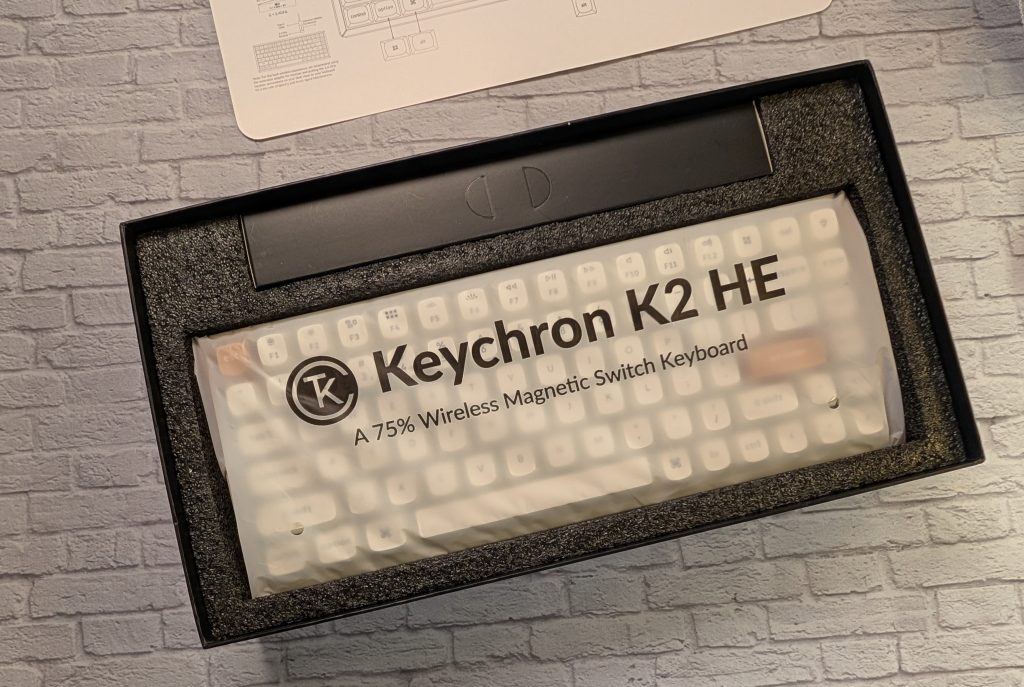
Keychron has been on a roll lately, but the Keychron K2 HE (Hall Effect) Wireless Magnetic Switch Custom Keyboard is something special. It’s not just another mechanical keyboard; it’s a piece of furniture for your desk that happens to have some of the most advanced gaming tech hidden inside. I’ve been using the Special Edition with those gorgeous rosewood accents for the past few weeks, and let me tell you, the vibe is just fire.
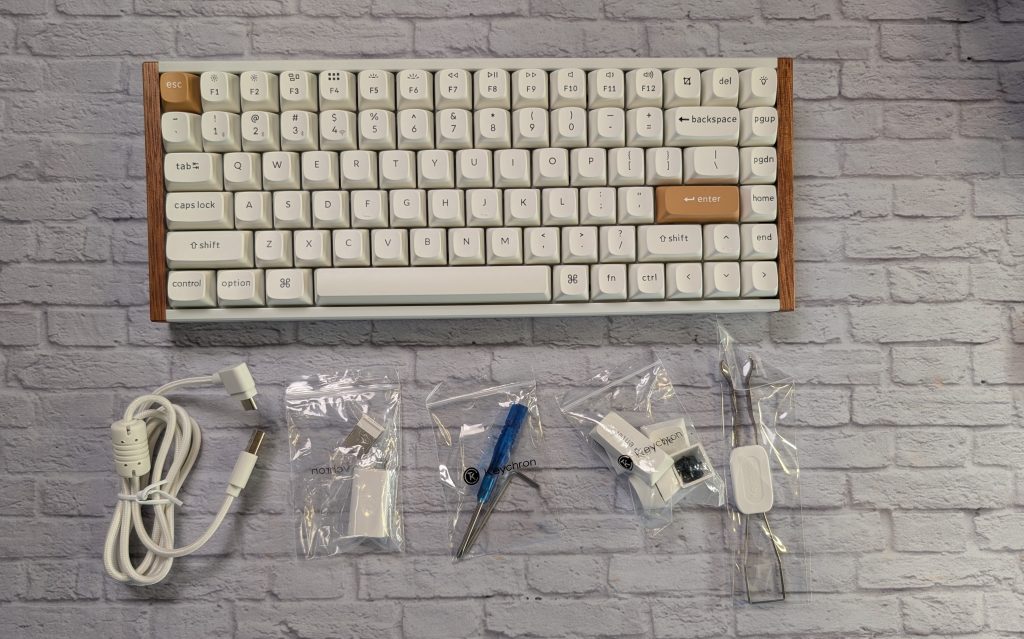
DESIGN AND BUILD: MATURE GAMING
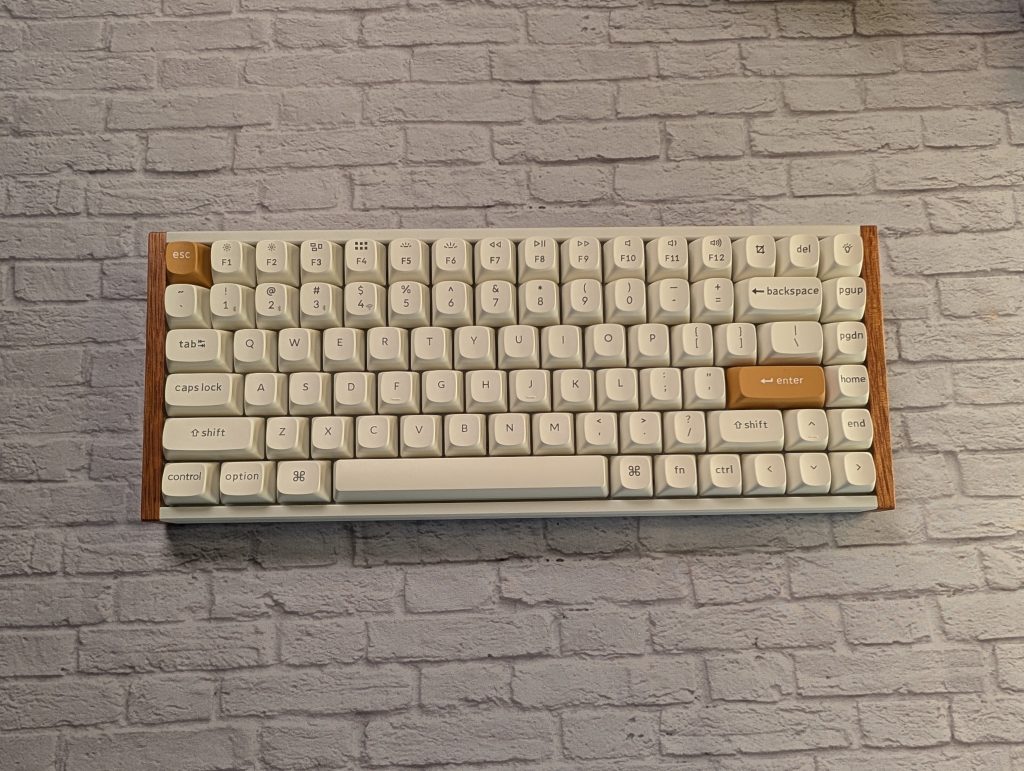
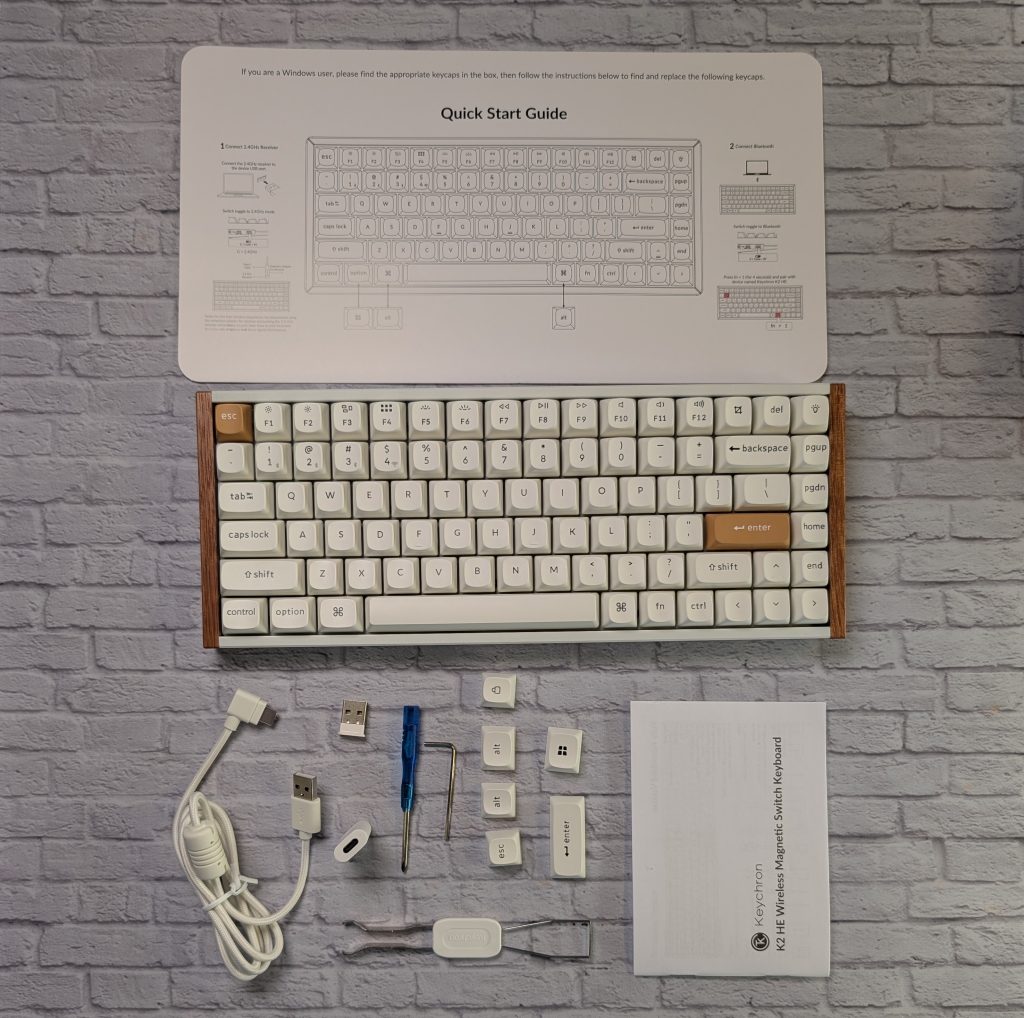
The first thing you notice about the K2 HE Special Edition isn’t the RGB lighting like my old Keychron K4; it’s the wood finishes. Keychron added real natural rosewood accents to the sides of the aluminum frame, and it completely changes the aesthetic. It feels less like a peripheral and more like a curated decor piece. For the white version I’ve been testing, the wood against the off-white keys is incredibly sleek.
The build quality is exactly what I’ve come to expect from Keychron: solid. At a little over 2 pounds, this keyboard isn’t sliding around your desk. It feels premium and stays put. It uses a 75% layout, which isn’t my favorite for productivity. You get the dedicated function row and arrow keys without taking up all your precious desktop real estate, but I am missing the right-side number pad on my full-sized keyboard.
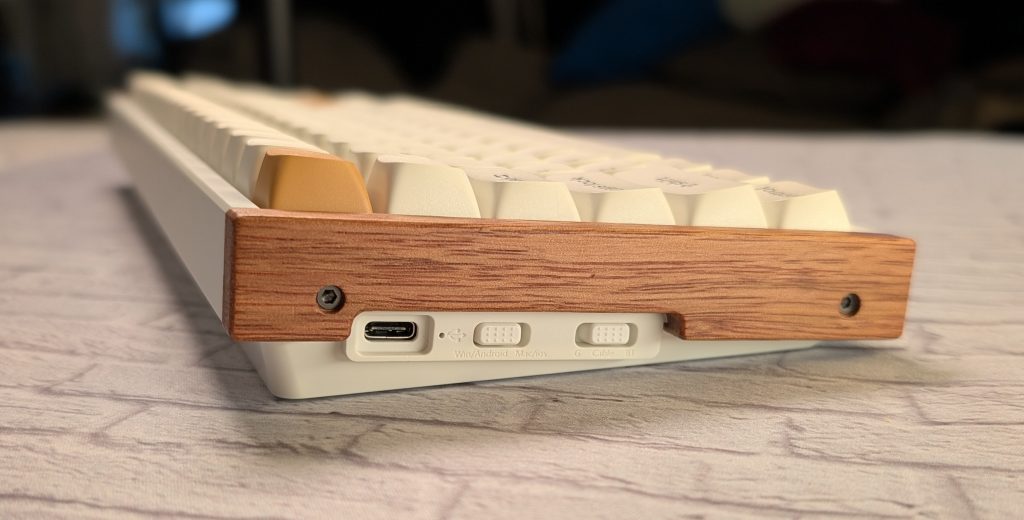
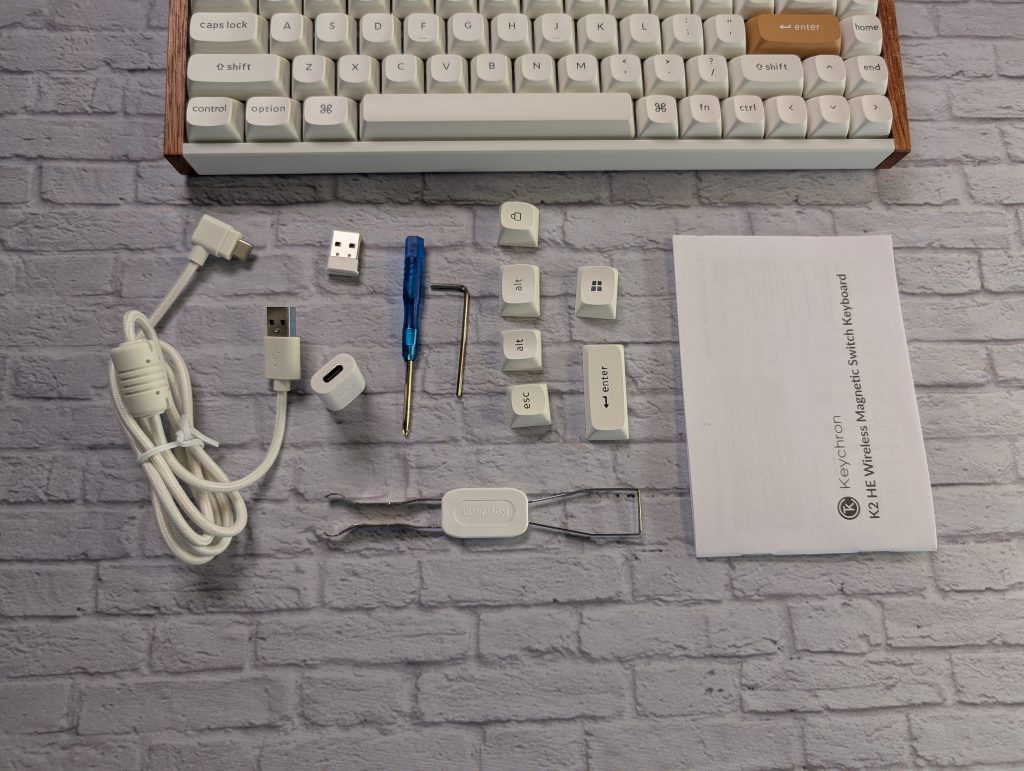
The USB-C port is on the left side of the keyboard. Keychron includes a right-angle cable in the box, which is a nice touch, but if you’re a fan of those fancy custom coiled cables, you’ll have to make sure they won’t look awkward sticking out the side.
The Typing Experience: Buttery Smooth
I’m a typist over everything, so if a keyboard doesn’t feel right for long-form writing, it’s a no-go for me. The K2 HE uses Gateron Double-Rail Magnetic Nebula switches, and I
Since these are magnetic (Hall Effect) switches, there’s no physical contact point required for actuation. It’s all done through sensors, which means there’s zero friction or “scratchiness” that you sometimes get with traditional mechanical switches. Out of the box, they come pre-lubed, and the sound is that deep, satisfying sound we all crave. Keychron packed this with EVA acoustic foam and silicone pads, so it sounds muted and premium, not clacky or cheap.
The keycaps are double-shot PBT in an OSA profile (basically an OEM height with a spherical top). They cup your fingertips perfectly. On the Special Edition keyboard, the legends aren’t shine-through. So while the RGB lighting is bright and pretty, it doesn’t actually help you see the letters in a dark room. It’s more of an underglow vibe.

From Keychron: Double shot keycaps are built for durability and performance, with legends— the letters, numbers, or symbols on the keycaps— molded directly into the keycap to ensure they never fade or wear out. Their two-layer design not only locks in the legends but also gives the keycaps a thicker, sturdier build. This added weight and solid construction make every keystroke feel satisfying and precise.
EXPERIENCE: Magnetic Hall Effect Tech
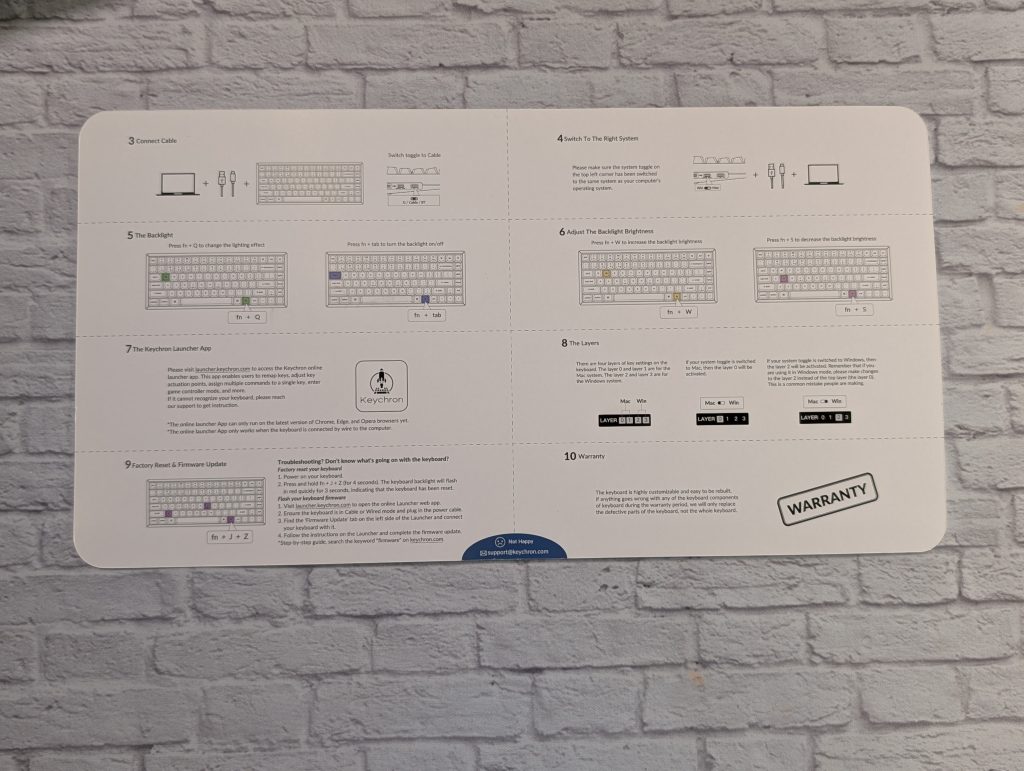
The real reason you’re looking at the K2 HE is the Magnetic Switch technology. Using the Keychron Launcher web app, you can customize the actuation point of every single key. It’s great that you don’t have to download the software.
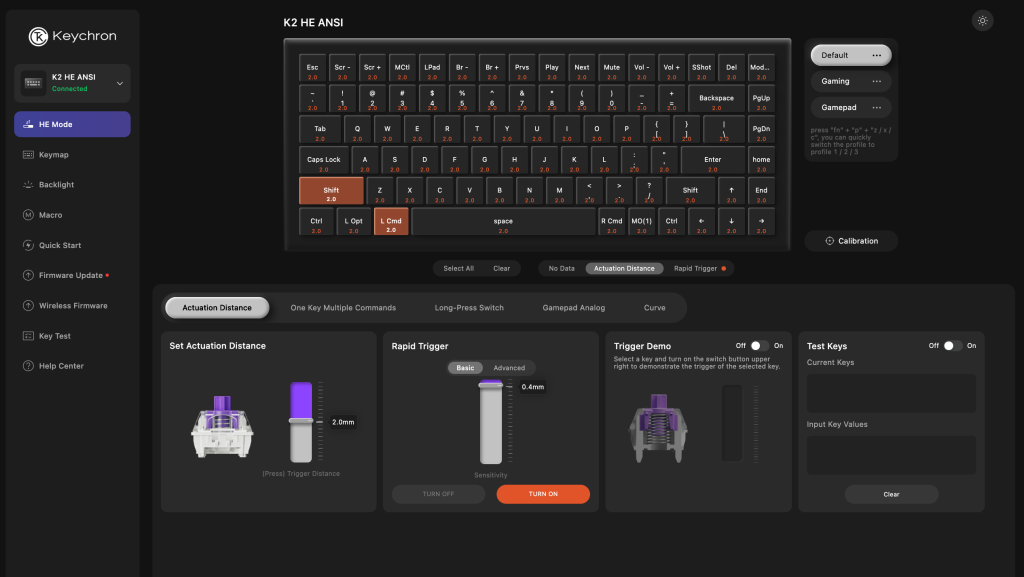
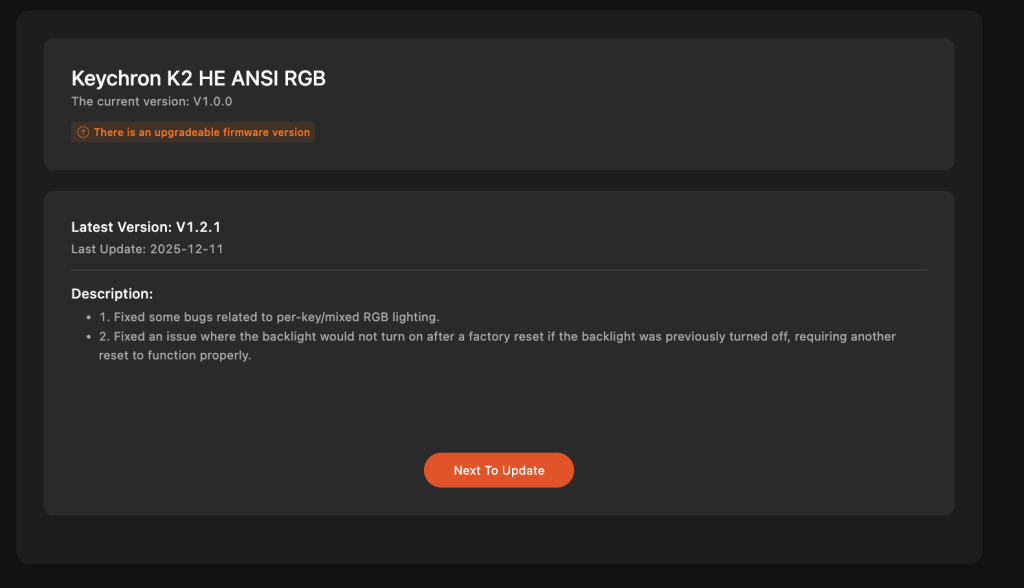
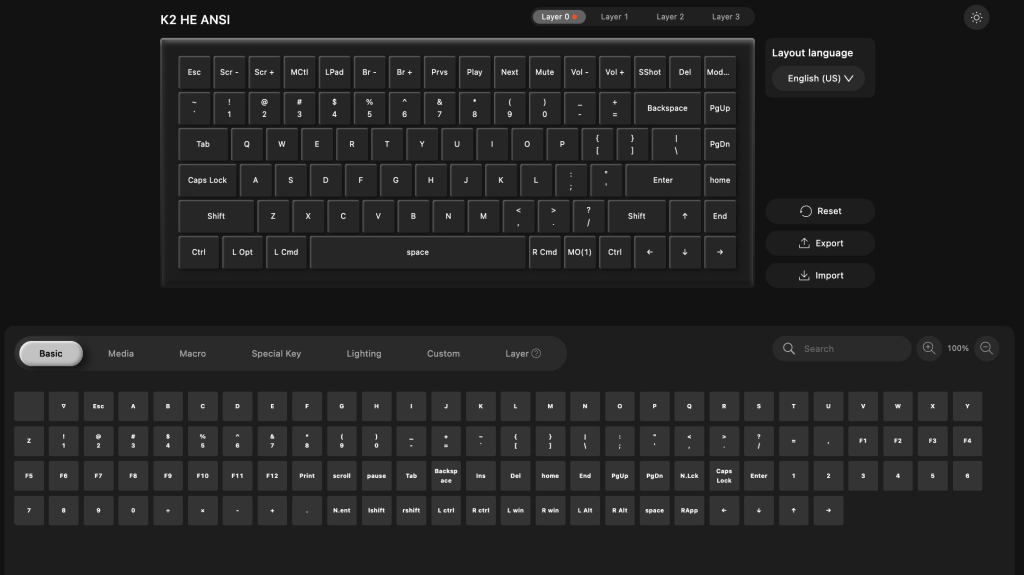

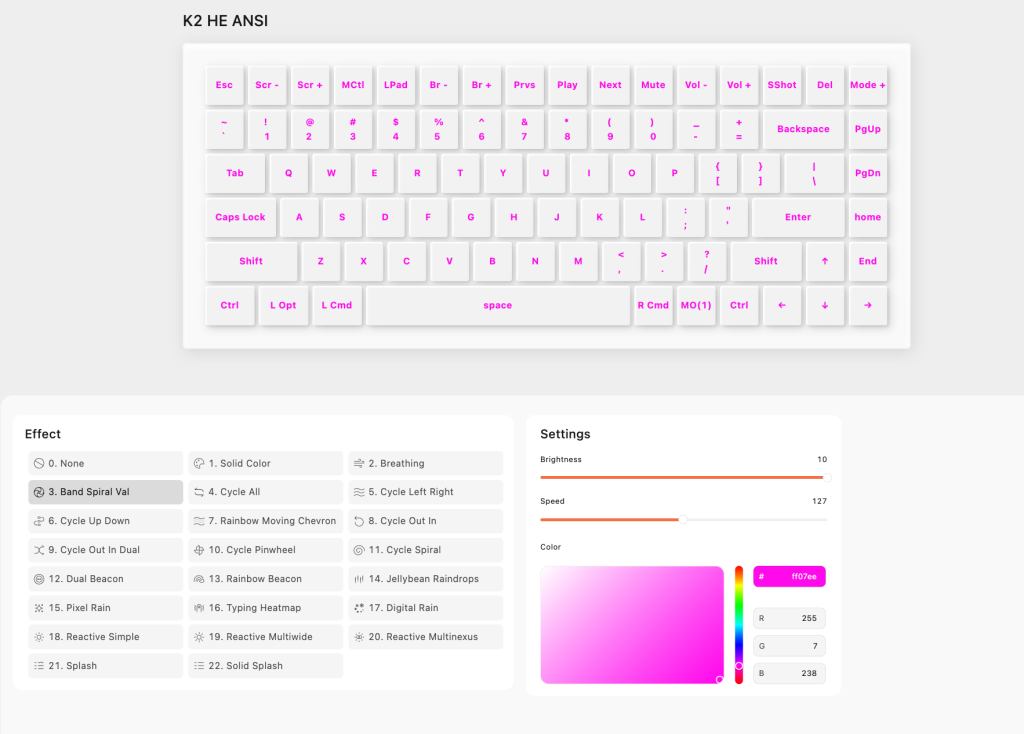
- Custom Actuation: You can set the keys to trigger at a super-shallow 0.2mm for instant response or a deep 3.8mm if you have “heavy hands” and want to avoid typos.
- Rapid Trigger: This is great for FPS players. The key resets the moment you start lifting your finger, rather than requiring a fixed reset point. It makes movement feel incredibly responsive.
- Dynamic Keystrokes (DKS): You can assign up to four actions to one key based on how deeply you press it. Imagine lightly pressing ‘W’ to walk and pressing it all the way down to sprint. It’s like having a controller’s analog stick on your keyboard.
Performance and Connectivity
While I don’t play PC games often, I tried it for a bit and didn’t notice any lag when gaming. It has a 1000Hz polling rate, meaning there’s no noticeable latency when gaming.
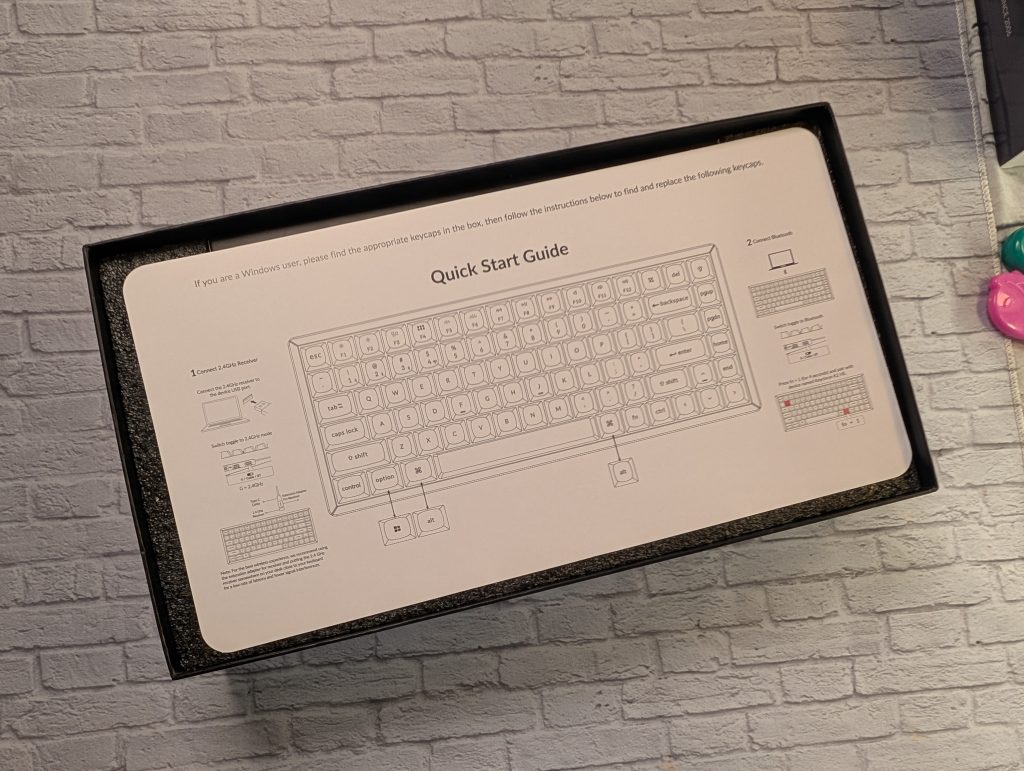
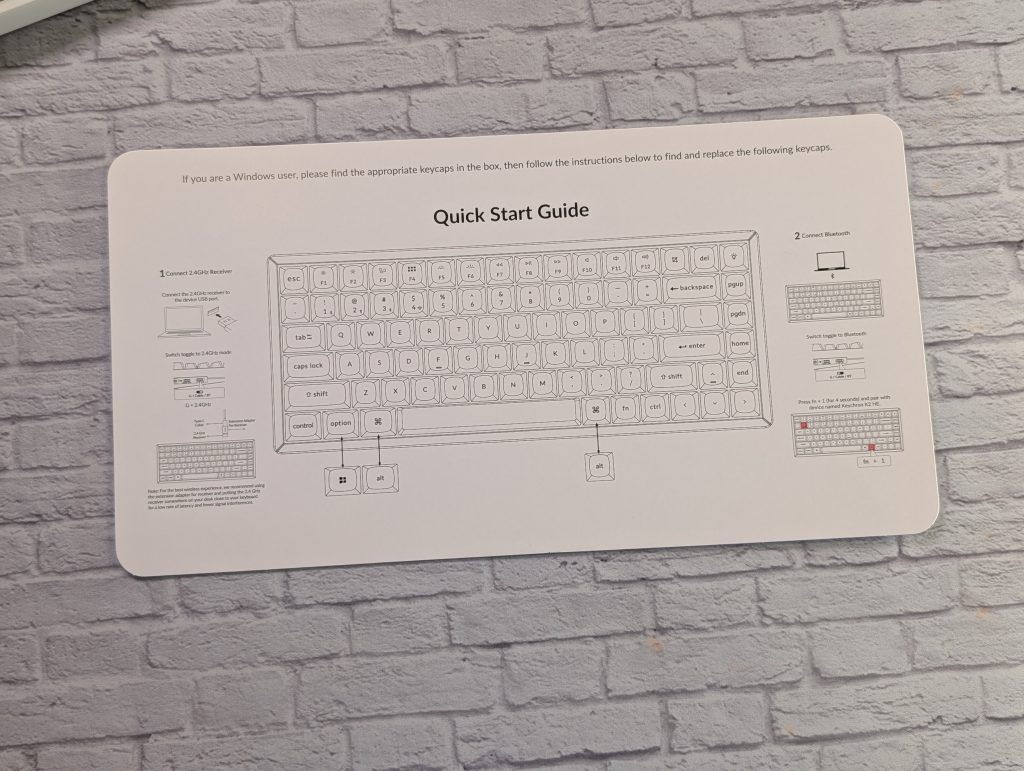
It also has Bluetooth 5.2, which is great for switching to my iPad or MacBook Air for quick emails. You can pair it with up to three devices and toggle between them with a quick shortcut. The battery is a beefy 4000mAh, and I’ve been getting about a week and a half of use with the RGB on before needing a charge.

VERDICT
The Keychron K2 HE is a great keyboard for the mature gamer. It gives you all the “pro gamer” features like Rapid Trigger and adjustable actuation, but it wraps them in a chassis that looks like it belongs in a high-end design studio. At $140, it may be a bit pricey for some. I have seen it on sale for $115, which is still a lot for some people.
If you’re looking for a keyboard that can handle a 10-hour work shift and then immediately pivot into a competitive gaming session, all while looking absolutely beautiful on your desk, the Keychron K2 is it! It’s a premium experience from the moment you take it out of the box.
Keychron K2 HE Wireless Keyboard
$139.99
Pros
- Beautiful design. Adds style to setup.
- Typing feels and sounds amazing
Cons
- A bit pricey
- regular mechanical switches won't work.