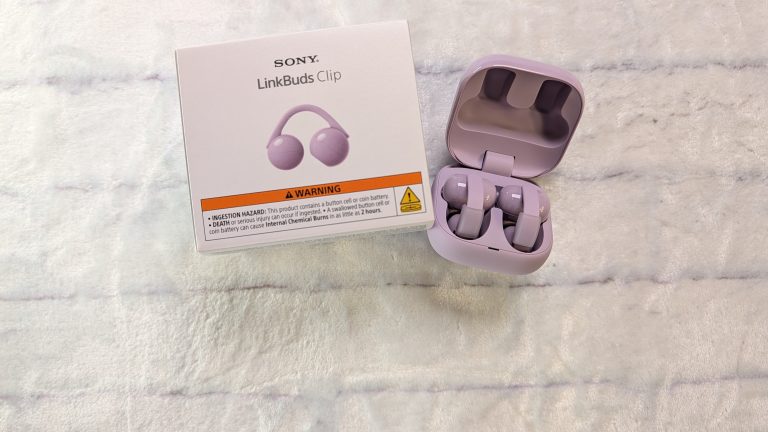
Sony has been experimenting with open-ear audio for a bit now, but now the new Sony LinkBuds Clip takes that open-ear audio concept into the popular cuff-style territory. This clip on/cuff earbuds trendhas grown tremendously in the last couple of years.
Designed for people who want background audio without ever feeling plugged in or isolated from their surroundings, these clip-on earbuds aim to blend fashion, comfort, and everyday utility. I spent several weeks using them on the regular.
DESIGN & BUILD QUALITY OF THE SONY LINKBUDS CLIP
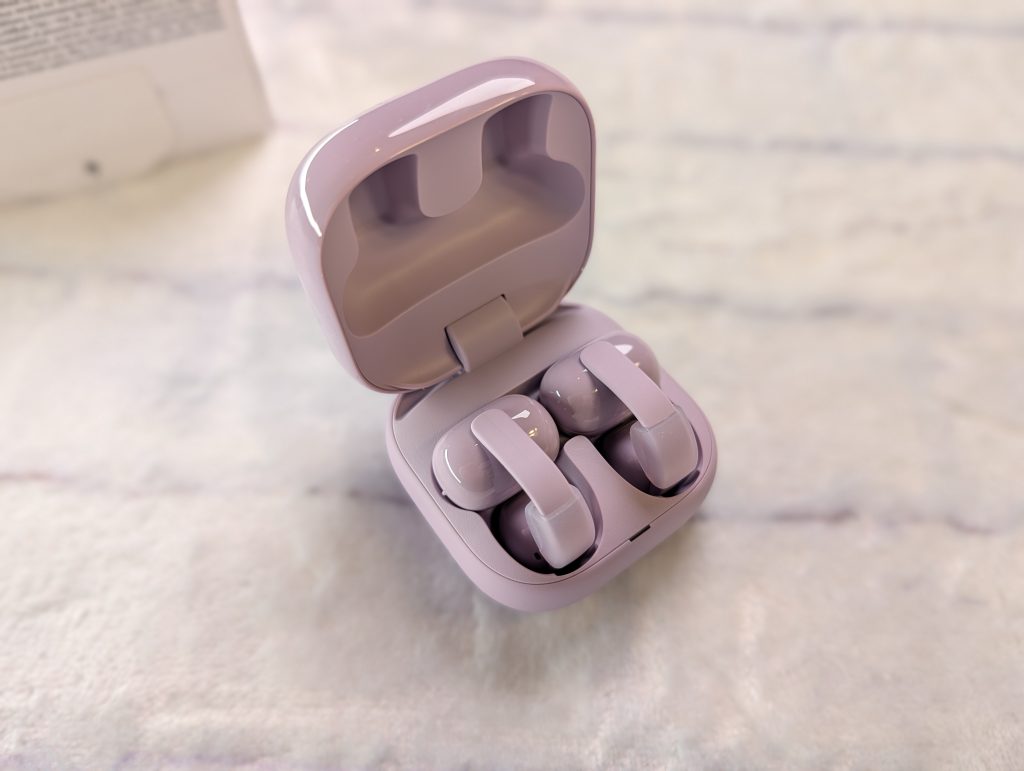
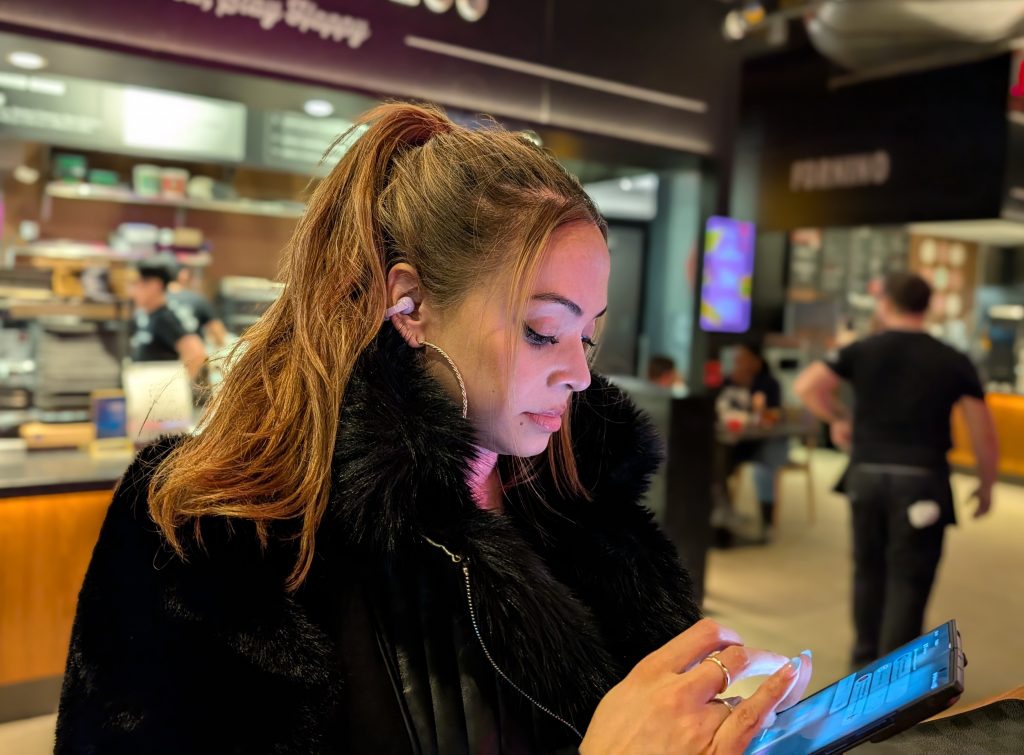
Design is key here. This is Sony’s first cuff-style earbuds. With these, instead of jamming earbuds into your ear canal or hooking over the top of your ear, the LinkBuds Clip gently clamps onto the outer ridge of your ear cartilage.
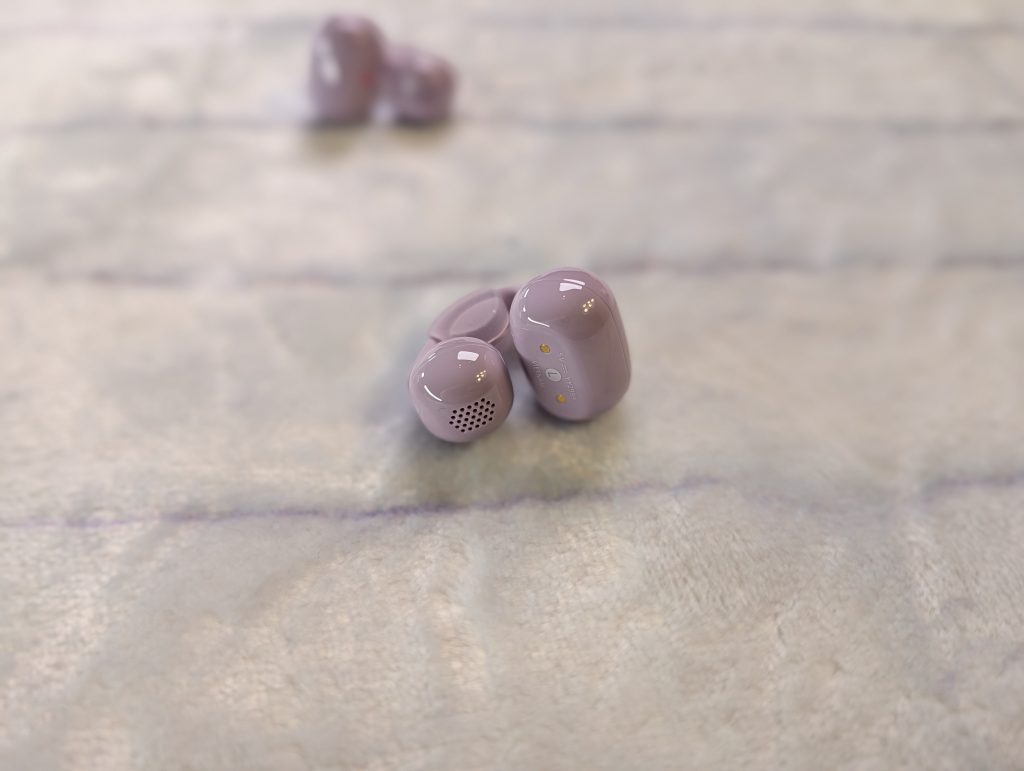
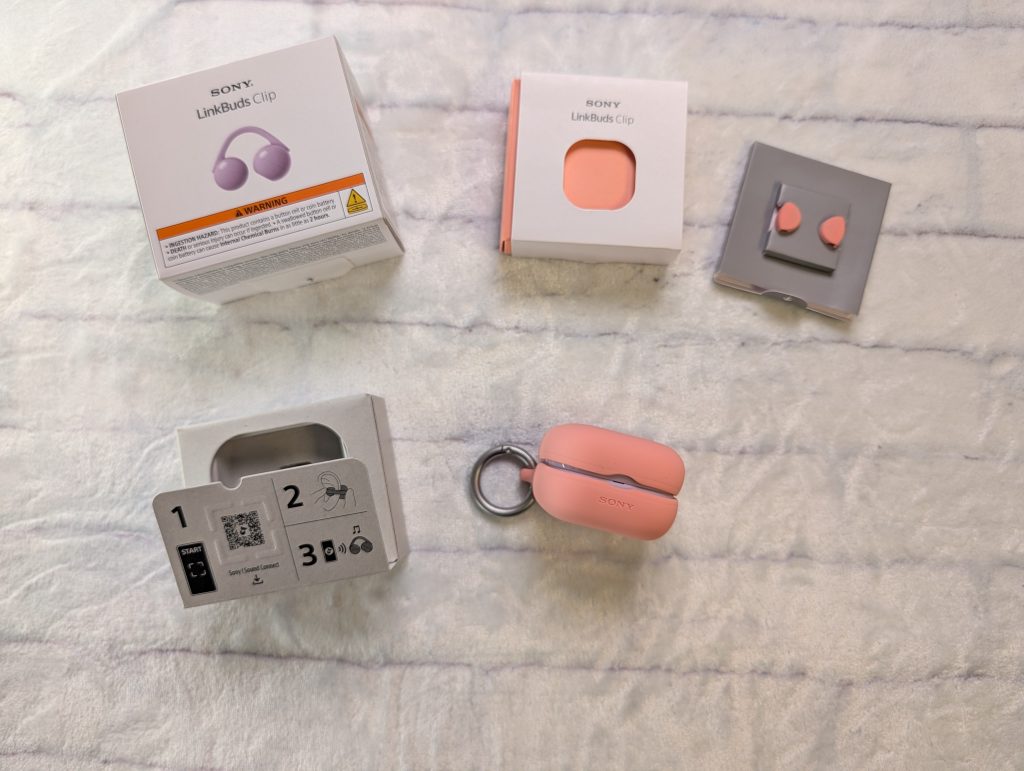
It takes some getting used to. They are so light that I forgot they were on and I have tangled them when adjusting my hair a couple of times. The fit fell looser, so I used the Air Fitting Cushions that goes around the arm of the clip, to create a tighter grip around my ear. Makes a difference.
DAY-TO-DAY EXPERIENCE & USABILITY
Living with open-ear clip buds is all about situational awareness. Navigating the city, crossing on bike lines, waiting on train platforms, or working in an office where coworkers frequently drop by your desk feels seamless. You never have to yank an earbud out just to hear an announcement or have a quick conversation. It’s something that you learn to love. Forgetting that you have the earbuds and having a normal conversation without interruption is very nice.
For me, open earbuds are about switching between things seamlessly. You can go from listening to a podcast, to talking on the phone to watching a clip, then jumping on to a video call. This is where having open/Clips earbuds is great. You’re completely aware of what’s going on around you and no fatigue. Since there is no pressure in my ear canal, I constantly forget I have the LinkBuds Clip on.
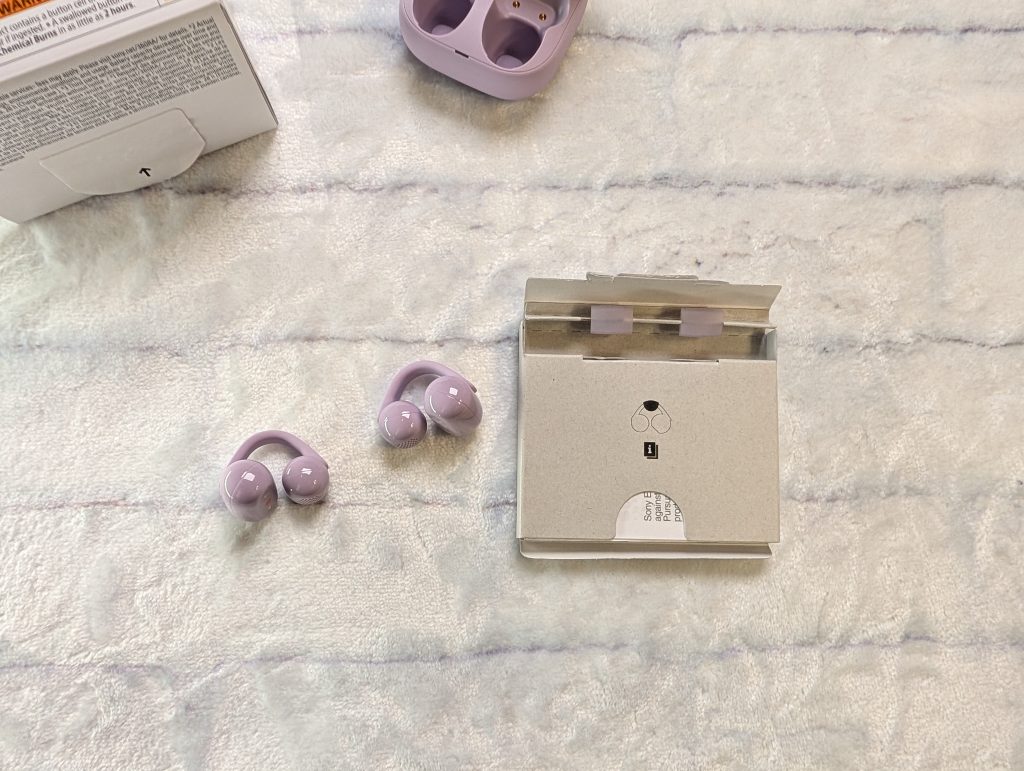
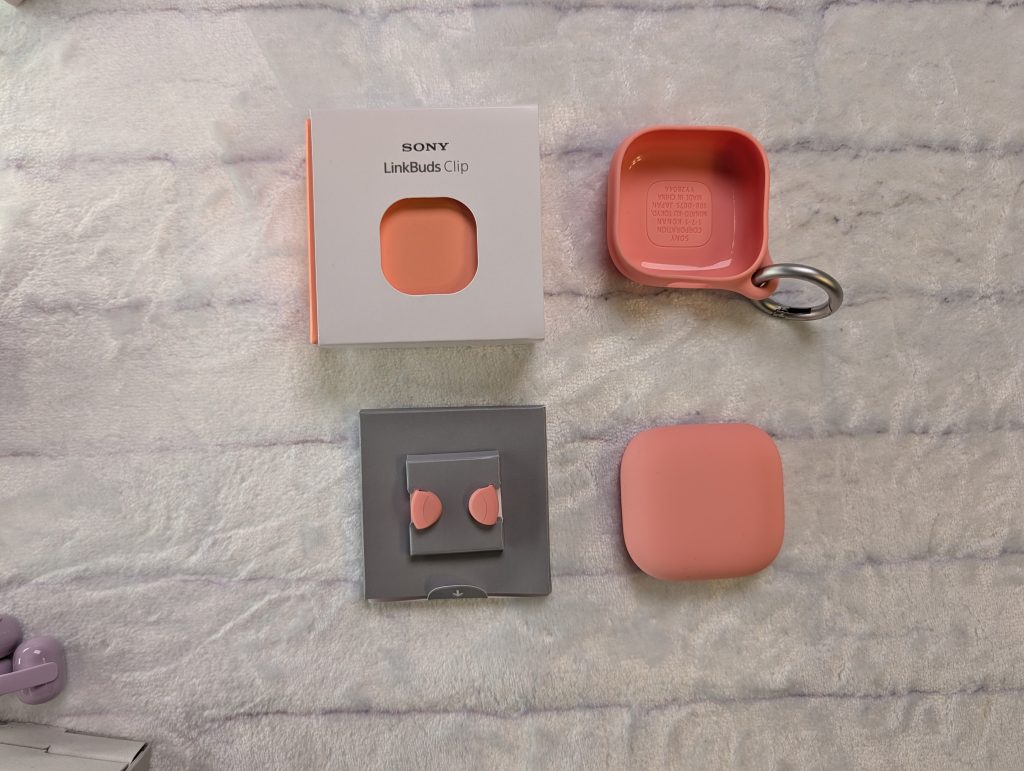
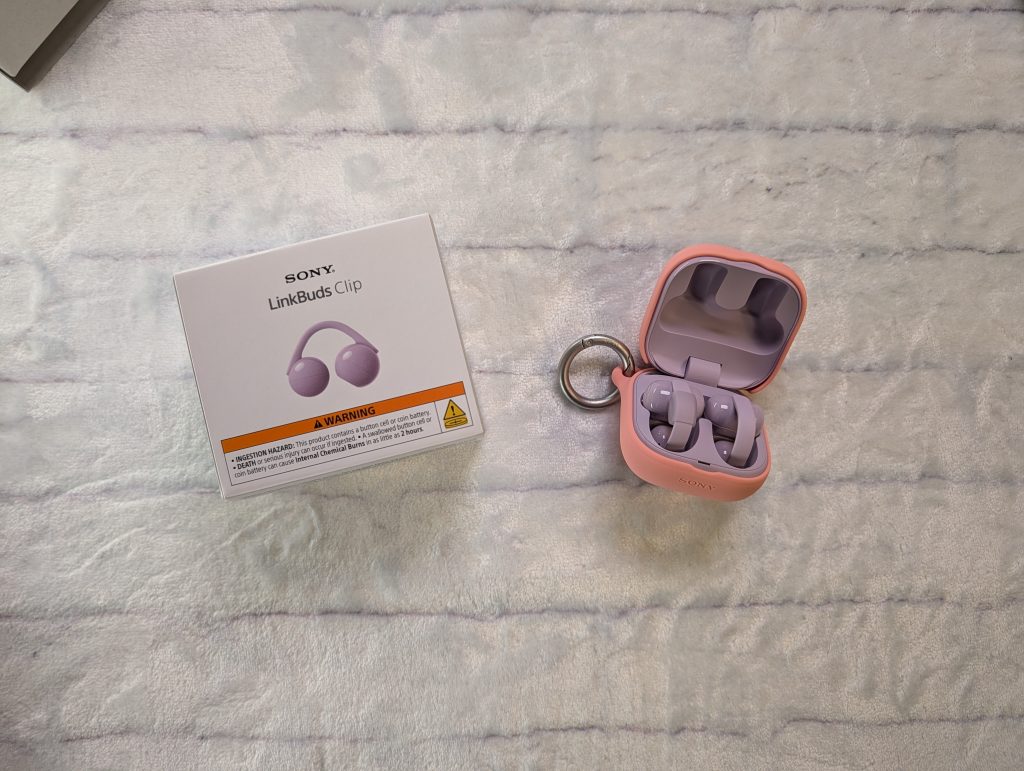
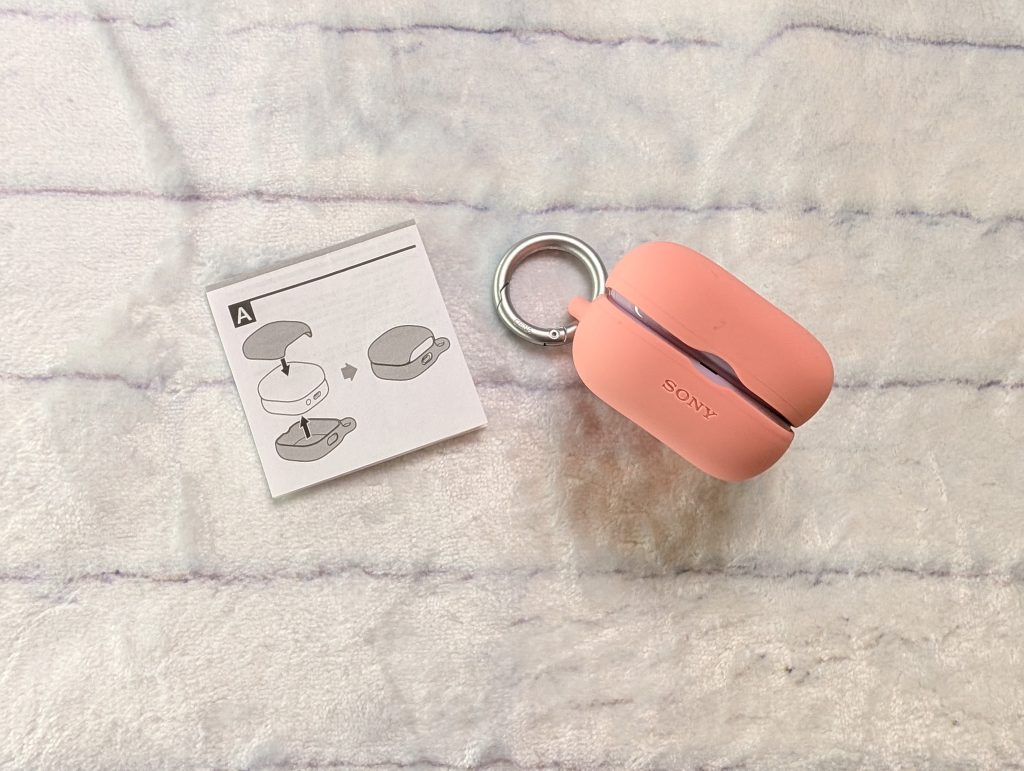
You can buy covers for your case and air fitting cushions for the clips. They’re available in five colors: black, coral, blue, green, and lavender.
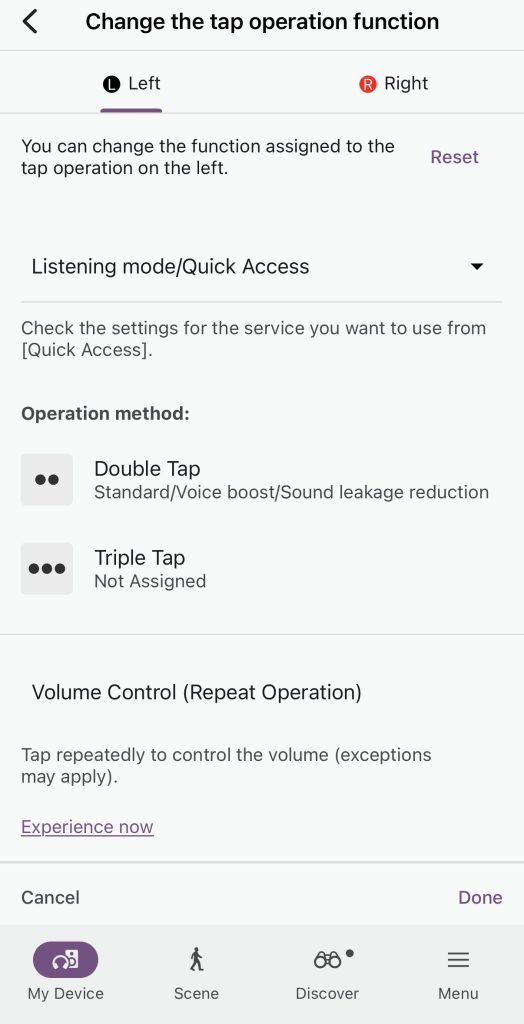
Gesture controls are hard for me because accidental taps happen all the time. So it’s not really my favorite. I programmed the controls to be double- or triple-tap to execute playback, so there is no confusion about when I am adjusting the earbud and when I am playing music. I control the volume through my phone for ease.
As expected, Sony comes through when it comes to call quality. Calls sound great on the LinkBuds Clip. And since you’re not using noise cancellation and can hear your voice, you’re likely not going to yell on the call.
LINKBUDS CLIP SOUND QUALITY
Like all open-ear style earbuds, audio performance is a trade-off between open airflow and low-end rumble.
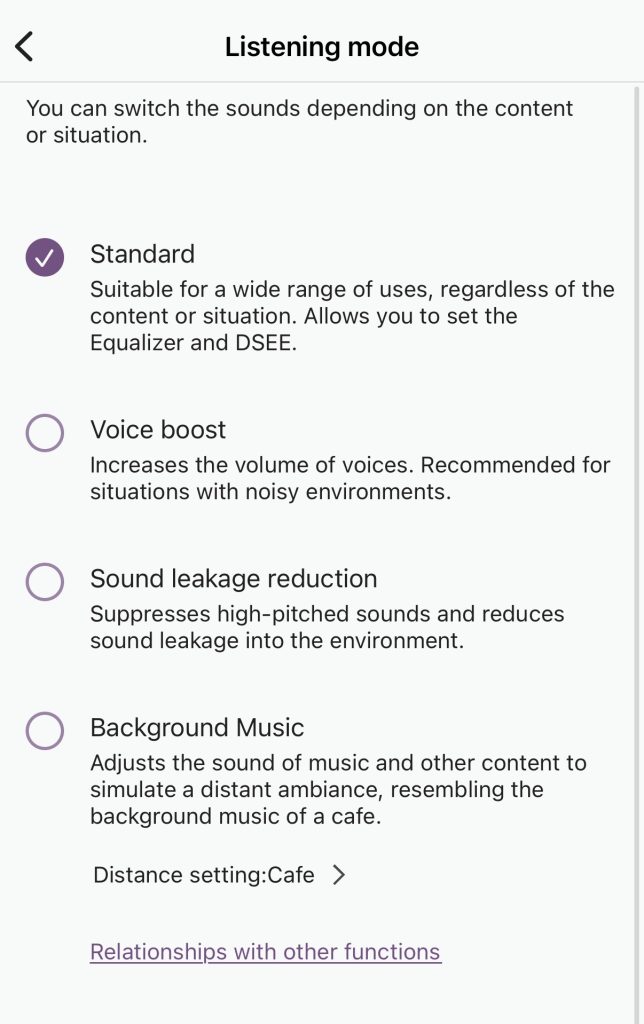
You can toggle listening modes in the Sound Connect App. You can toggle between Standard, Voice Boost (which punches up vocal clarity in noisy environments), and Sound Leakage Reduction (which suppresses higher frequencies to prevent people nearby from overhearing your audio). You can also play background music mode. In this mode, the sound of music and other content sounds distant, like you’re hearing music in a café.
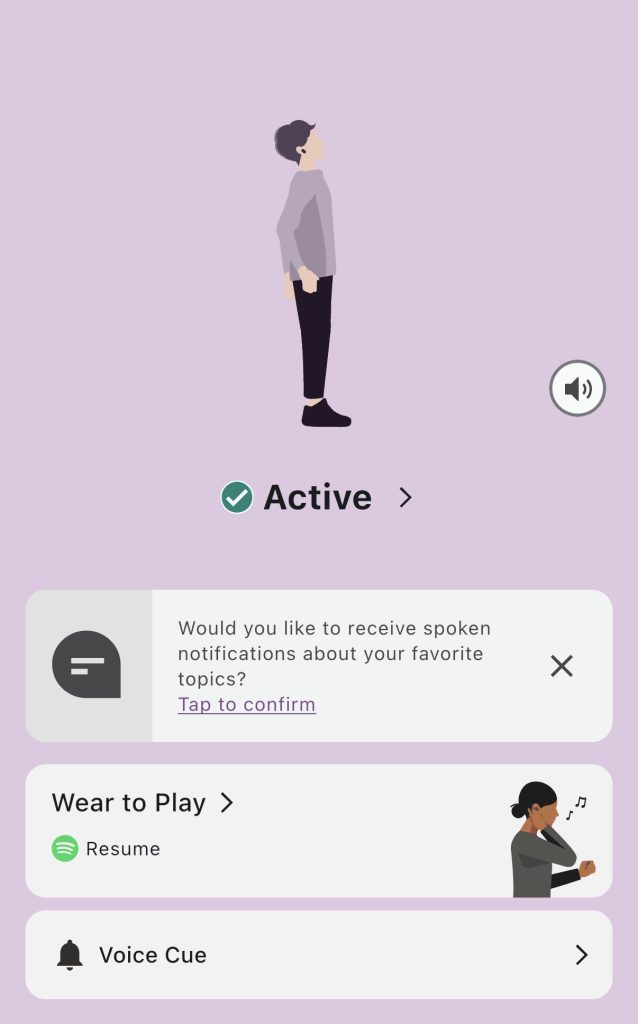
As for sound and bass. You hear voices and podcasts clearly. This is what these earbuds are made for. I instinctively go to put them on when I have days full of briefings.
It’s not for zoning out into your music. That’s what the 1000XM6 earbuds are for, and the LinkBuds Fit when working out. But if you just want to lowkey groove to tunes, or are over stimulated, these are great for light music sessions or using the Background Music mode to help get some work done.
SONY SOUND CONNECT APP
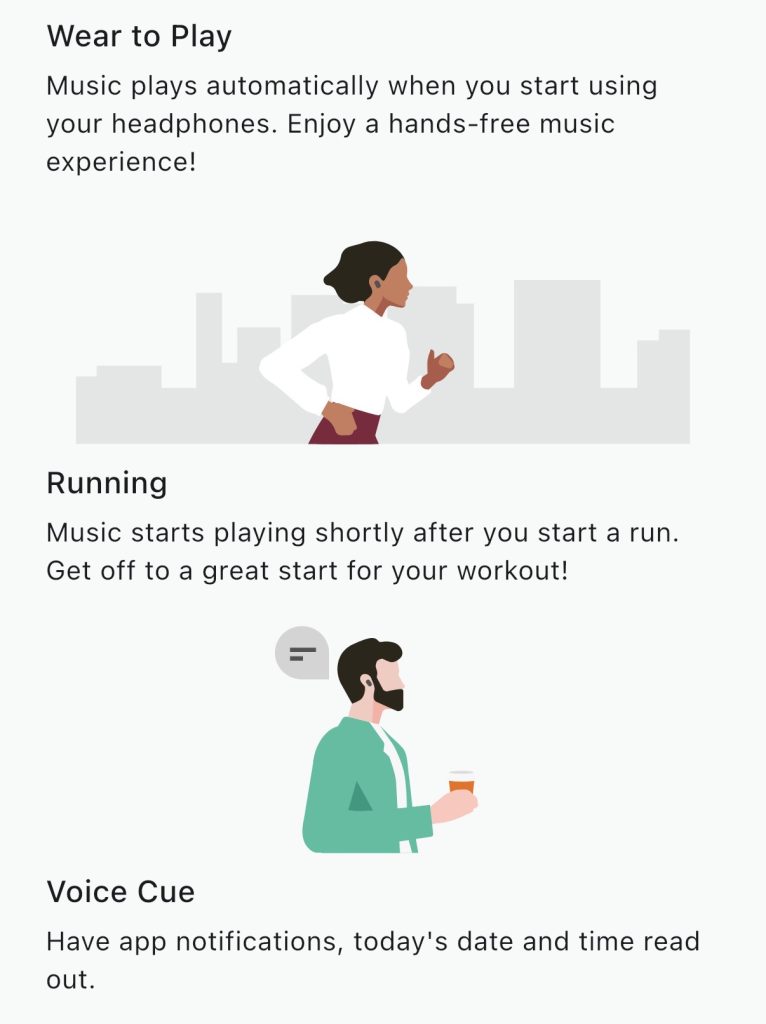
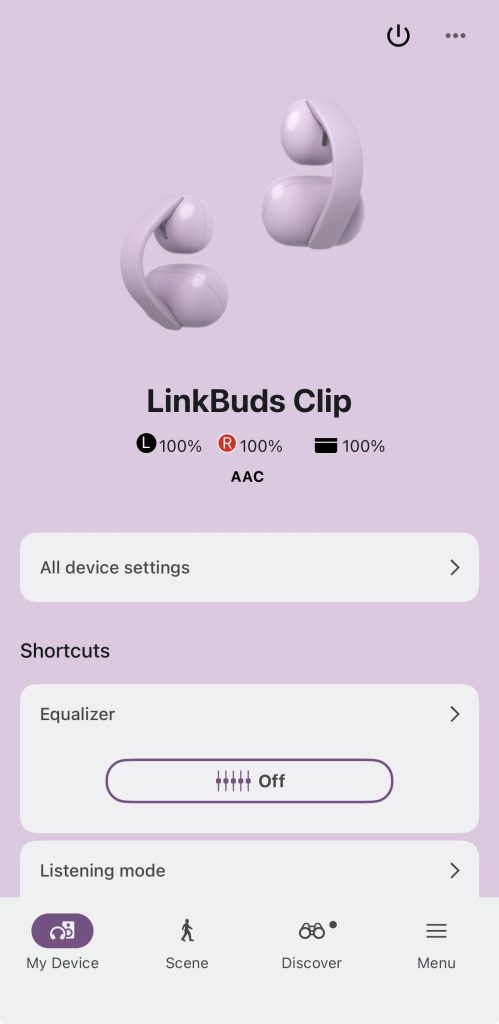
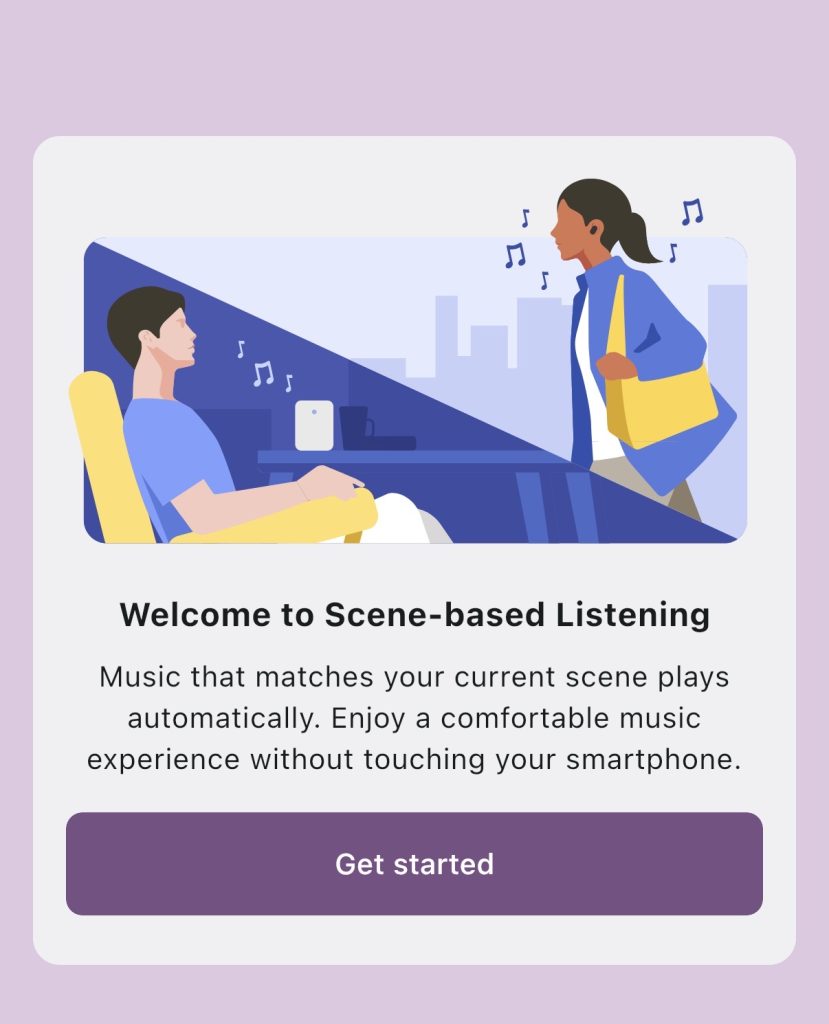
The companion Sony Sound Connect app (iOS/Android) keeps setup straightforward. I use the app for all the Sony headphones. You can control the EQ, change what each earbud does. Designate which action for which taps. Switch between the listening modes I referenced above and of course, do the over-the-air updates.

LINK BUDS CLIP BATTERY LIFE
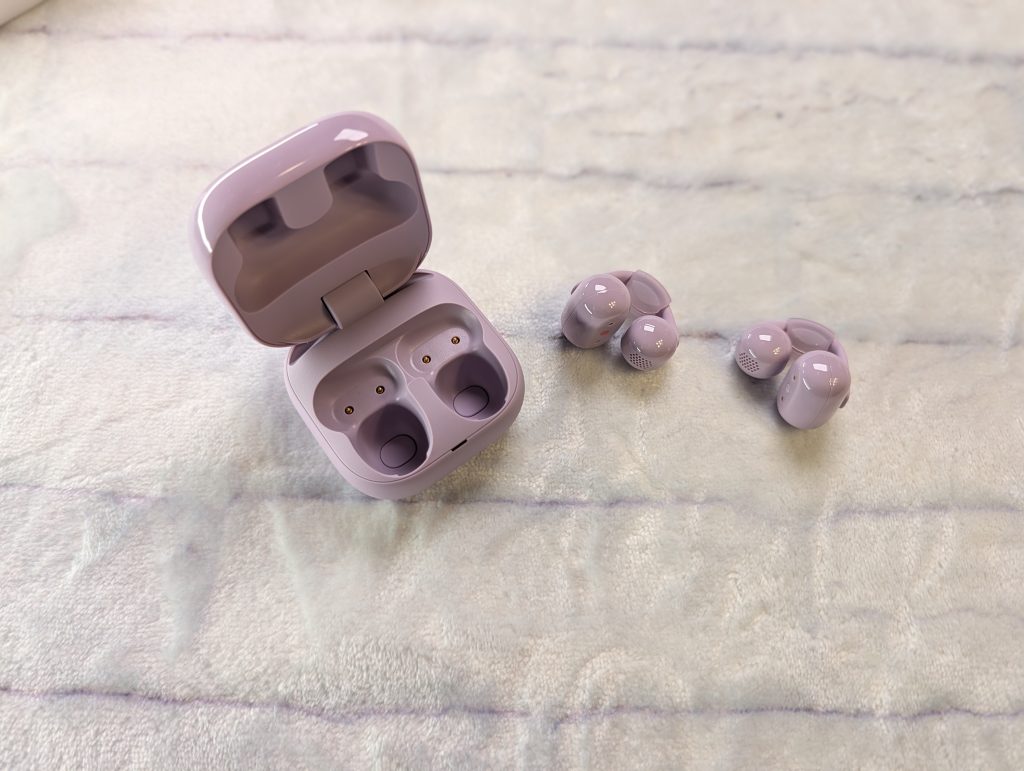
Battery longevity is one of the strongest highlights here. You can do a 3-minute quick charge and get an hour of playback. And when charged fully, you can get up to 9 hours of continuous playback. The case doesn’t charge wirelessly. The usb-c port is located on the back. The earbuds do not come with a charging cable or wall plug. On the case There is an indicator light at the front center, where the top and bottom of the case meet. It lights up orange when charging.

VERDICT
If you are an audiophile hunting for deep bass and active noise cancellation, you will want to look at traditional in-ear options. But if you want a featherlight, stylish cuff that keeps your ears open, delivers crisp voice clarity for podcasts and calls, and boasts stellar all-day battery life, the Sony LinkBuds Clip are an easy, comfortable daily carry. They start at $229.99, but I’ve seen them as low as $129.99. They are available in four colors, Black, Green, Greige and Lavender.
Sony LinkBuds Clip - Open Earbuds
$199.99+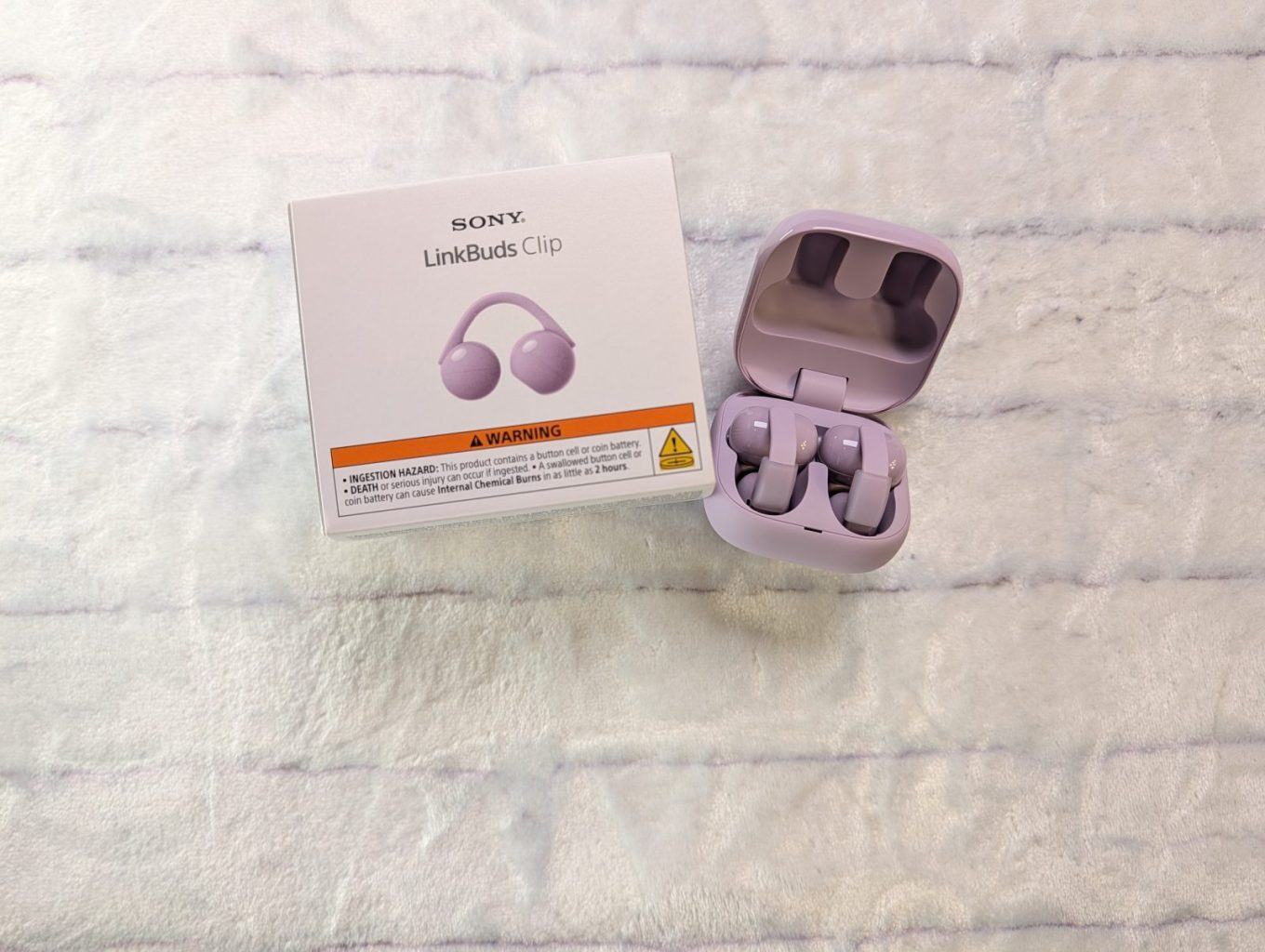
Pros
- Crisp audio
- Long battery life
Cons
- Case doesn't charge wirelessly
- Learning curve