I have a travel bag ready with all the necessary gear. In it, I have charging cables, an international charging brick, and spare earbuds. Traveling with more gadgets and phones with higher capacities, having a charger that’s more powerful than your usual 15W or 20W is really helpful. Today I am checking out the Anker Nano Fast Charger with Display (45W).
ANKER NANO 45W SMART DISPLAY CHARGER: DESIGN AND BUILD: TINY, SLEEK, AND A CLEVER HINGE
We all know the drill. You’ve got a “tech bag” filled with the latest gear maybe an iPhone, Samsung Galaxy Fold, a laptop or tablet, and some earbuds but the charging bricks? They’re usually just white or black bricks. For the past few years, I’ve been loving everything that moves to USB-C, but most chargers don’t exactly scream “style.”

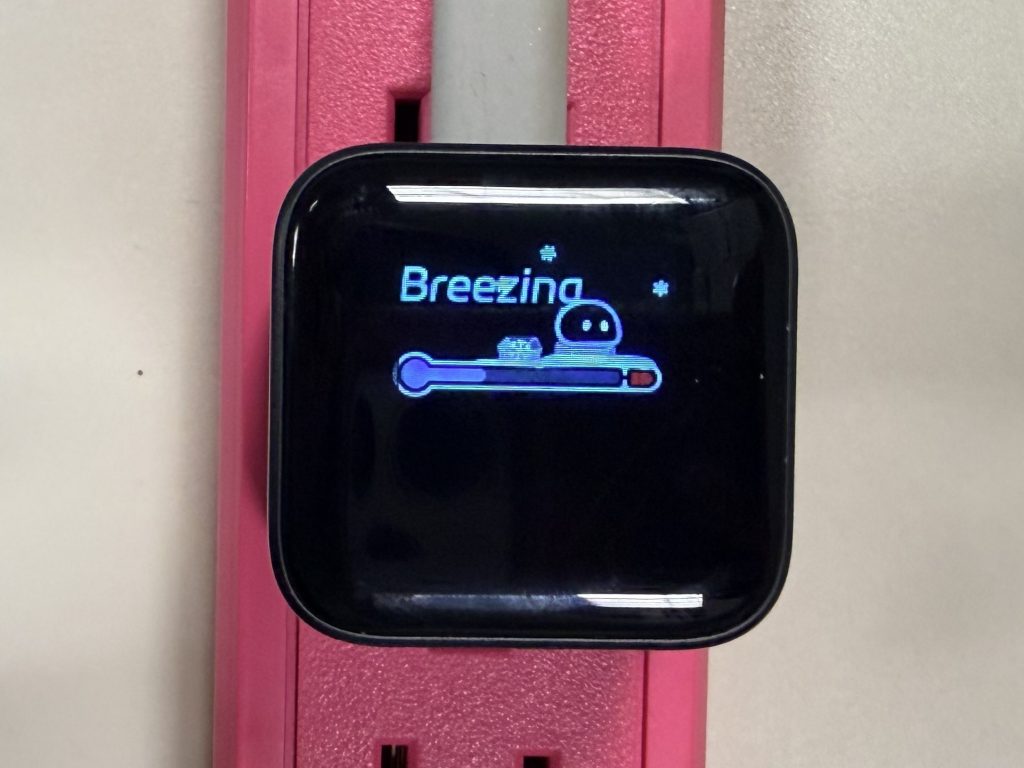
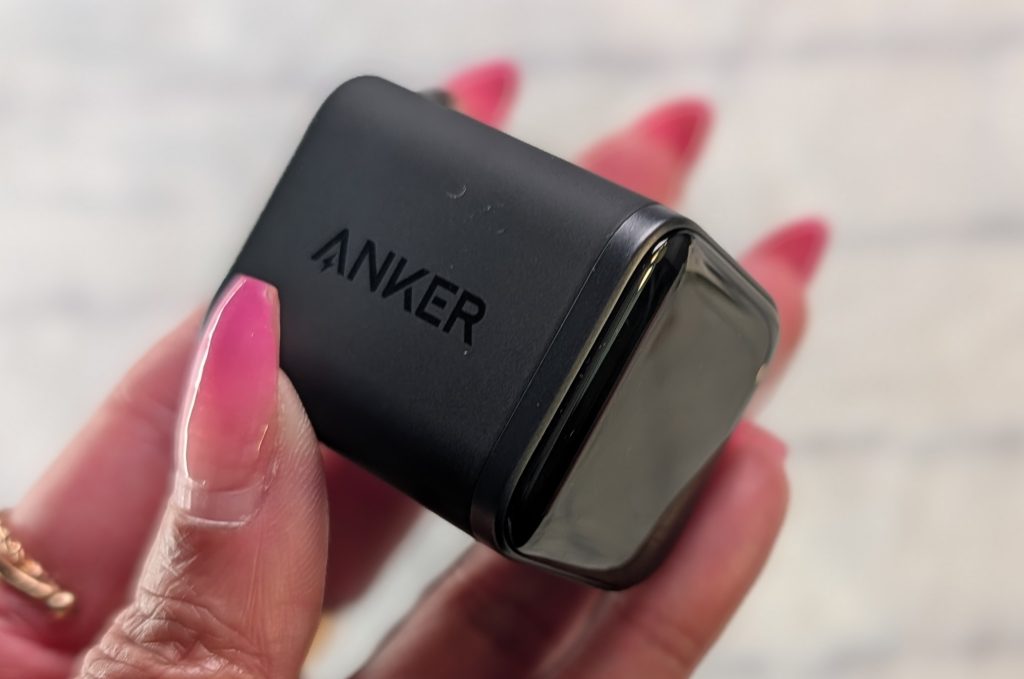
Anker has been a go-to for power bricks forever, but they finally made something that feels like a “smart charging companion” rather than just another utility. I’ve been using the Stone Black model Anker Nano 45W Smart Display Charger for a few weeks, and it’s basically what happens when a tiny Nano cube and a smart display mix.
I love a sleek aesthetic, and this little guy fits right in. It’s incredibly compact, about 47% smaller than a standard 30W adapter, so it slides into a pocket or a small tech pouch without a struggle. It comes in fun colors like Aurora White, Misty Blue, and a bright Orange, but the Stone Black has this polished front panel that makes the screen really pop.

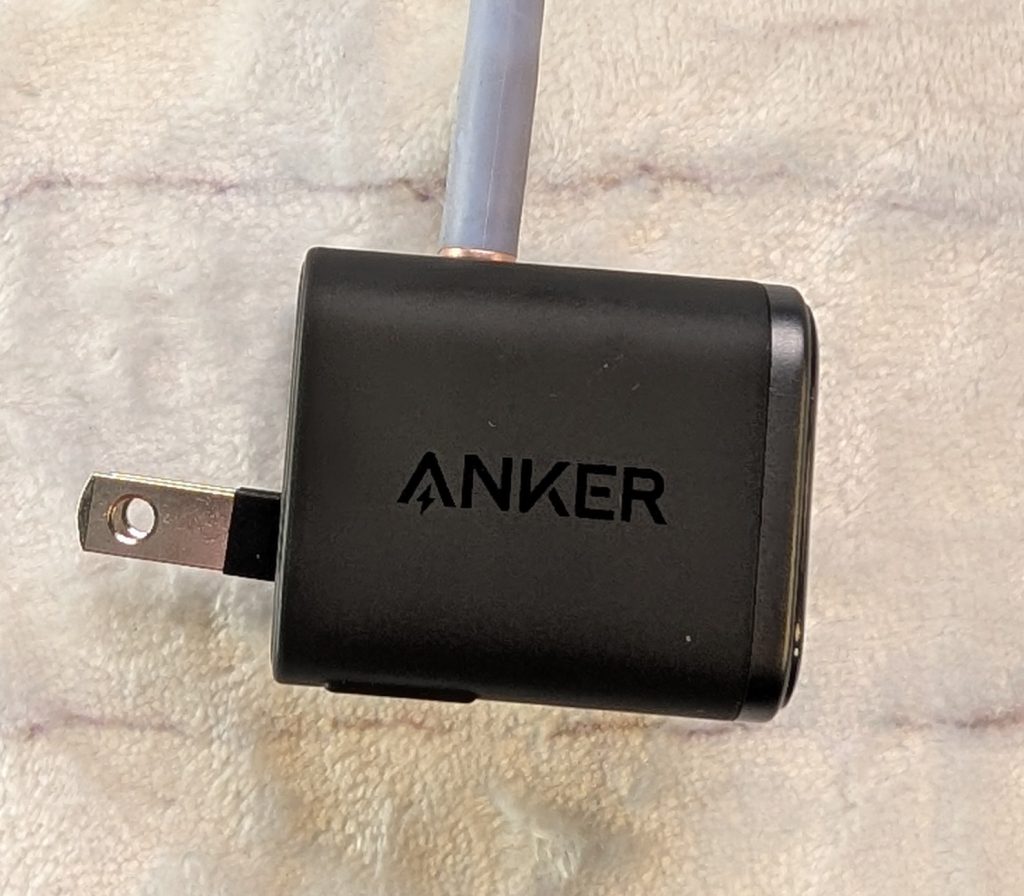
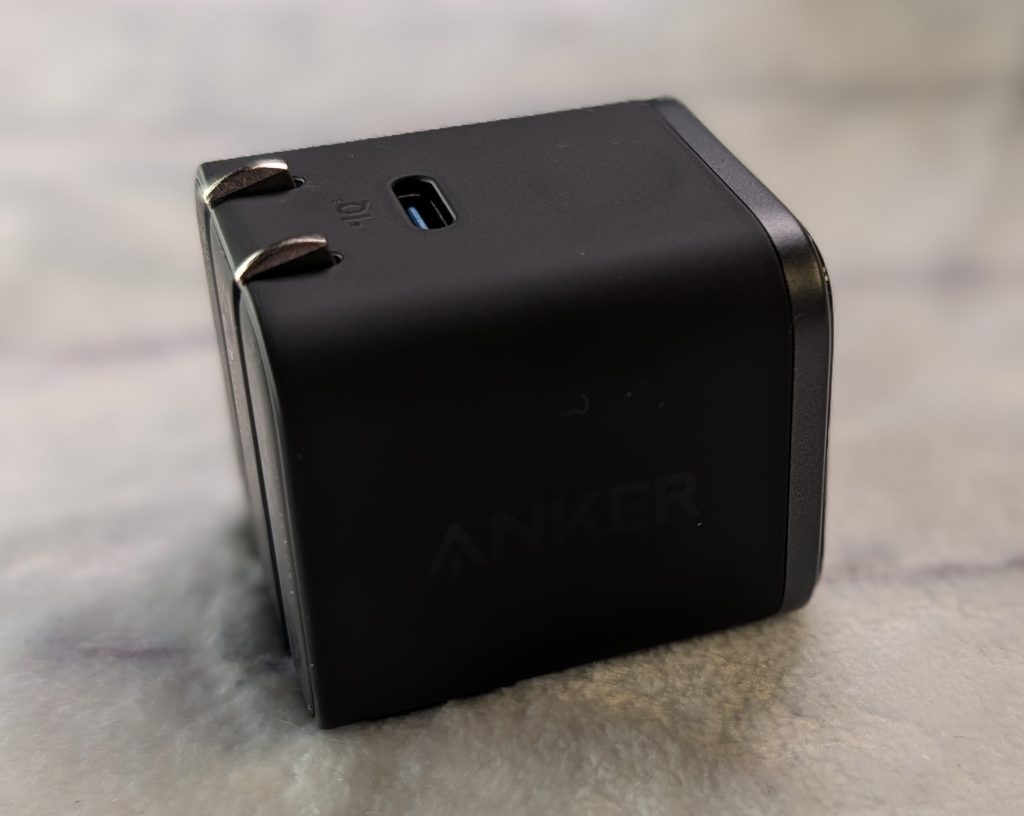
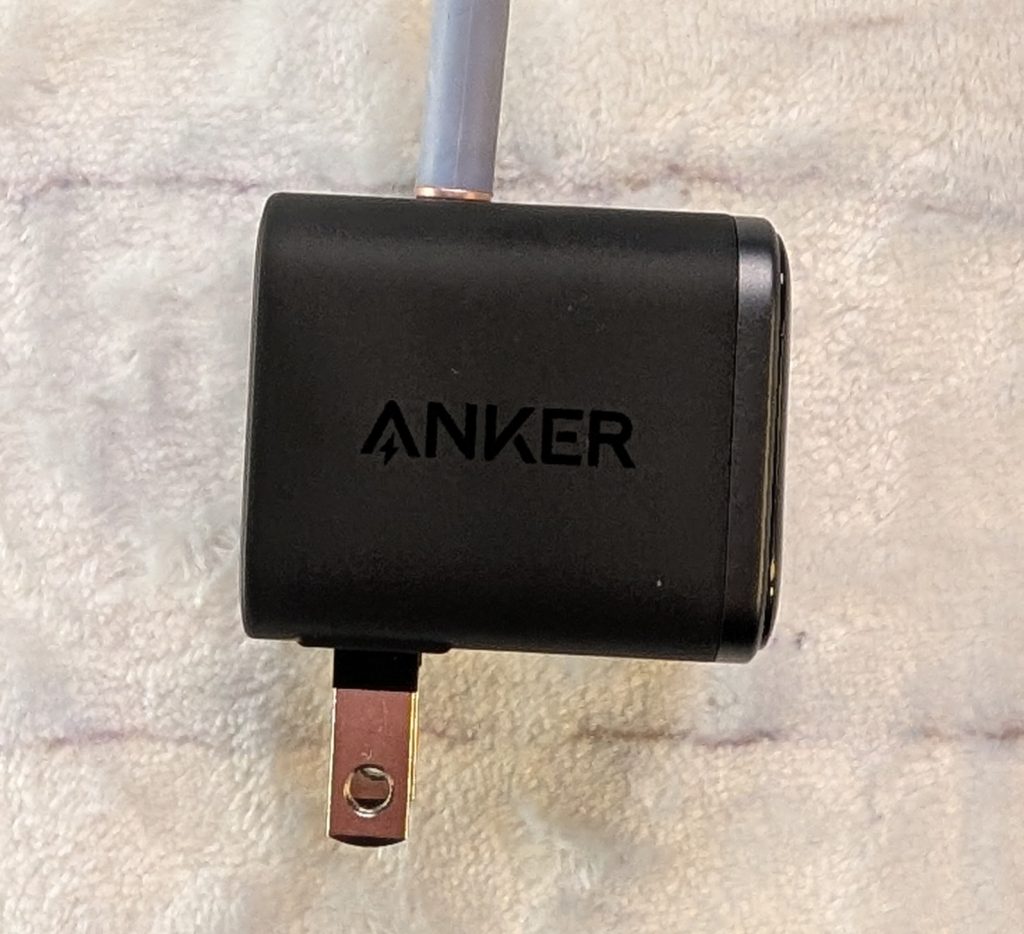
The real star of the design, though, is the patented dual-fold prong system. Most chargers just go 90 degrees, but these prongs can lock at 180 degrees, too. If you’ve ever tried to charge your phone in a crowded cafe or a hotel room where the only outlet is stuck behind a heavy nightstand, you know how much of a lifesaver this is. It allows the charger to lie flat against the wall, fitting into those tight spots where a regular “cube” would just fall out.

THAT SMART DISPLAY: GIMMICK OR GAME-CHANGER?
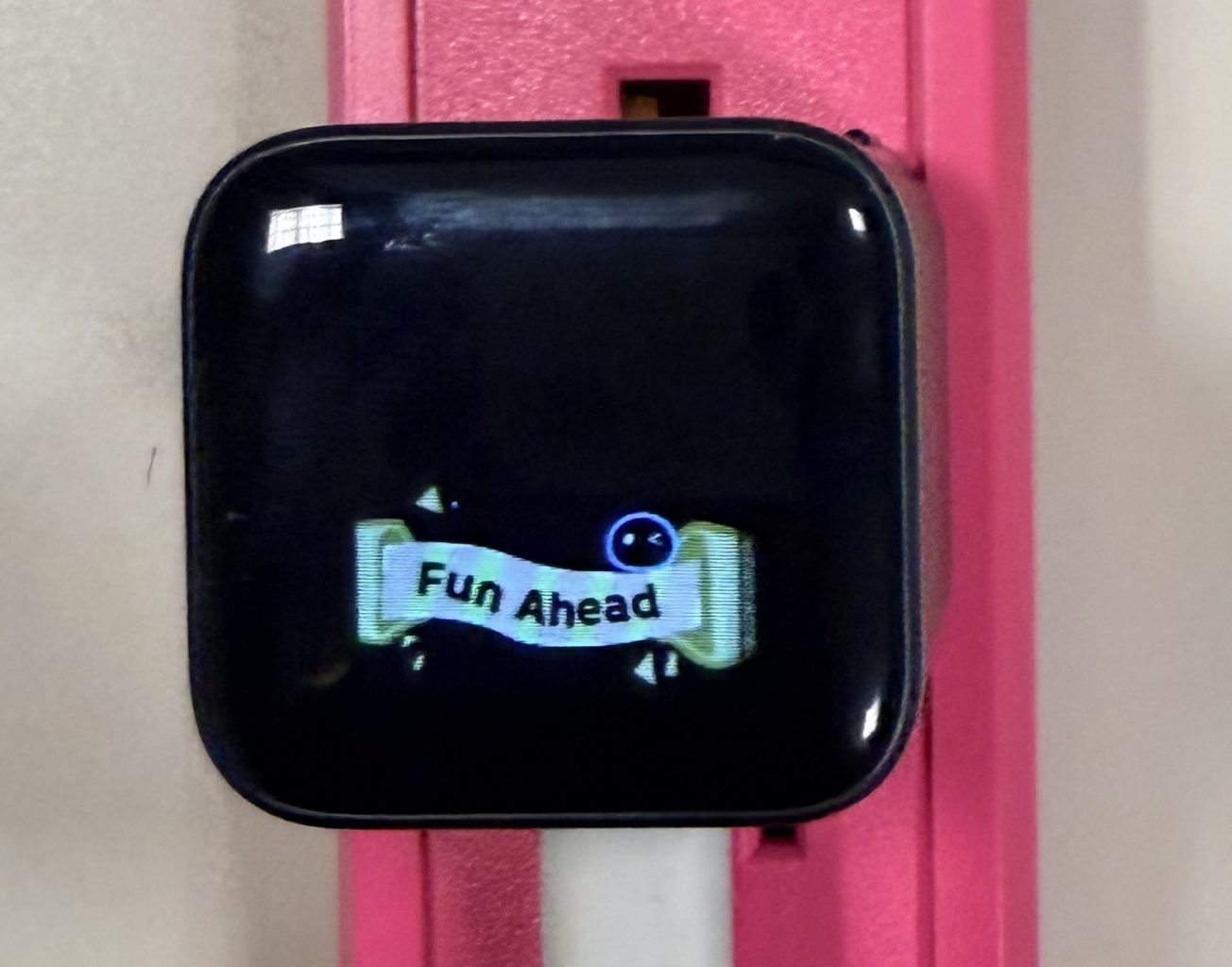
Let’s talk about the screen, because that’s why we’re all here. When you plug it in, the display springs to life with a tiny circular pet character. It’s adorable watching it play baseball while it’s idle; it’s a fun little bonus that immediately modernizes your setup.
But it’s not just for show. The “Smart iPhone Recognition” is actually pretty high-tech. When I plug in my iPhone 17 Pro, the charger actually identifies the model on the screen before showing the real-time wattage and battery percentage. It eliminates the “blind guessing” of wondering if your cable is actually working or if you’re getting a fast charge.
One thing to keep in mind for the long haul: the device database is fixed at the time of manufacturing. So, while it knows exactly what an iPhone 17 is, it might just see an “iPhone” or generic “USB-C Device” for the iPhone 19 or 20 down the road. It’ll still charge them perfectly fine; you just won’t get that specific icon.
Operating the display is simple:
- Tap once to turn on the screen and check real-time charging status.
- Double-tap to toggle between normal charging and Care Mode.
- Press and hold for two seconds to flip the screen orientation 180 degrees
PERFORMANCE: 45W OF PURE POWER
In terms of raw speed, this thing is a powerhouse for its size. It’s a 45W charger, which is the sweet spot for the newest flagship phones. In my testing, it fast-charged my iPhone 17 Pro to 50% in just under 20 minutes, as Anker promised.
It’s not just for Apple fans, either. It supports PPS (Programmable Power Supply), which is a must-have for Samsung users who want “Super Fast Charging 2.0” on the Galaxy S25 or S26 Ultra. It’s also beefy enough to handle a MacBook Air or an iPad Pro. If you try to charge a 15-inch laptop, you might get a “slow charging” message, but for everyday light workloads, it gets the job done.
ANKER NANO 45W SMART DISPLAY CHARGER: SAFETY AND “CARE MODE”
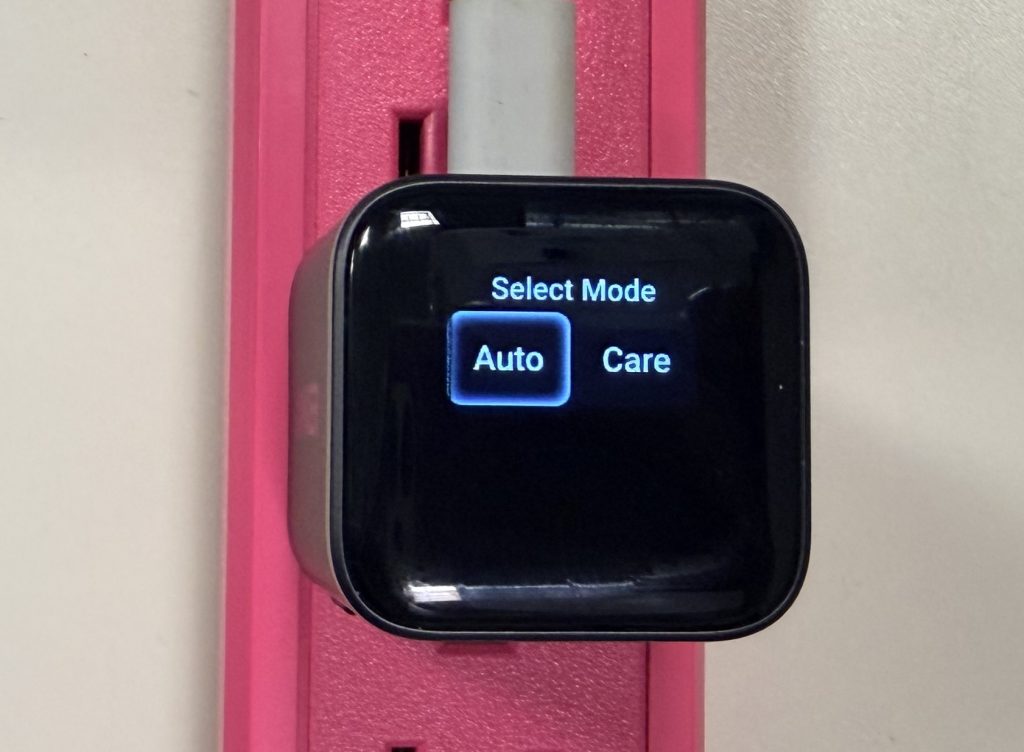
If you worry about battery longevity, especially when these phones cost $1,000+, you’ll appreciate the “Care Mode.” By double-tapping the touch-sensitive button on the side, you can toggle between “Auto” and “Care Mode.”
Care Mode is basically hardware-level battery protection. It’s perfect for overnight charging because it keeps the phone about 9°F cooler than standard chargers. It does this by slowing down the wattage a bit, but when you’re sleeping, you don’t need it to be lightning-fast anyway. It’s all about that “peace of mind.”
ANKER NANO 45W SMART DISPLAY CHARGER VERDICT
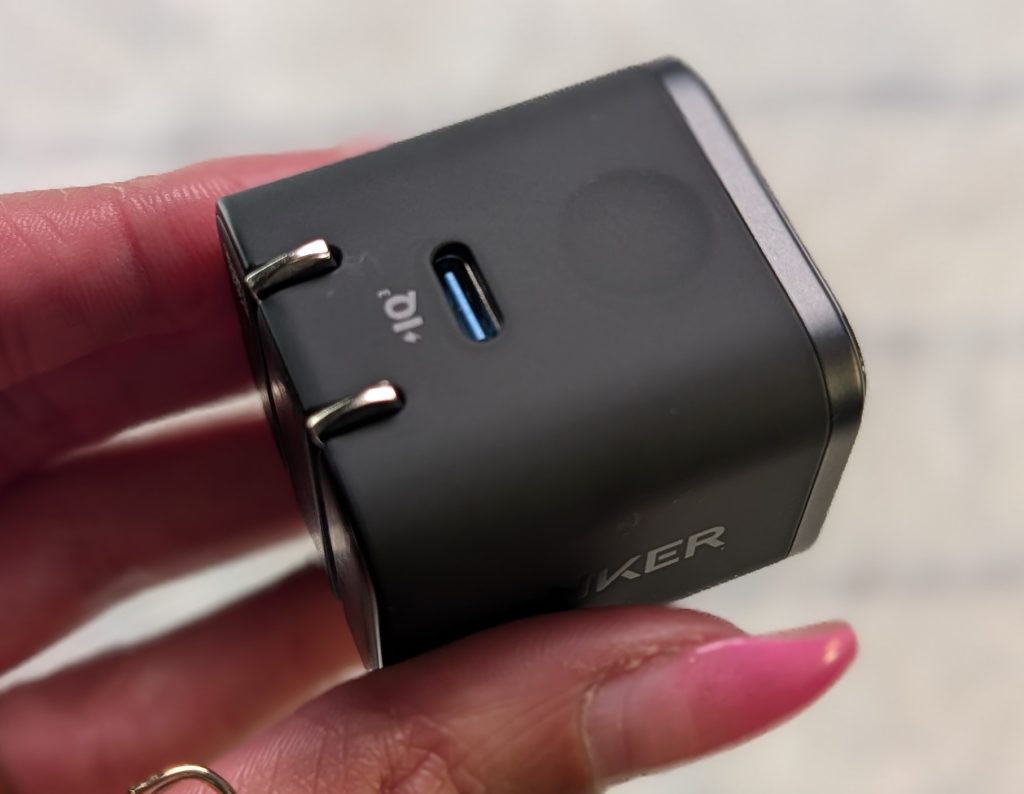
Using the Nano charger daily feels like a step up from the larger brick chargers we’re used to. Being able to see the temperature and exact wattage is a total “nerd” feature, but it’s practical. If your phone is charging slowly, you can check the screen and see if it’s the charger or just a bad cable.
The only real downside? It only has one USB-C port. In a world where we all have multiple gadgets, a dual-port version would be the dream. Also, it’s not the best for low-power gear like the Apple Watch, where it might drop to a slow 2W mode because it can’t “recognize” the device properly.
ANKER NANO 45W SMART DISPLAY CHARGER PRICING
At an MSRP of $39.99 (though you can often catch it on sale for $29.99), you are paying about a $10 premium for the screen and the fancy prongs. Is it worth it? If you value a “lifestyle” vibe and want a charger that actually looks good on your desk or nightstand, then absolutely. It immediately modernizes your tech setup.
For the person who spends a lot of time in airports or hopping between meetings, the 180-degree prongs alone make it worth the price. It’s small, smart, and way more fun than a standard white brick.
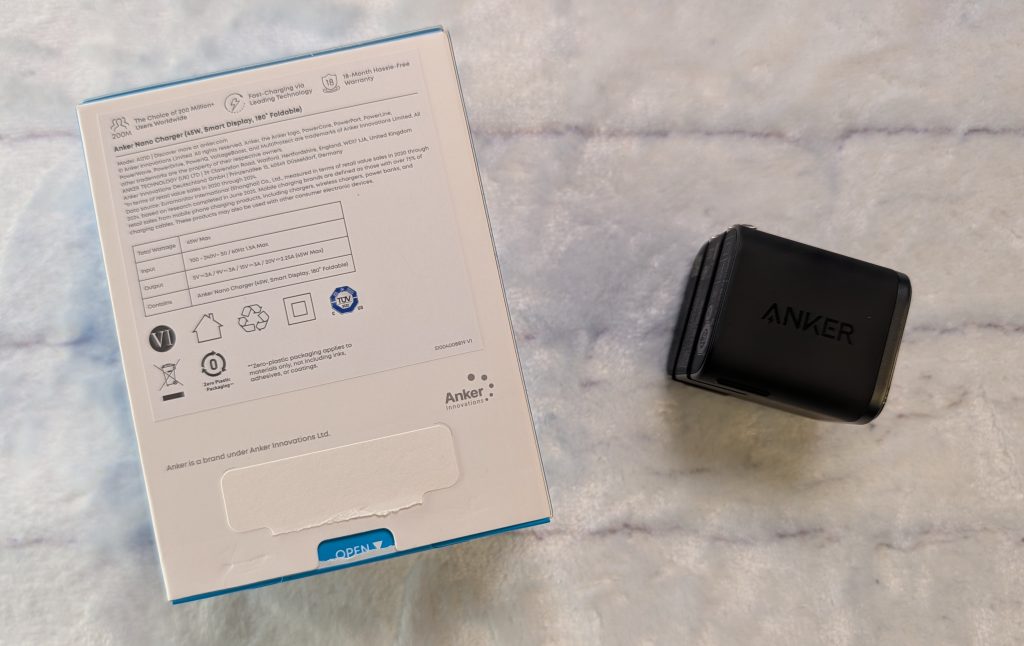
The Anker Nano 45W Smart Display charger should be added to the must-have gear on your travel tech list. It’s efficient, it’s pretty, and it actually tells you what’s going on with your gadgets.
Anker Nano USB C and Wall - Fast Charging Smart Display Charger
Pros
- 180-degree folding prong rotation
- Super compact and light
- Care Mode is great for battery health of your devices
- Smart display provides great real-time feedback
Cons
- Only one USB-C port
- Fixed database won't recognize future devices by name