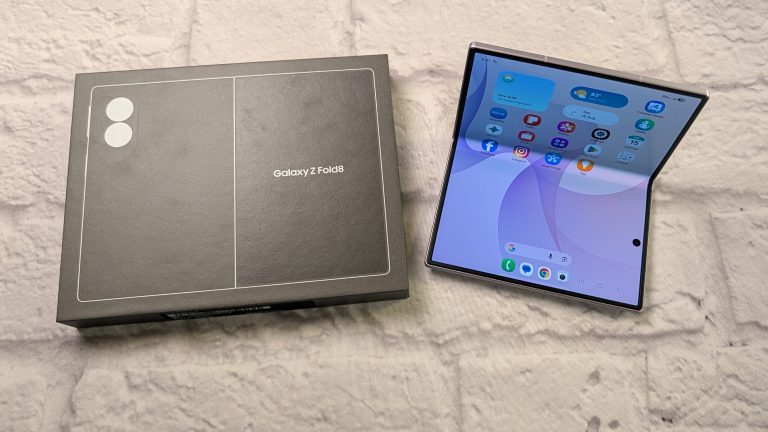
When book-style foldable devices first arrived on the scene, carrying one felt like walking around with a very heavy device. They turned pockets into brick-filled pouches and required a certain degree of patience that only tech enthusiasts were willing to offer. Last year Samsung made a thin foldable that solidified the category: the Galaxy Z Fold 7.
With the release of the Samsung Galaxy Z Fold8, Samsung brings us closer to a design that feels purposeful. Having spent several weeks using this device as a daily driver, I have gathered a comprehensive look at what works, what still needs refinement, and whether this high-priced powerhouse earns a permanent spot in your pocket.
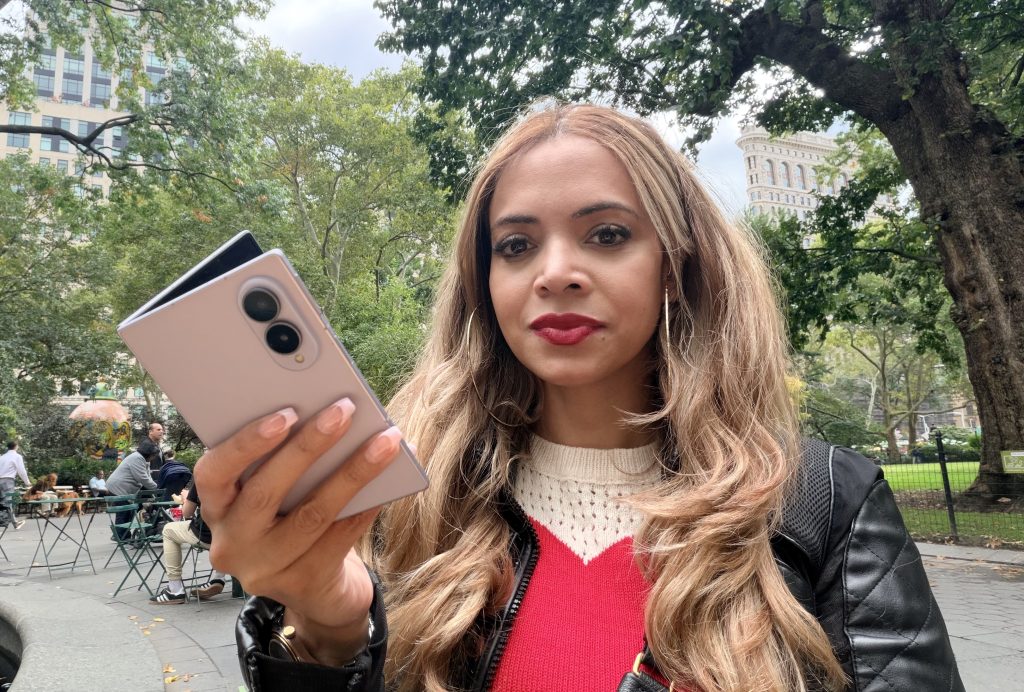
Galaxy Z Fold8 Design and Build: A Refined Form Factor: Thinner, Wider, and Subtly Balanced
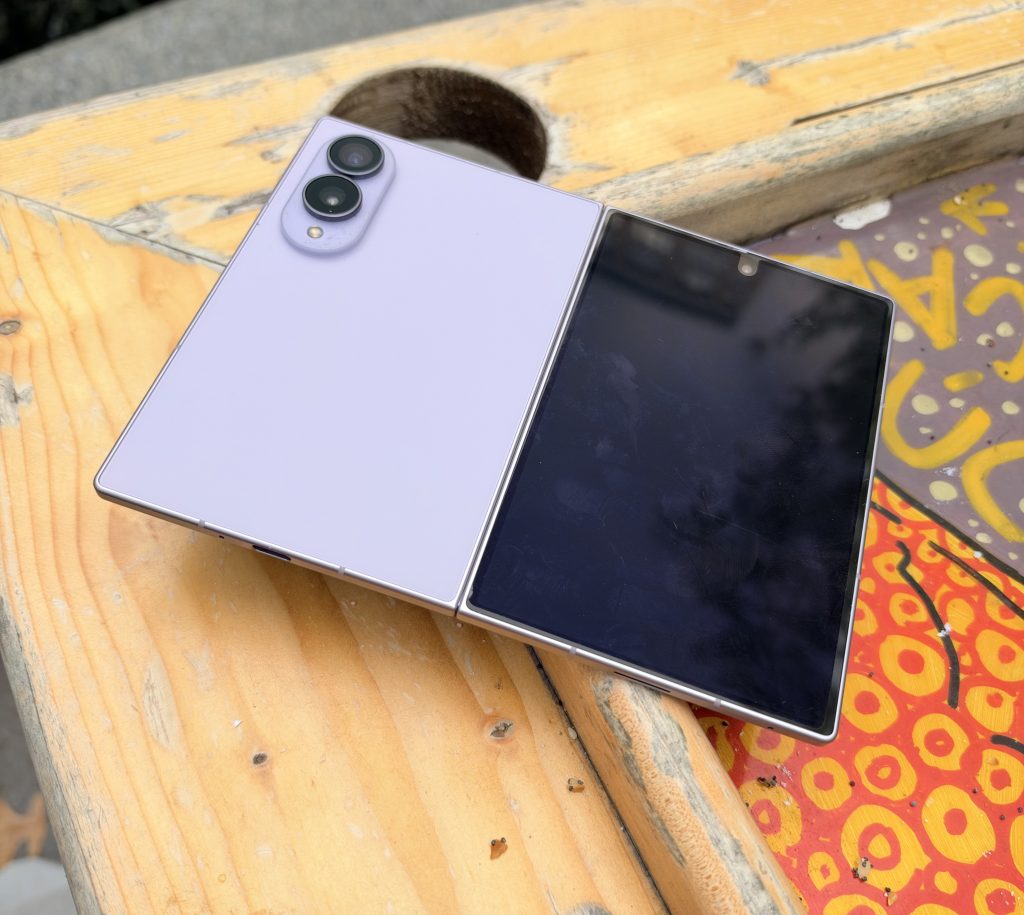
The headline story with the Galaxy Z Fold8 is its physical evolution. Past generations, including the Galaxy Z Fold 7 as well as the towering Galaxy Z Fold 8 Ultra, stuck firmly to taller vertical orientations. Those taller footprints kept the folded phone feeling elongated and narrow in hand. The Galaxy Z Fold 8 breaks away completely by becoming the very first foldable to debut these shorter and wider proportions.
When closed, the phone rests in the palm with natural balance. The device is notably thinner when folded flat than its predecessors, shaving down tenths of a millimeter until the seam practically disappears. The redesigned hinge mechanism closes with a crisp, reassuring snap, leaving zero gap between the two halves.
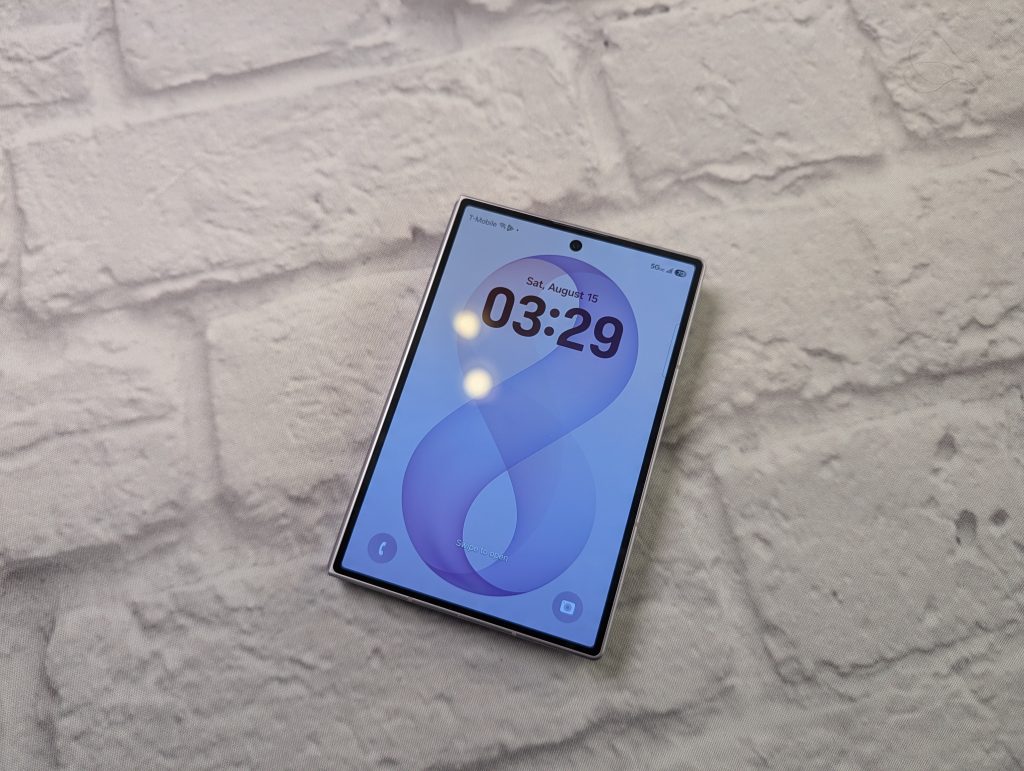
Holding a phone that opens into a spacious canvas used to mean dealing with noticeable wrist fatigue after twenty minutes of browsing. Single-handed navigation outdoors surprisingly manageable. I use a case most of the time but for those who go naked, the fingerprints aren’t horrible.
Ease of Use: How Design Elevates Everyday Multitasking
A primary reason anyone considers a book-style foldable is productivity and entertainment on the fly. The hardware refinement directly translates to smoother day-to-day usability.
Because the outer cover screen now adopts a wider aspect ratio, you no longer feel forced to unfold the phone just to shoot off an email or check a subway update. Typing on the cover screen with both thumbs feels roomy and precise. The keys are well-spaced, and autocorrect errors drop significantly compared to older iterations.
When you do open it, the inner display reveals its magic. The persistent taskbar at the bottom operates like a mini desktop dock, letting you drag and drop secondary apps into split-screen mode quickly if you need to. I adjusted the keyboard height to fit the way I type on the inner display.
During busy days, having a full web browser window open on the left half while drafting notes or checking against another doc on the right half saves real time. You can drag images directly from your photo gallery into an email draft without toggling between full-screen apps.

Design Friction
Despite the significant leaps forward, engineering a phone that folds in half comes with compromises.
First is one-handed reachability on the unfolded main screen. While the outer display is easy to manage with a single hand, opening the tablet display almost always requires two hands, as expected. If your hands are dry or you’re just clumsy, finding sufficient leverage along the smooth aluminum edges can be tricky sometimes. It works much better when you have a case on the back. Flex Mode isn’t available on the Z Fold8 like it’s on the Z Fold8 Ultra, but you can kind of set it up to stay that way or use the outer display in a sort of Flex Mode.
Weight distribution also shifts depending on how you hold the unfolded canvas. When reading an article horizontally or rotating the display for video, your fingers naturally gravitate toward the bottom third of the frame. Because the camera cluster houses substantial optical glass and sensor hardware, the upper half carries noticeable top-heaviness. Extended reading sessions in bed or on a couch still require either resting the bottom edge on your lap or gripping the chassis with both hands.
The inner display retains a raised, protective bezel perimeter to cushion the screen upon impact. While necessary for screen longevity, that slight lip can catch dust particles, lint, and grit from pockets. Swiping in from the outer edges for system navigation occasionally catches against that raised boundary.
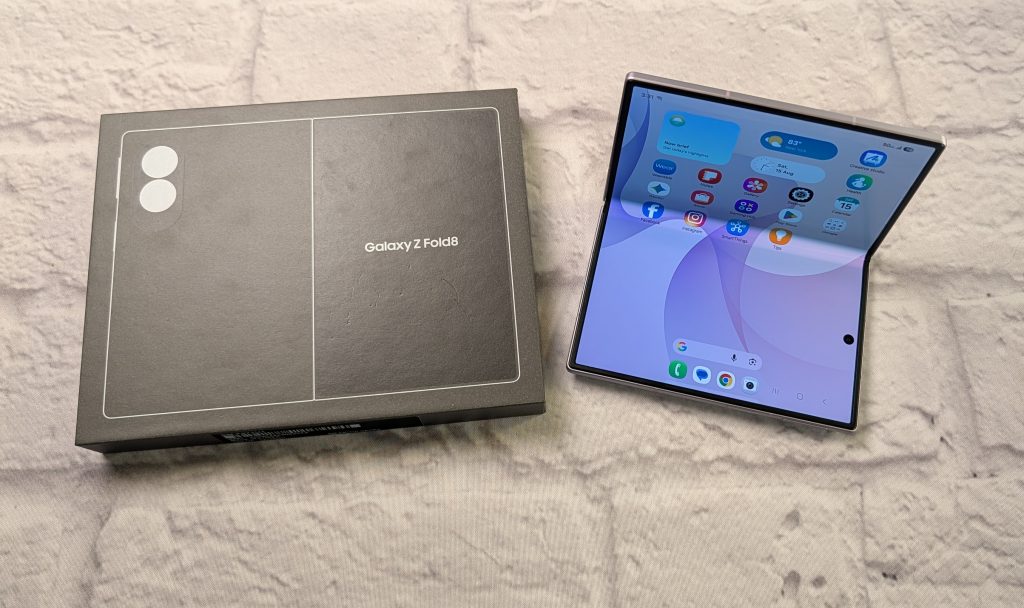
The Z Fold8 Displays: Vibrant Canvas.
The cover display is a bright Dynamic AMOLED 2X panel featuring an adaptive 1 to 120Hz refresh rate, which is smoooooth. Peak brightness has reached impressive outdoor thresholds, cutting through direct sunlight effortlessly. Text remains crisp, colors show trademark Samsung punch, and contrast levels deliver deep black tones.
Unfolding the phone reveals an expansive 8.0-inch internal Dynamic AMOLED canvas. High dynamic range content looks stunning here. Whether watching 4K shows, editing photos, or previewing video footage, the color reproduction is vivid and sharp. Samsung knows how to make a stunning display!
What Crease?
Many worry about the crease, especially those who have never had a folding phone. The crease is still technically present if you turn off the screen and tilt the phone under harsh overhead fluorescent lights, or if you run your index finger directly across the middle seam. But during normal front-facing viewing, the indentation practically vanishes. Samsung has smoothed out the underlying hinge support plates enough that the crease no longer distorts web text, video playback, or photo composition. You forget about the crease quickly. Not even a thought about it.
GALAXY AI
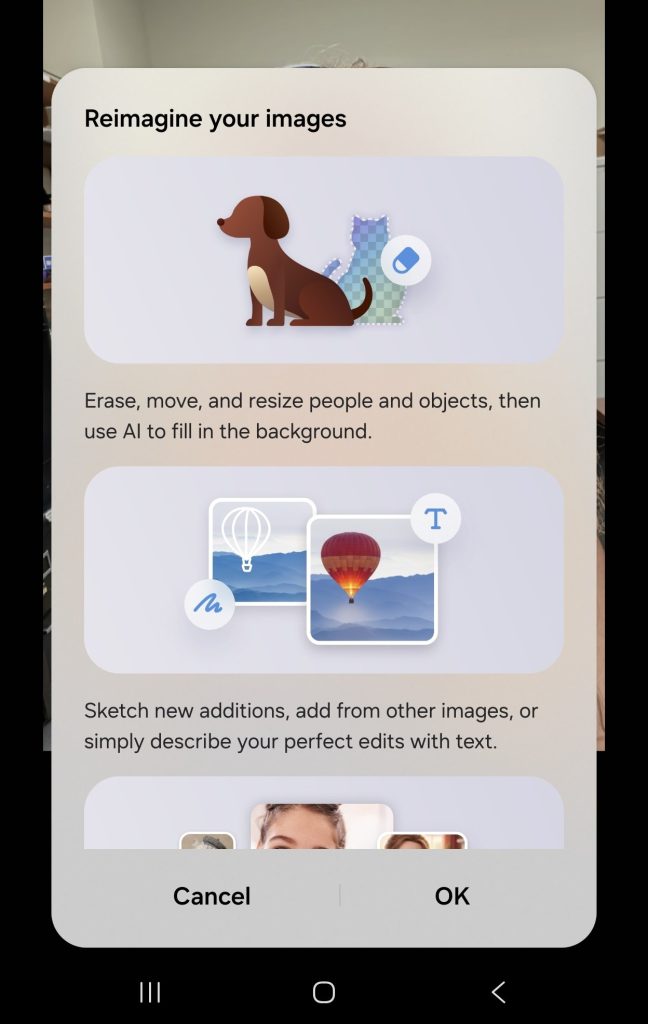



Camera Use and Quality: Creative Flexibility Across Form Factors
Cameras on foldables have always walked a tricky line between space constraints and high user expectations. Housing large sensors inside a chassis that must fold into a pocketable silhouette leaves little internal clearance. On the Galaxy Z Fold8, Samsung delivers a versatile, polished camera setup. It’s not the best available on a Samsung smartphone; that would be on the Galaxy S26 Ultra, but the camera setup on the Z Fold8 is decent.
The Rear Camera Setup
The rear module features a dual-lens system consisting of:
- A 50-megapixel primary wide sensor with optical image stabilization
- A 50-megapixel ultra-wide lens
SAMSUNG GALAXY Z FOLD8 PHOTOS REAR CAMERA:
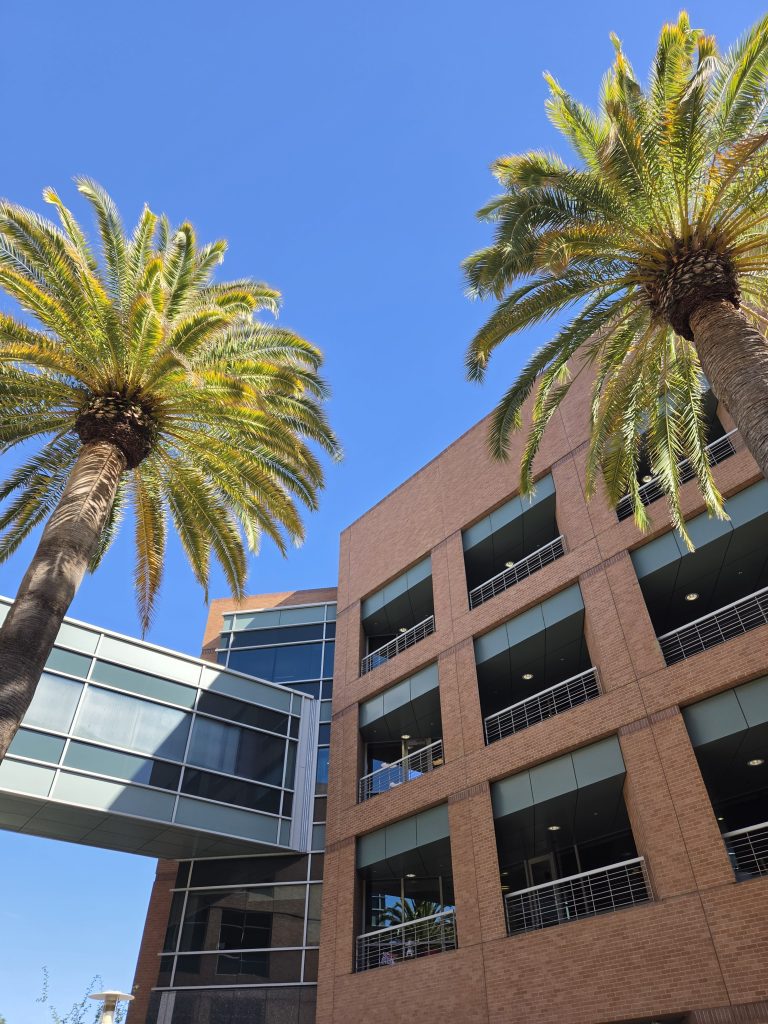
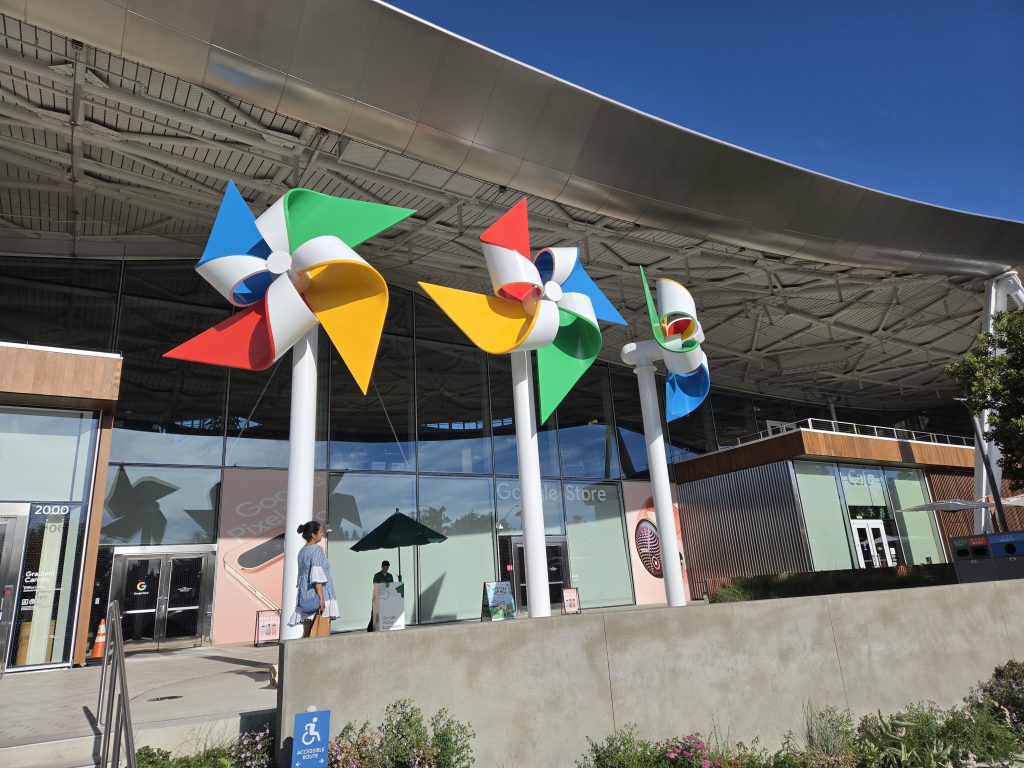
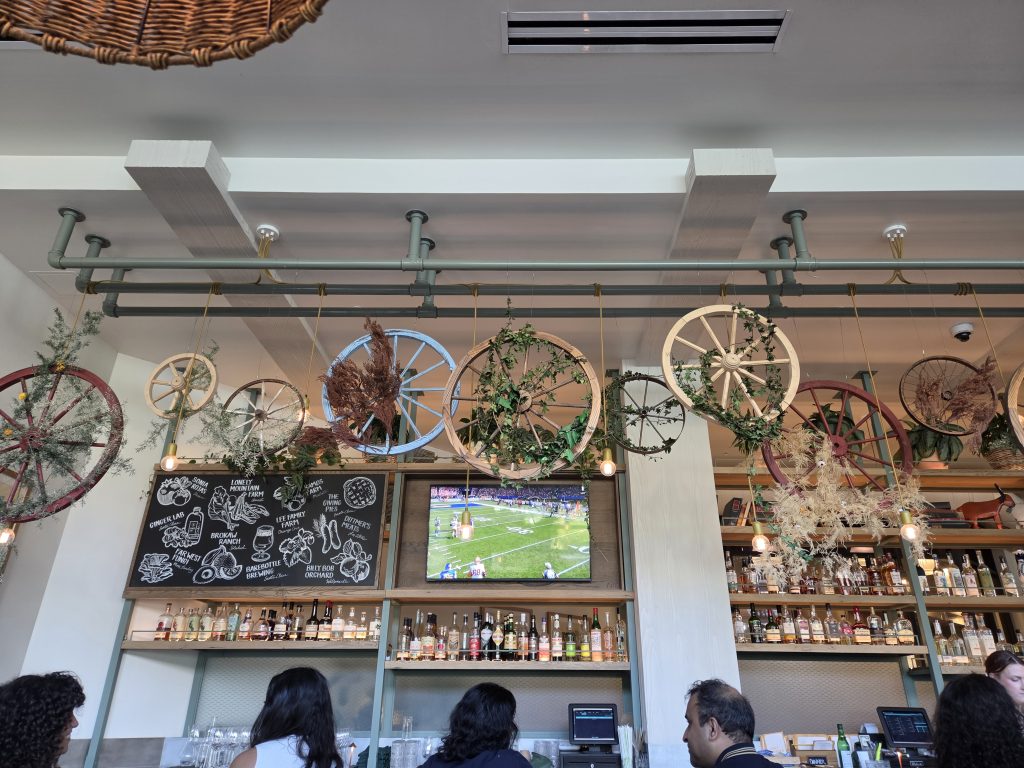

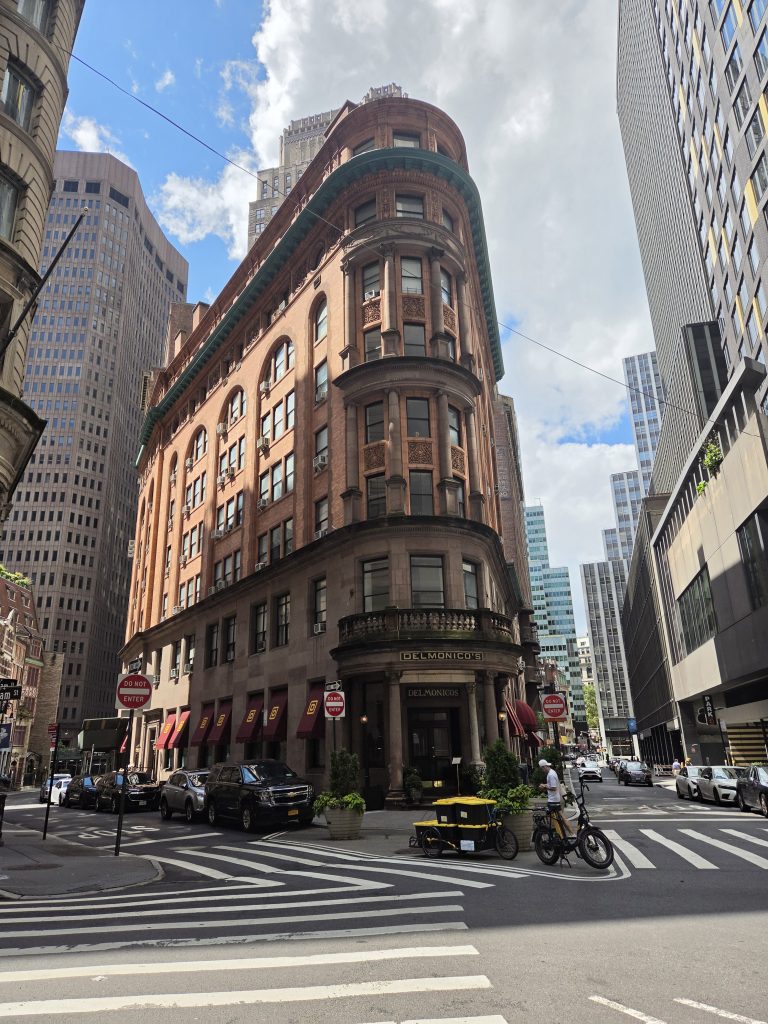
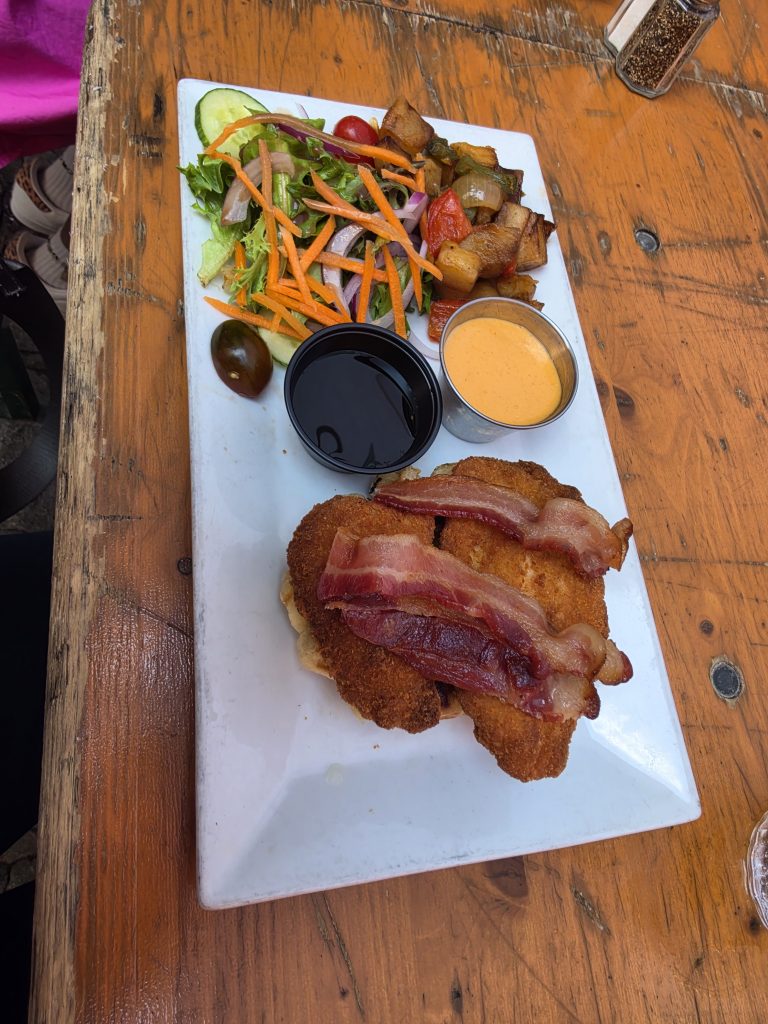

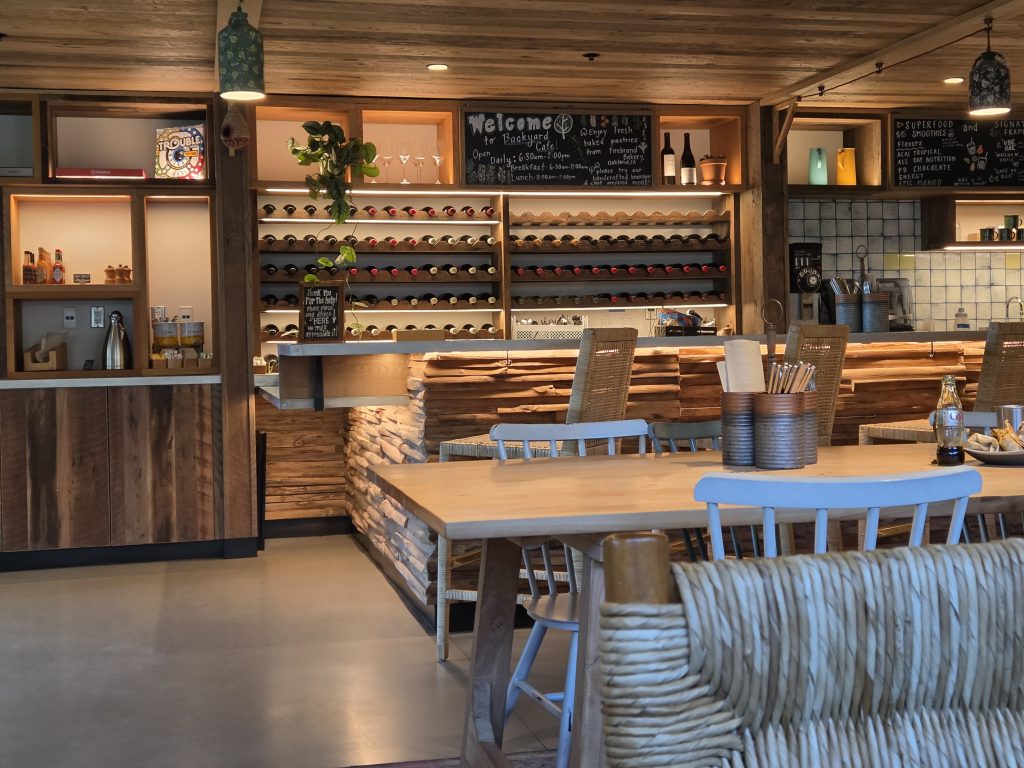
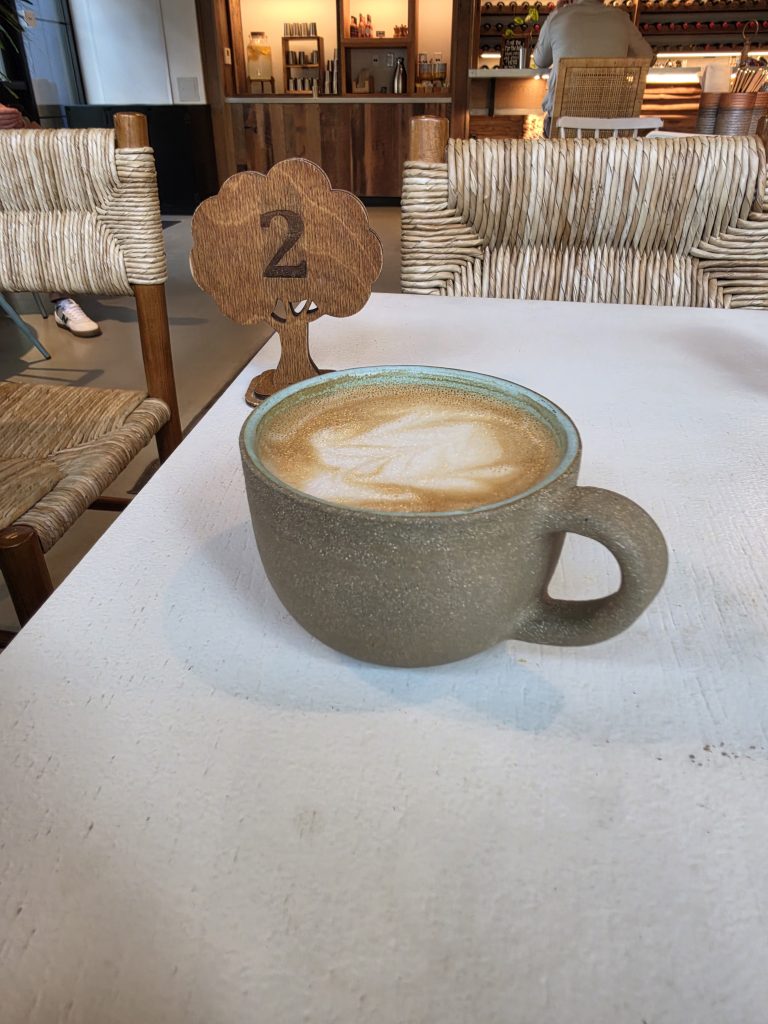




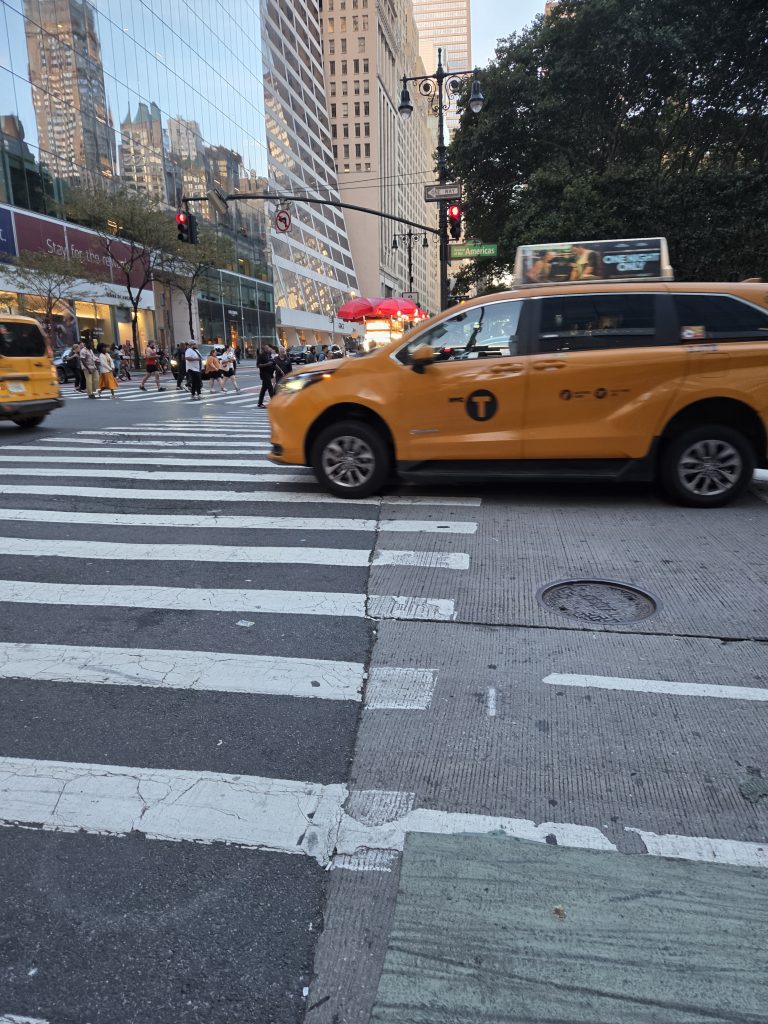
Daylight performance from the primary 50MP sensor is classic Samsung at its best. Shots showcase rich detail, excellent dynamic range, and vibrant saturation that makes street scenes, architecture, and food pop right off the screen. Shutter lag is virtually gone, allowing you to capture moving subjects, pets, or street crowds without motion blur ruining the frame.
Edge detection around hair and clothing looks clean, avoiding the artificial cutout look of earlier computational algorithms. Even pushing into digital zoom territory around 10x yields surprisingly usable social media images, well, sometimes. Low-light photography preserves shadow detail while taming bright neon signs and street lamps, keeping noise levels well under control.
SAMSUNG GALAXY Z FOLD8 COVER CAMERA SELFIES:



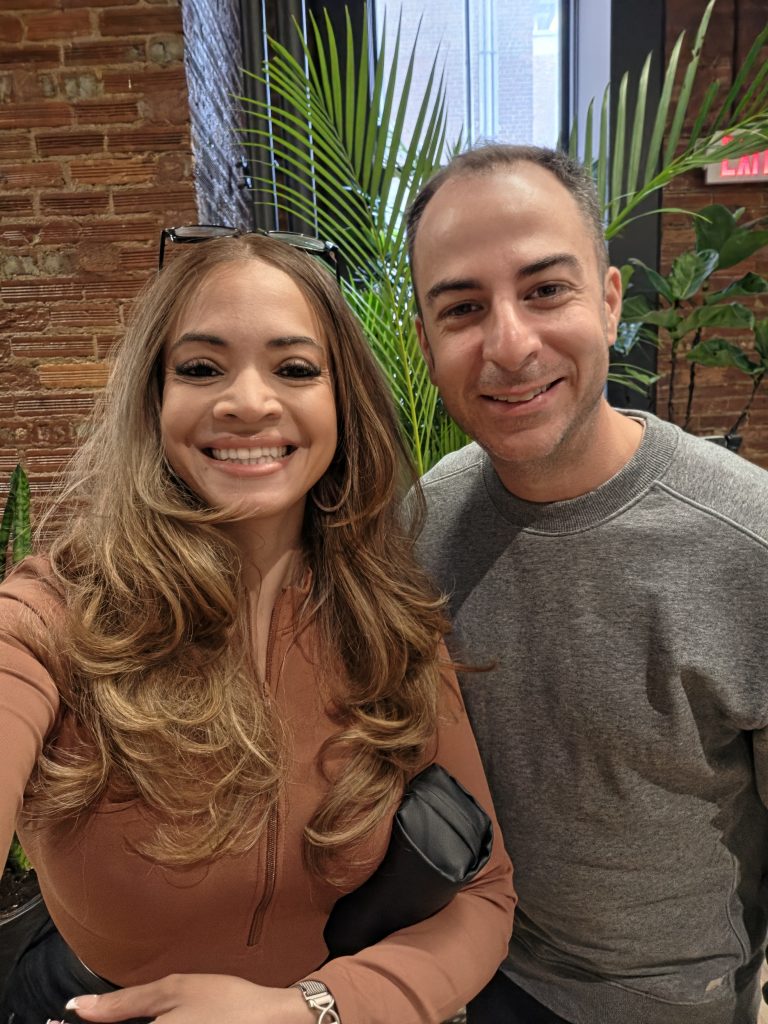




How Foldable Design Transforms Camera Usability
The real advantage of shooting with the Fold 8 comes down to physical ergonomics and software integration:
- Rear-Camera Selfies via Dual Preview: You can enable the outer cover display as a live viewfinder while using the high-end rear sensors to take selfies or record vlogs. Having your subjects see their own framing in real time eliminates the guesswork when handing the phone over to someone else to take a group photo.
- Built-in Tripod Utility: You can bend the phone into an L-shape and set it flat on any table, railing, or counter. You can capture long-exposure night shots, hyperlapse transit videos, or hands-free group photos using palm gestures without ever packing a miniature tripod or phone clamp. I use the “high five/wave” gesture all the time.
- Capture View on the Unfolded Canvas: Unfolding the phone while in the camera app splits the screen down the middle. The right half serves as a large live preview monitor, while the left half instantly displays your recently captured shots. You can evaluate focus, composition, and lighting immediately without leaving the shooting interface.
SAMSUNG GALAXY Z FOLD8 LOW LIGHT PHOTOS REAR CAMERA:

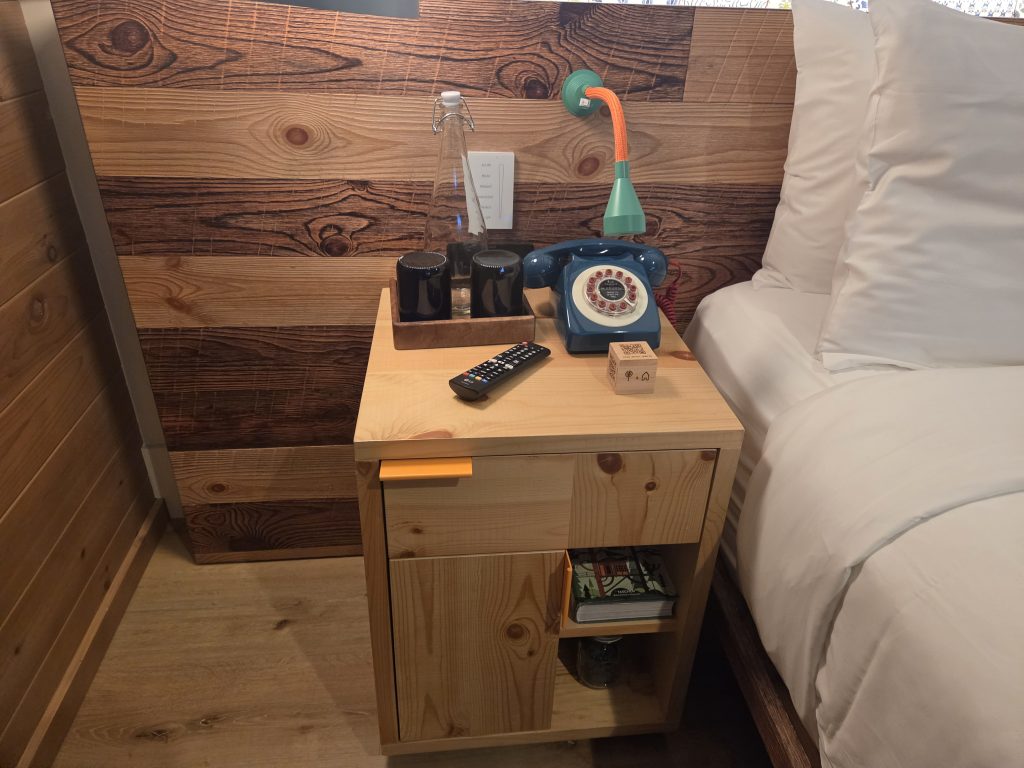


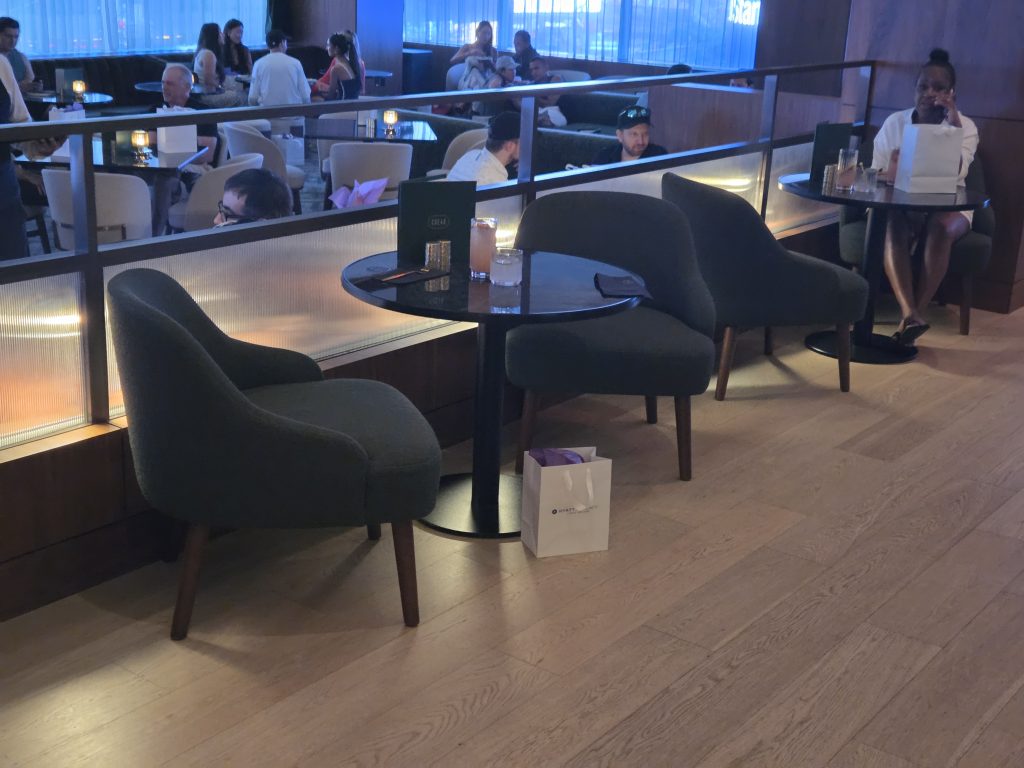
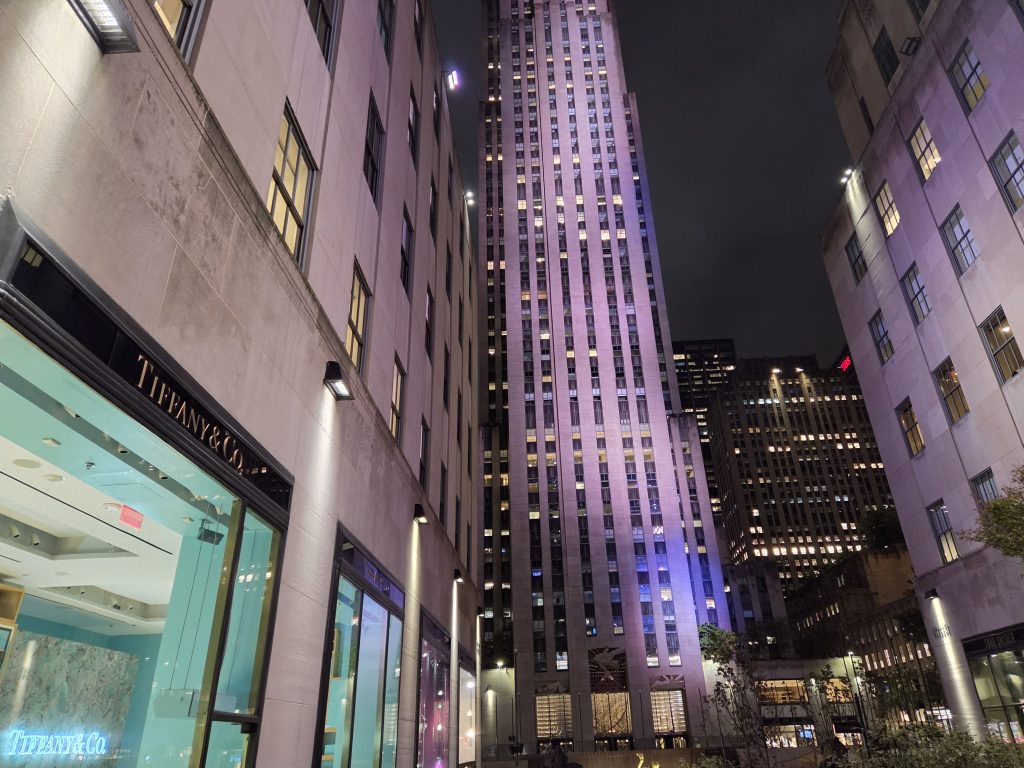
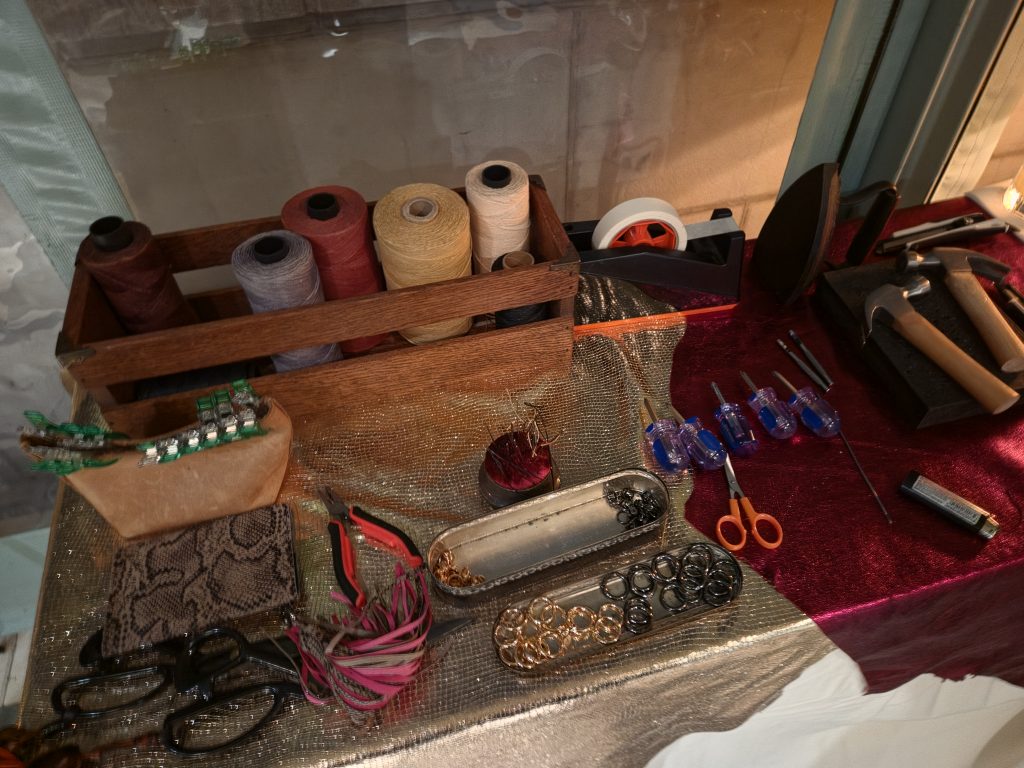



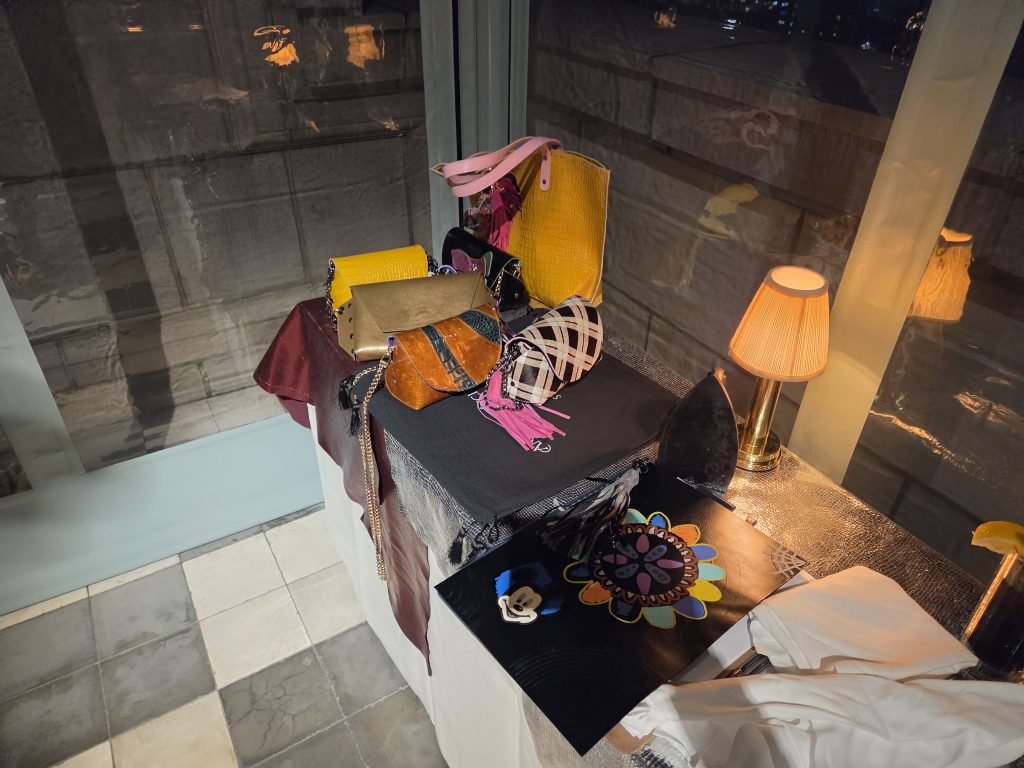

Even the interior under-display camera isn’t horrible. At 10 megapixels, it handles quick video calls and meeting check-ins fine, but it lacks the sharpness, detail, and dynamic range of the outer cameras. For any serious photo or video work, sticking to the rear lenses or the outer cover screen punch-hole camera gives vastly superior results. No surprises there.
Battery Life and Endurance
Packing large screens and high-refresh panels into an ultra-thin folding body is an enormous challenge for battery engineering. Samsung equipped the Galaxy Z Fold 8 with a 4,800 mAh battery. In real-world testing, battery performance lands firmly in the reliable full-day category. A typical testing day involved:
- streaming audio during transit and walks
- A couple of hours of split-screen productivity using web browsing, docs, and communication apps
- Camera use: taking pics and selfies, and sharing with friends
- Casual social media browsing throughout the day
- Video streaming
Under this mixed workload, the phone regularly ended the day with roughly 5 to 10 percent battery remaining around bedtime. If you spend the vast majority of your day on the large inner display running high-brightness media or graphic-heavy mobile games, that endurance drops faster, necessitating a quick top-off by early evening.
Charging speeds remain capped at moderate wattage rates. While a thirty-minute plug-in provides roughly 50 percent juice, faster charging speeds would be a welcome upgrade for a flagship priced at this level. Wireless charging and reverse wireless power share work reliably for topping off earbuds or smartwatches on the go.
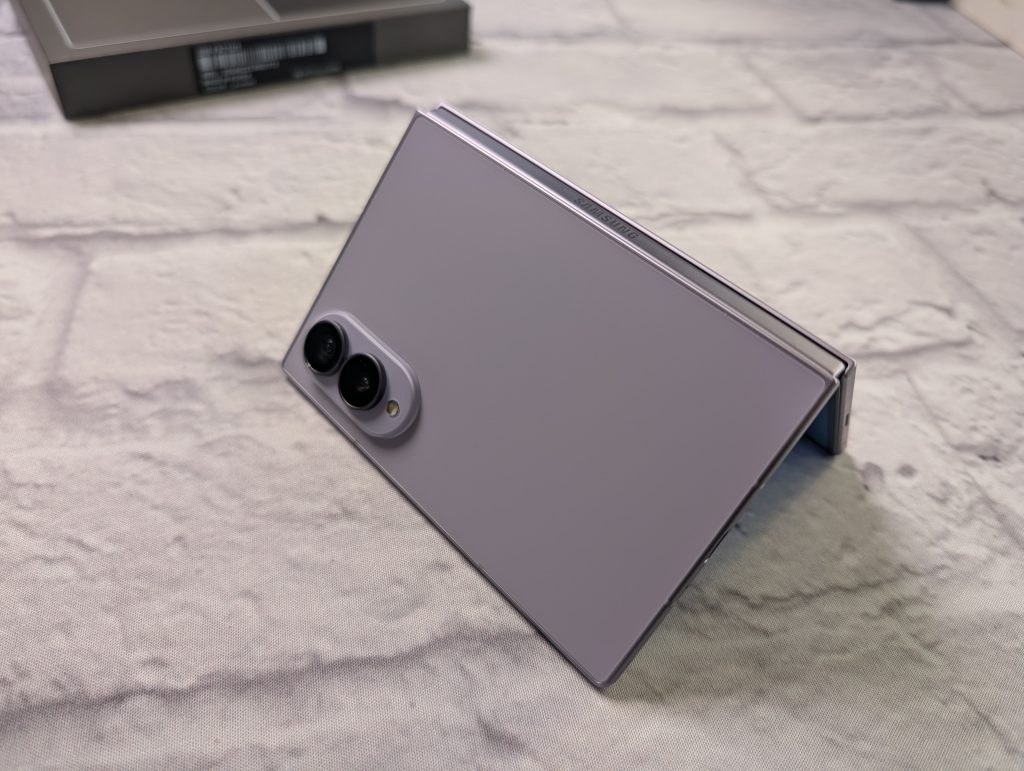
The Z Fold8 is the Ultimate Conversation Starter
Even years into the foldable era, pulling out the Galaxy Z Fold 8 remains an instant conversation starter in public spaces.
When you sit at a coffee shop or at an airport lounge and fold the phone open into an eight-inch workspace, people notice. Passersby still look over with curious eyes, often asking if that is the new folding phone, how deep the crease feels, or if the screen feels fragile. The satisfying mechanical sound of folding the screen shut draws curious glances in meeting rooms.
Is the Price Worth It?
At $1,899, the Galaxy Z Fold8 commands a premium price tag that places it well above standard flagship devices. Evaluating whether that price is justified comes down entirely to how you use your phone throughout the day.
If your daily mobile routine revolves around answering quick text messages, browsing Instagram, checking email, and taking family snapshots, spending this amount of money on a foldable makes little practical sense. A traditional flagship delivers exceptional cameras, lighter handling, and equal processing speed at a much lower cost.
However, if you operate as a mobile professional, content creator, frequent traveler, or heavy multitasker who wants a tablet-sized workspace available on demand without carrying a second device, the Galaxy Fold 8 justifies its investment. It replaces the need to pack a small secondary tablet in your bag. The efficiency gains from running two or three applications simultaneously without window switching offer genuine utility. Samsung has refined the durability, hinge longevity, and screen protection enough that long-term reliability worries have taken a back seat. For power users, the price tag reflects a versatile two-in-one productivity tool.
The Verdict
The Samsung Galaxy Z Fold 8 represents the expertise Samsung has in the folding phone category. By solving the awkward ergonomics of earlier generations with a wider outer screen, a thinner profile, and an almost imperceptible crease, Samsung has turned a niche gadget into a genuinely refined daily companion. It’s so fun to use!
It still carries a steep price tag, and the physics of an unfolded tablet means two-handed operation remains mandatory. But for anyone looking to carry a miniature workstation in their pocket, the Galaxy Fold8 stands tall as the most capable, versatile, and polished book-style foldable you can buy today.
Samsung Galaxy Z Fold8
$1899.99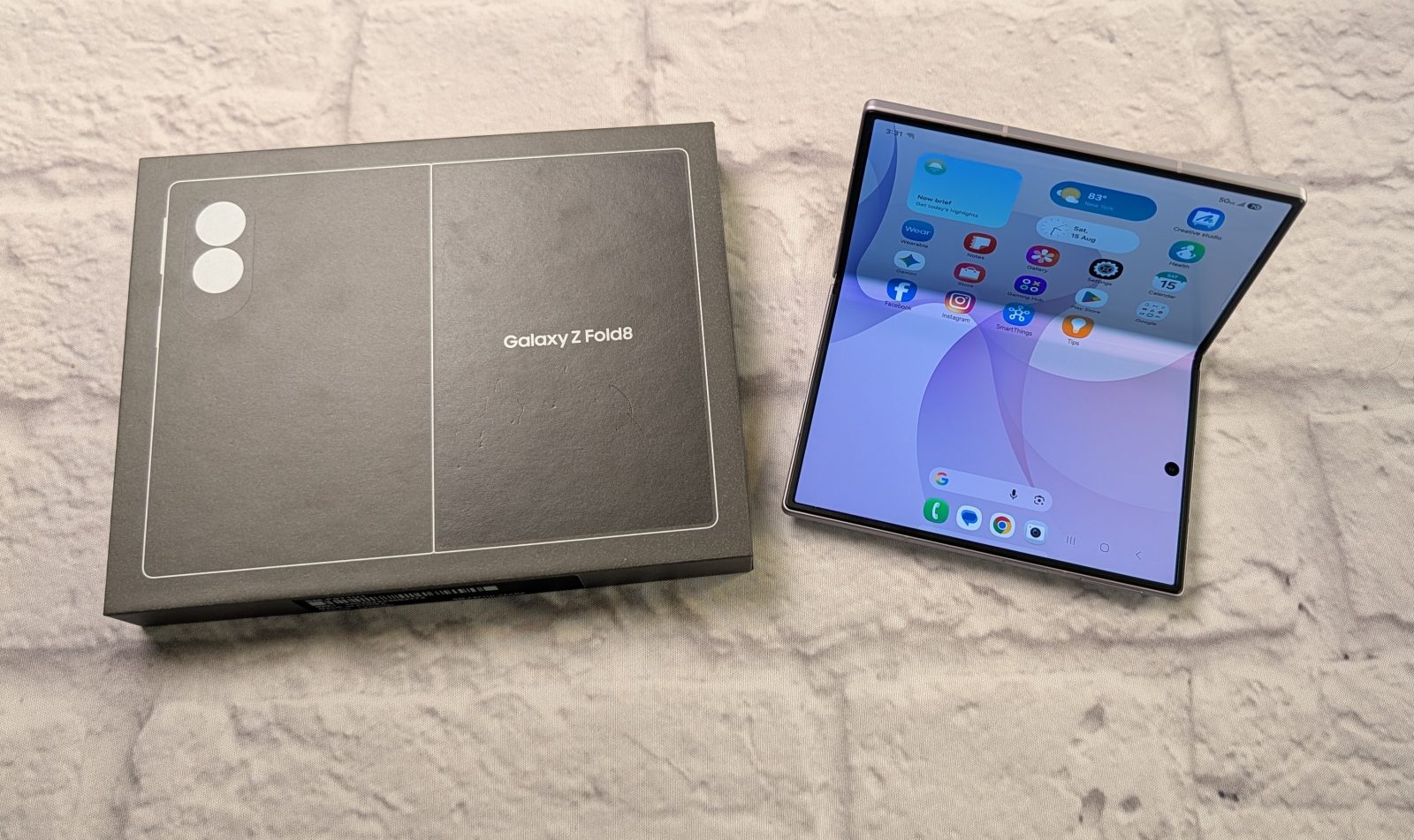
Pros
- Amazing display
- Lightweight and small
- Durable build
- Great for watching movies and videos (unfolded)
Cons
- No telephoto lens
- Hefty price tag
- Not all apps scale correctly