Sponsored Review Disclosure: This review is sponsored by Linkind, who paid for our time to test and evaluate this product and provided the custom tracking links used in this article. To protect our editorial independence, Linkind wasn’t given an advance look at this text, had no input into our content, and is seeing our final evaluation at the same time as you.
When people look into smart lighting, they usually buy regular bulbs, LED strips, or tall corner lamps. Regular bulbs only light up in one color at a time. Light strips look nice behind a TV or desk, but you have to stick them down and hide ugly wires. The Linkind Smart Light Stick tries something completely different.
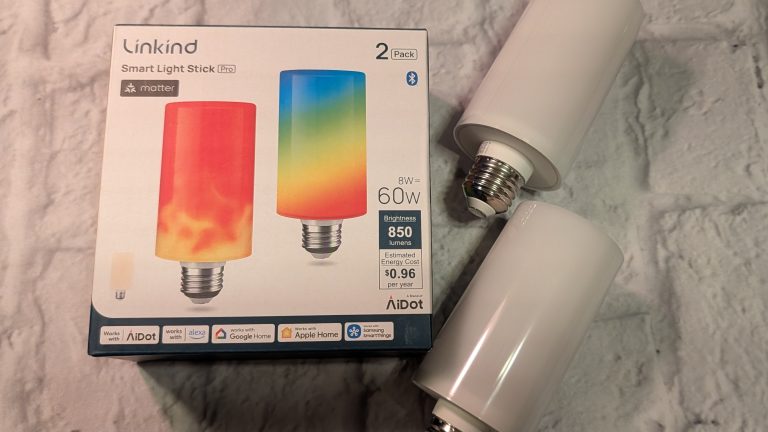
Instead of hiding behind furniture, this light is made to be seen. It looks like a tall tube, screws into any standard lamp socket, and features 50 separate color sections inside. That means it can show moving flame animations without needing special wiring or extra gear. Due to my light sensitivity, I still use the bulb somewhat covered.
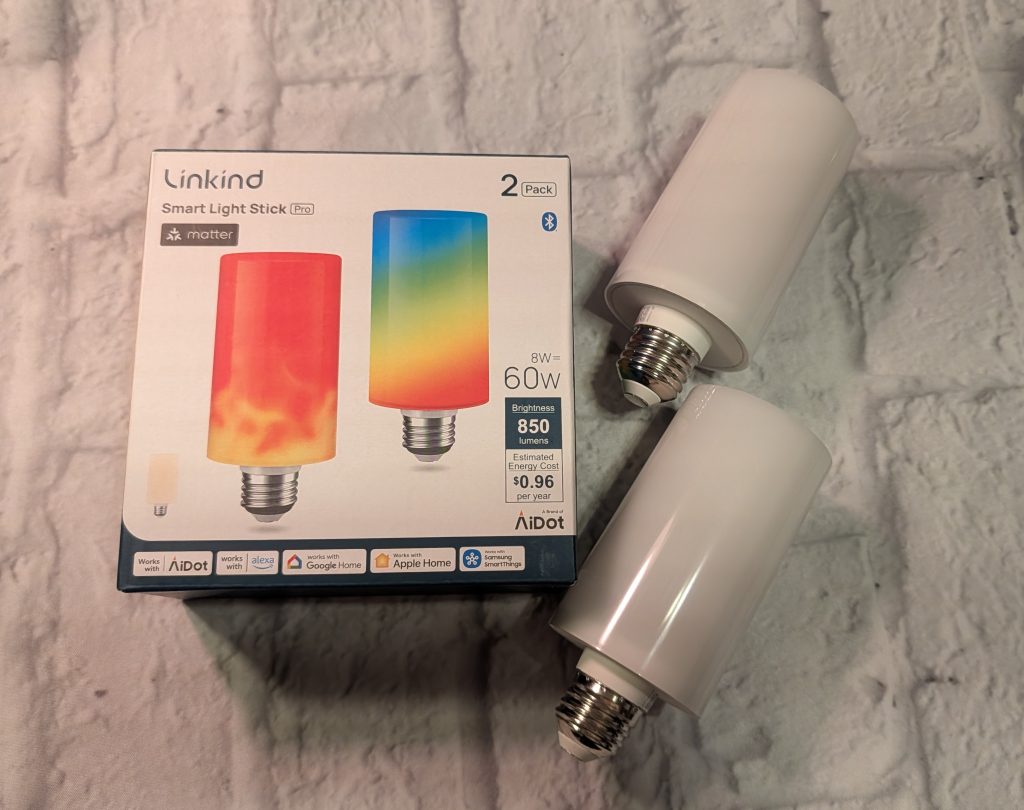
Here is our full breakdown of how the Linkind Smart Light Stick works, how to set it up, what it costs, and who should consider buying one.
Linkind Smart Light Stick Design and Build Quality
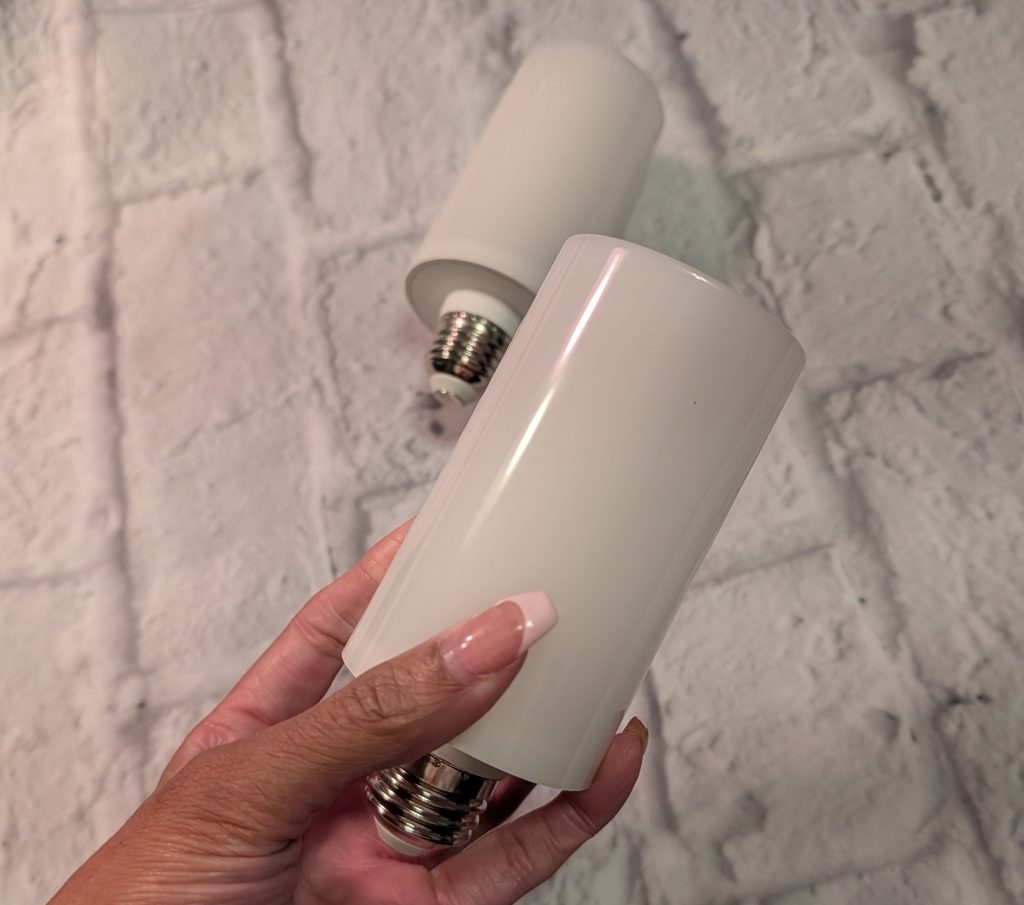
The Smart Light Stick uses a tall, straight shape known as a T19 bulb. It measures about 2.2 inches wide and 5.2 inches tall.
The top half is made of smooth, frosted white plastic that covers 160 tiny LED lights inside. This cover spreads the light evenly so you do not see harsh bright spots. The bottom half has a metal base that keeps the bulb cool while running, and it ends in a standard E26 screw base that should fit most lamps.
When powered off, it’s the same color white as regular bulbs. But you can create color combinations or do the flames effect the app has available. It also has a built-in sensor that knows if the bulb is pointing up or down. If you screw it into a hanging ceiling light, the flame effect automatically flips so the fire still moves toward the sky.
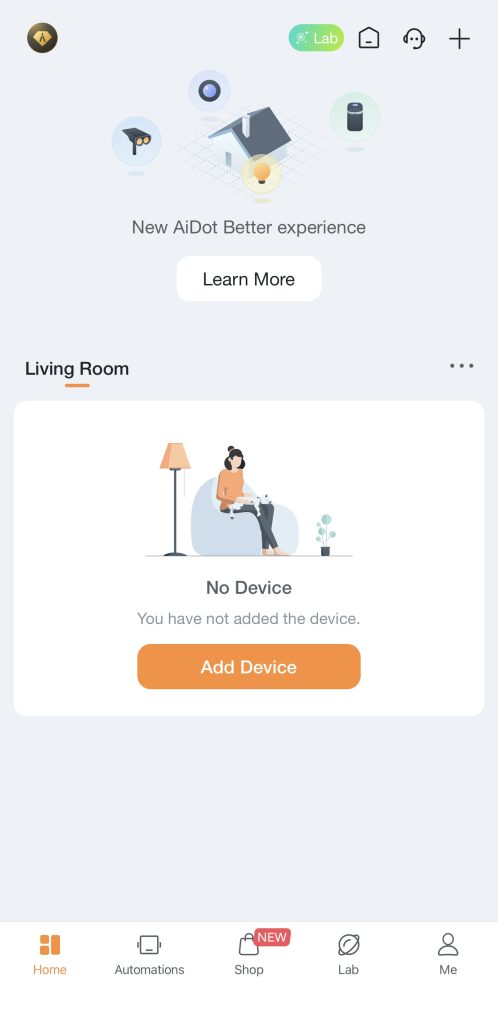
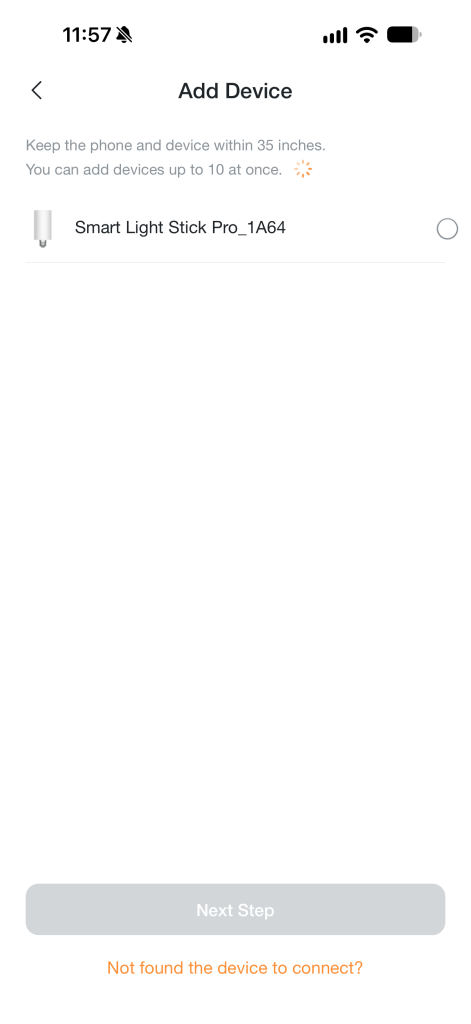
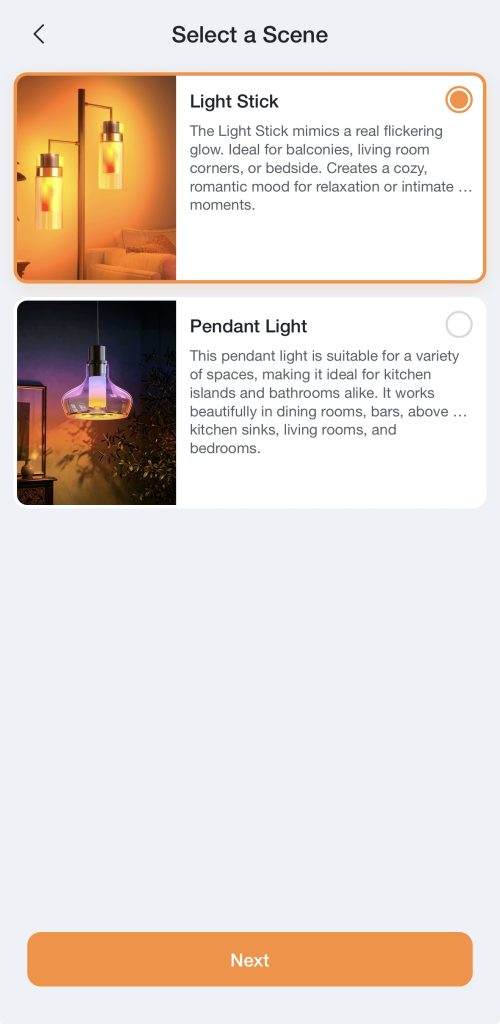
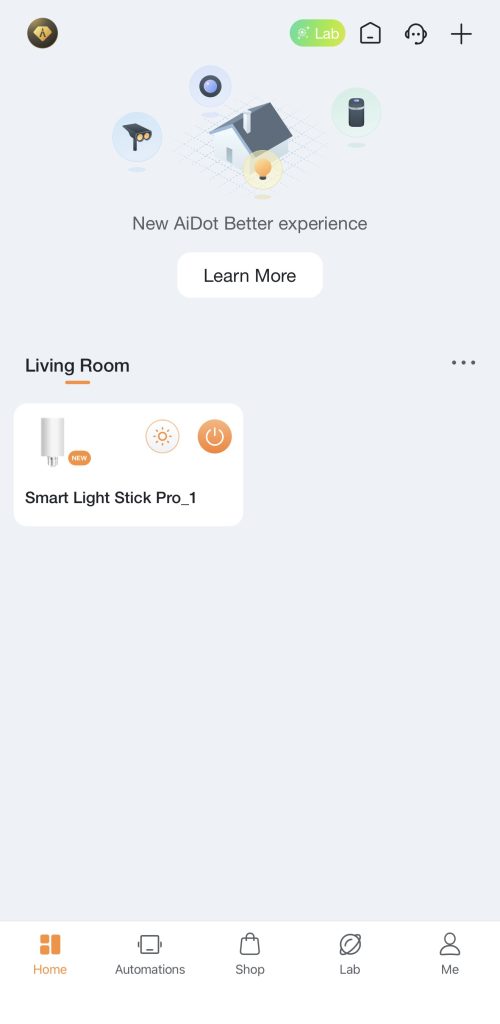

Linkind Smart Light Stick Setup and Smart Connections:
Getting the light up and running takes just a couple of minutes.
- Screw It In: Put the bulb into a normal lamp socket with a simple on and off wall switch. Just keep it off any wall dimmer switches, since old dimmer dials can make smart bulbs buzz or flicker.
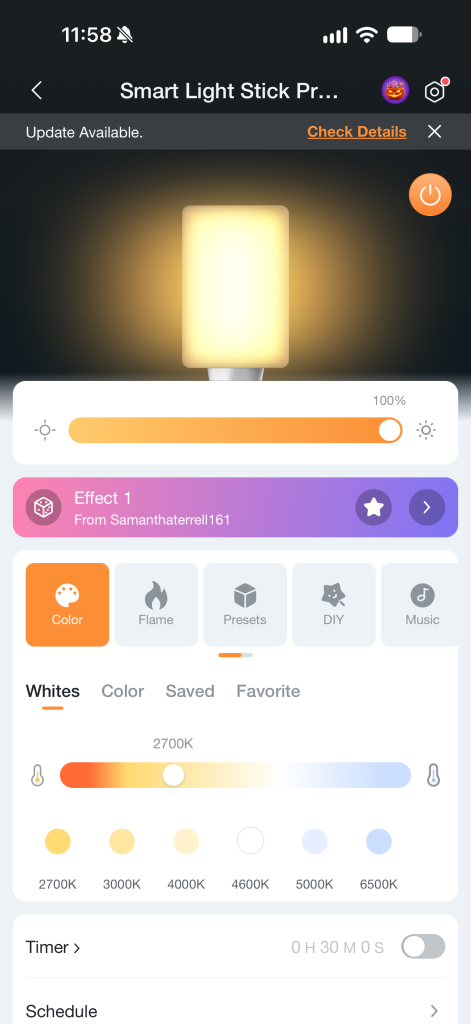
- AiDot App: The bulb uses Bluetooth to talk to your phone right away. Open the free AiDot app, and it will spot the bulb automatically. From there, pick your home 2.4 GHz Wi-Fi network and type in your password. Like most smart home gadgets, it does not work on 5 GHz Wi-Fi networks.
- Firmware Update: Once connected, the app might ask to update the software inside the bulb. In our test, this took less than three minutes.
- Matter Support: One of the best things about this bulb is that it works with Matter. You can scan the setup code with your iPhone or Android phone to add it straight to Apple Home, Google Home, Amazon Alexa, or Samsung SmartThings.
If you use Apple Home or Alexa, you can turn it on, dim it, or pick standard colors using simple voice commands. If you want to build custom flame patterns or use fun party modes, you will still need to use the AiDot app.
Linkind Smart Light Stick Features and Performance
50 Separate Color Zones
Most regular smart bulbs can only show one solid color at a time. The Smart Light Stick has 50 individual light sections stacked inside. This lets the bulb show smooth color fades, chasing rainbow patterns, and multi-colored effects that flow smoothly up and down the tube.

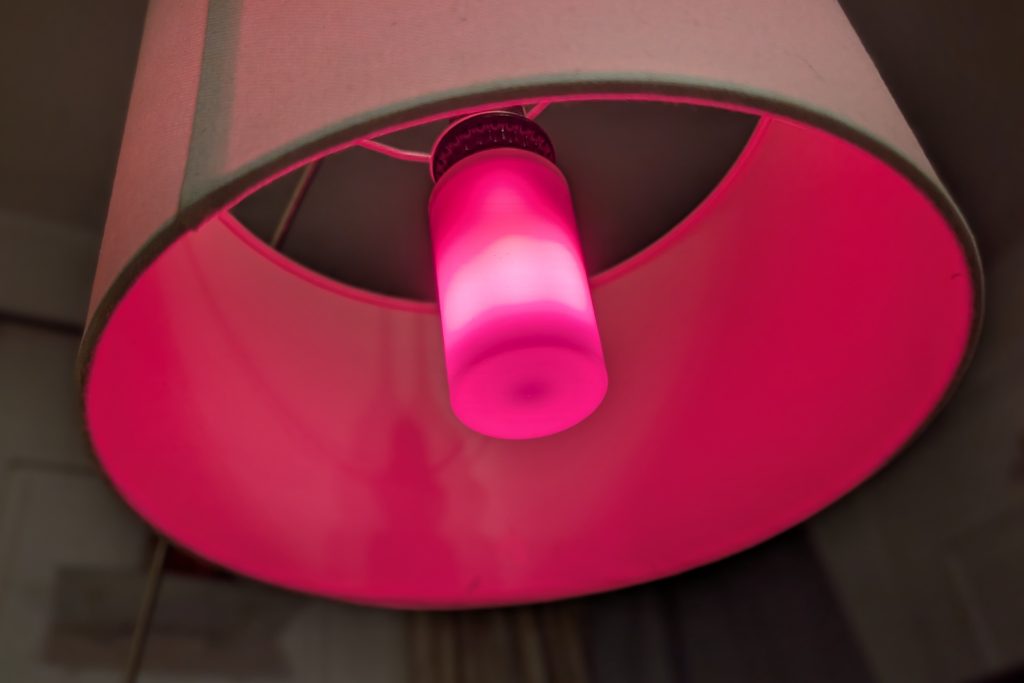
Realistic Flame Effects
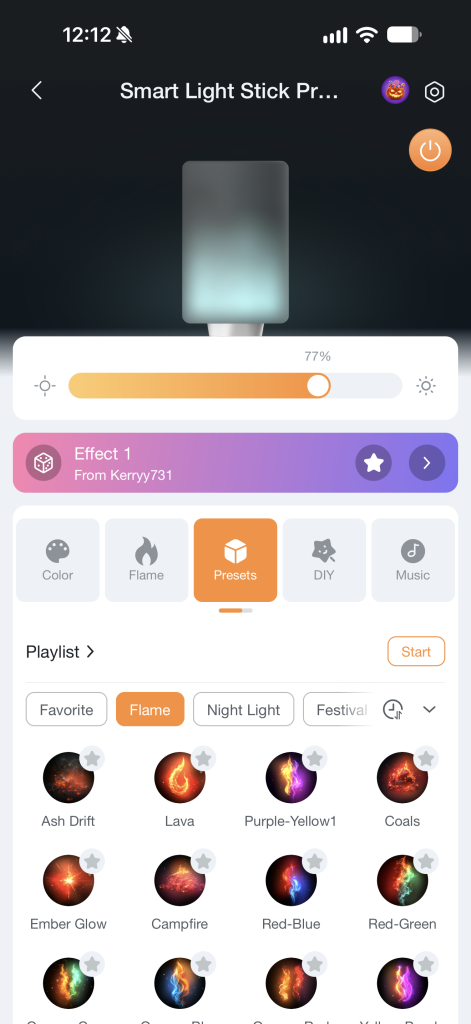
The flame effect is usually gimmicky, but it’s pretty cool to check out. You can bring up the intensity or have it as dim “slow-burning” flame. Linkind lets you adjust the fire effect to fit your mood. Inside the AiDot app, you can change:
- Speed: Make the flame flicker gently or rush quickly.
- Height: Choose between a soft, low candle glow or a tall, bright fire.
- Colors: Pick classic orange fire tones, or switch to wild colors like purple and green for Halloween.
Brightness and Everyday White Light
Even though the flame modes are the main draw, this bulb also works well as a standard light for everyday tasks:
- Brightness: It puts out up to 800 to 850 lumens, which matches the brightness of a regular 60-watt light bulb.
- White Light Range: You can tune the white light from an ultra-warm, cozy glow (1,000K) to a crisp, daylight white (6,500K) for reading and working.
- Dimming: It dims smoothly all the way down to 1% without buzzing, making it a great nightlight for bedrooms or hallways.
Preset Scenes and Music Modes
The app includes more than 120 ready-to-use scenes for holidays, parties, and relaxing evenings. It also has an AI tool where you can type what vibe you want, and it builds a color theme for you. If you are having people over, the built-in music mode uses your phone’s microphone to bounce the lights to the beat of your songs.

Quick Specifications
- Model: T19 / LKBC6002
- Socket Type: Standard E26 screw base
- Size: 2.2 inches wide by 5.2 inches tall
- Brightness: 800 to 850 lumens (60-watt replacement)
- Colors: 16 million colors plus tunable white light
- Light Zones: 50 independent color sections
- Wireless: 2.4 GHz Wi-Fi, Bluetooth, Matter
- Works With: AiDot, Apple Home, Google Home, Amazon Alexa, SmartThings
Linkind Smart Light Stick Price and Where to Buy
The Linkind Smart Light Stick is priced fairly, especially since it supports Matter and has so many lighting zones.
- Price: A single bulb usually sells between $25 and $40, depending on sales. You can often find two-packs or bundles on sale for around $30 each.
- Where to Buy: You can buy it online or in stores at major retailers like Amazon, Walmart, Best Buy, and directly on the Linkind website.
Since simple, single-color smart bulbs often cost around $15, paying a little more for realistic flame effects and multiple color zones is a great deal.
Who Should Buy the Linkind Smart Light Stick?
- Front Porches and Outdoor Lanterns: If you have clear glass lanterns on your porch or by the garage, this bulb looks fantastic. You can run normal warm white light during the week, switch to a warm flickering flame on the weekend, or use spooky colors for holidays.
- Lamps With Clear Glass: Any lamp where the bulb sits out in the open will look much better with this light than with a regular bulb. Use the effects for a fun light show or to set a certain mood.
- Smart Home Fans Who Want Matter: If you want a light that talks directly to Apple Home or Google Home without buying an expensive extra hub, this bulb fits right in.
- Streamers and Video Creators: The rich colors and moving light look great sitting in the background of a video or stream.
- Linkind Website: Buy the Linkind Smart Light Stick
- Short link: Linkind Smart Light Stick
- Amazon link: Linkind Smart Light Stick Flame, Color and White Smart Light Bulb 850lm
Verdict
The Linkind Smart Light Stick blends fun and efficiency in a bulb. You still need the AiDot app to build custom animations, but Matter support makes regular daily controls fast and simple. The quick and easy setup makes the Linkind Smart Light Stick a great start or addition to someone’s smart home. If you want to give a boring lamp or porch fixture a fresh, eye-catching look without spending a lot of money, this bulb is well worth a look.